

Searching by Individual
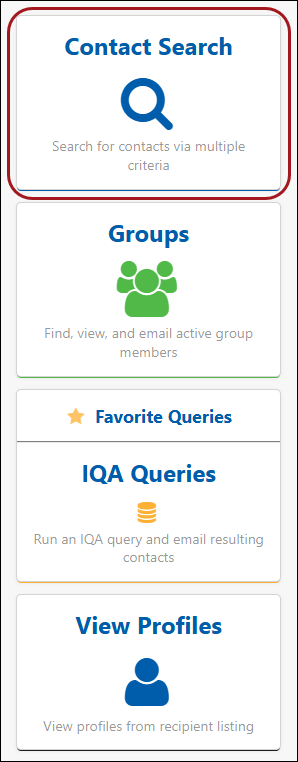
After opening iMIS for Outlook and signing in, a user can search for contacts using the Contact Search option on the home screen or in the main menu while in Compose mode.
Searching types
Search for contacts by:
- Last Name
- First Name
- Company Name
- City
- State
- Country
Include a * or % symbol at the start or end of the search term to change the search mode from starts with to contains.
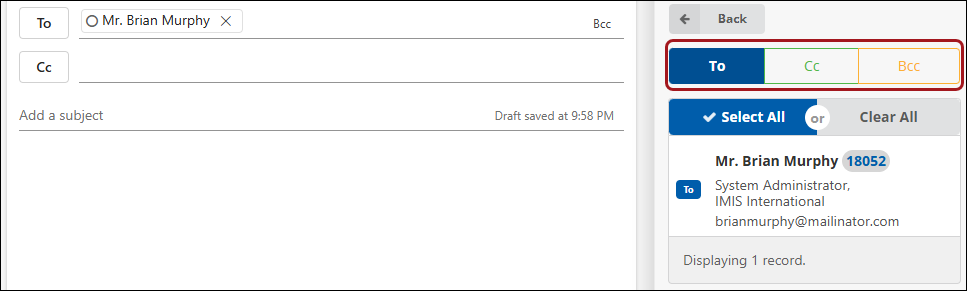
WarningOnce a recipient or recipients are found, the top level filter can be used to place the recipients under To, Cc, or Bcc.
Updated 18 days ago
Did this page help you?