

Defining the user access logic
The user access logic helps Clowder determine member types and permissions in the app. These permissions configure feature visibility and access for different user types. This is part of the Technical survey for Clowder integration.
Retrieving iMIS user types
You can add some or all of your iMIS user types to have different levels of access on the Clowder app. To retrieve your iMIS user types:
-
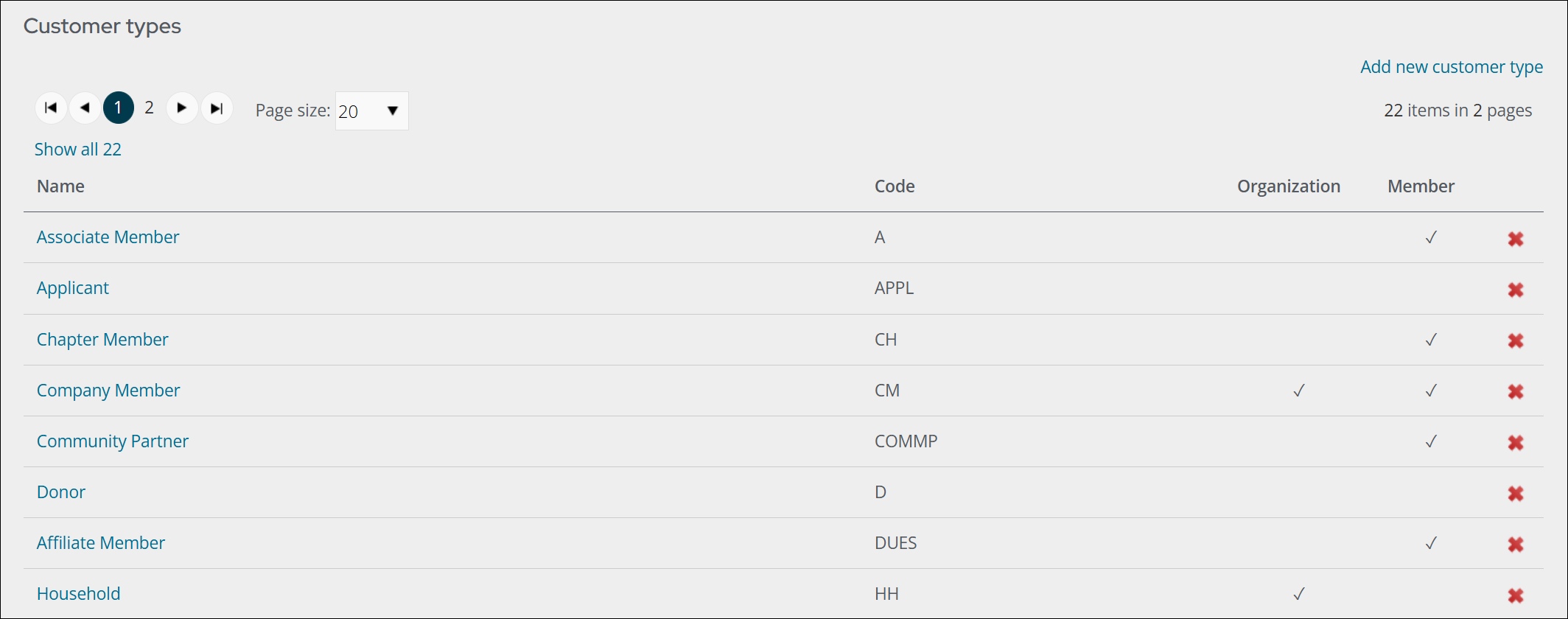
Go to Settings > Contacts > Customer types.
-
Copy all customer type names and codes and paste them into the technical survey intake form. For more information, see Technical survey.
-
Determine which customer types should have app access. For example, you may want app access for Associate Members, but not Donors.
Updated 9 days ago
Did this page help you?