

iMIS & Clowder events integration overview
The iMIS–Clowder integration connects an association management system (iMIS) with the Clowder mobile app, keeping event data automatically in sync. Members always see up-to-date information without staff having to manage anything in two places.
iMIS is the source of truth for events. Event teams continue managing events in iMIS as usual while Clowder reads from it automatically.
How it works
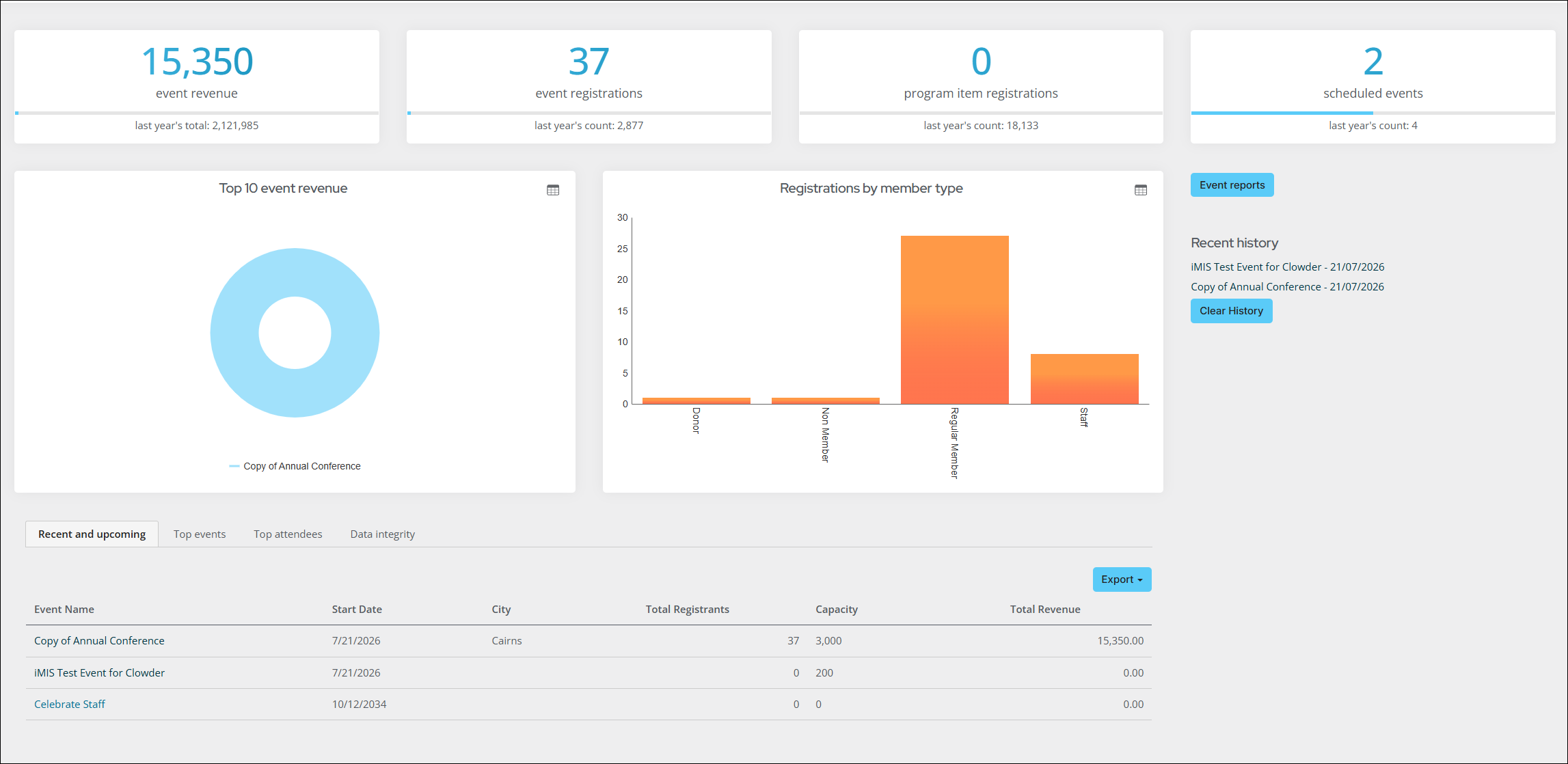
iMIS runs a scheduled sync that pulls event data into Clowder. Here’s what gets synced and how:
- Events: Events created or updated in iMIS appear in Clowder automatically.
- Sessions: Sessions attached to events in iMIS sync as agenda items in Clowder.
- Attendees: Attendees registered in iMIS are matched to their Clowder accounts.
- Speakers: Speakers are managed directly in Clowder admin (not pulled from iMIS).
Field mapping by module
Events
These fields are pulled from iMIS and displayed in Clowder:
| Clowder field | Source in iMIS |
|---|---|
| Event title | Name |
| Description | Description |
| Cover image | Image |
| Category | Category |
| Event Duration | Start date and time |
| Event Duration | End date and time |
| Event Address | Country |
| Event Address | Address |
| City | City |
| Postal code | Postal code |
| Event Agenda | Program |
The following fields are not synced from iMIS and must be set manually in the Clowder admin if needed:
- Membership restrictions
- Event map
- Sponsorship details
- Event registration link
Programs
Programs in iMIS are synced as Event Agenda items within each event in Clowder:
| Clowder field | Source in iMIS |
|---|---|
| Session name | Program item name |
| Description | Description |
| Date & Time | Start date and time |
| Date & Time | End date and time |
Attendees
Members who are registered for an event in iMIS appear as attendees in Clowder:
| How it works | Detail |
|---|---|
| Matching | Members are matched by iMIS Party ID (ContactKey) |
| New members | If a member exists in iMIS but not yet in Clowder, they are added automatically as a guest account |
| Sync behaviour | The attendee list is fully refreshed on each sync cycle |
Speakers
Speakers are managed directly in Clowder — they are not pulled from iMIS. Event teams can add speakers manually or via CSV import.
For more information, see Speakers.
Member access and roles
iMIS membership types control what members can see and do in Clowder:
| iMIS Role | Access in Clowder |
|---|---|
| Member | Full access to member content |
| Non-member | Limited access |
| Staff | Admin-level visibility |
| Student | Student tier access |
Updated about 1 month ago