

Changing zone properties
Zone properties make it easy to apply unique styling to specific content items, for emphasis and contrast. To apply a style to a content item’s zone property, edit the content record, click Edit zone properties, and enter the name of the class in Zone CSS Class.
NoteIn order to style zone properties for content items, you must be a system administrator, or a Full or Casual user who also belongs to at least one content authority group. For more information about assigning roles, see Administering security.
You can add more if needed, but all tree-name themes contain the following three zone style classes:
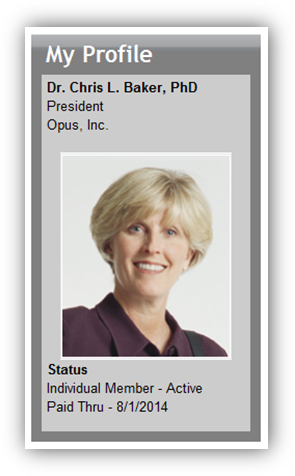
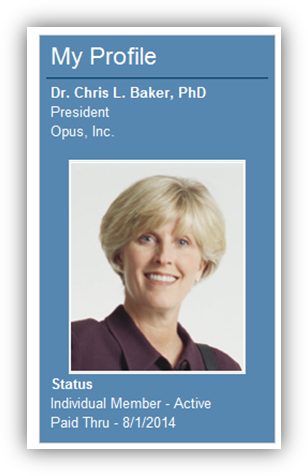
- TitleBarNoBorder – Removes the bottom border from content item headers.
- CCOGrayBg – Applies a gray background to content appearing in CCO tabs.
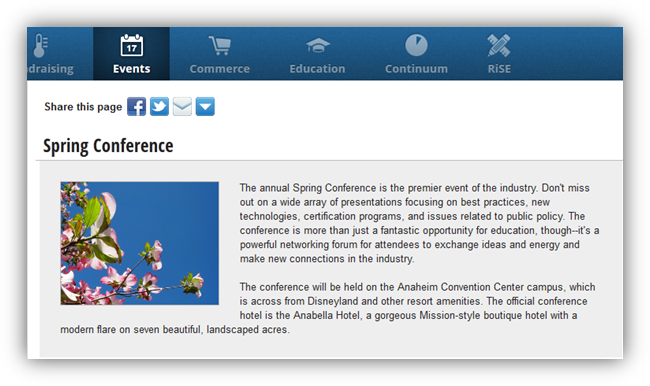 - CalloutBlockType1 – Accentuates a content item whose border is enabled.
Updated 3 months ago
Did this page help you?