

Communities gallery
These are the available content items used to build community web pages. To see the Communities gallery, you need a Communities license. To create a link to a content record, use a ContentReference content item from the Content Gallery.
NoteThe Title field in Communities content items is not editable. Any changes you make to the Title field will not be saved.
For more information about communities, see the articles in the Communities section.
Announcement Configuration
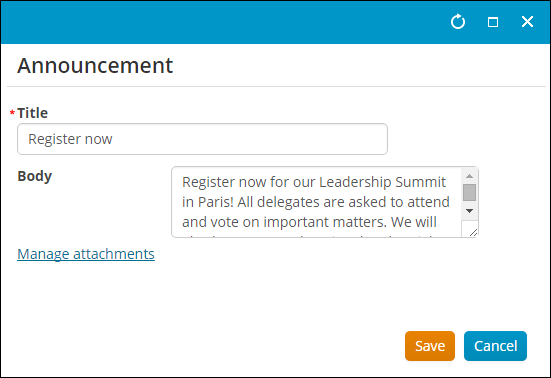
- Description - The edit screen for the Announcements discussion.
- Usage Scenario -
Announcements
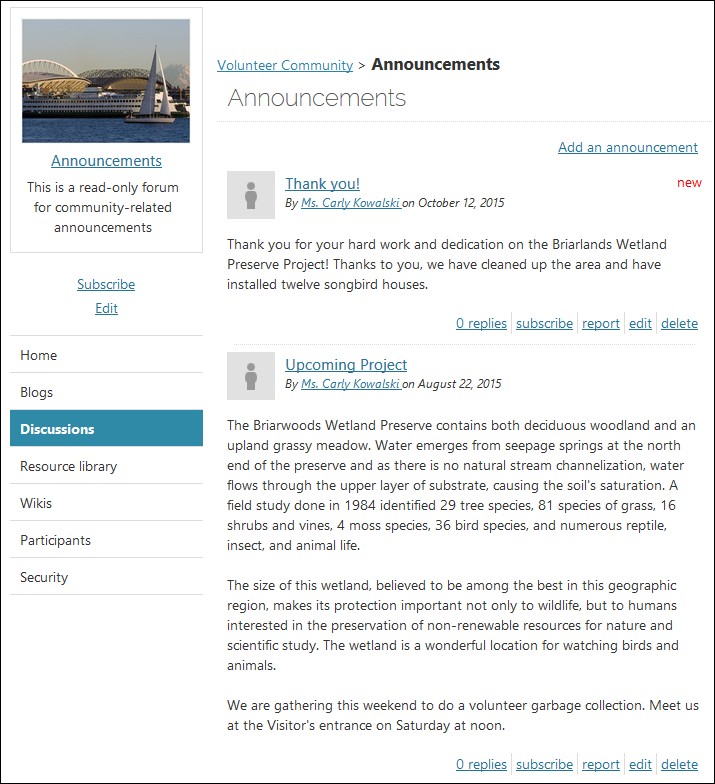
The Announcements content item displays the list of announcements for a given community.
Use Announcements when you have news to broadcast to your entire community of members. These posts display in the Announcements area of the Communities page and can be configured to allow replies. They allow community administrators to broadcast messages to all community subscribers and members.
Attachment List
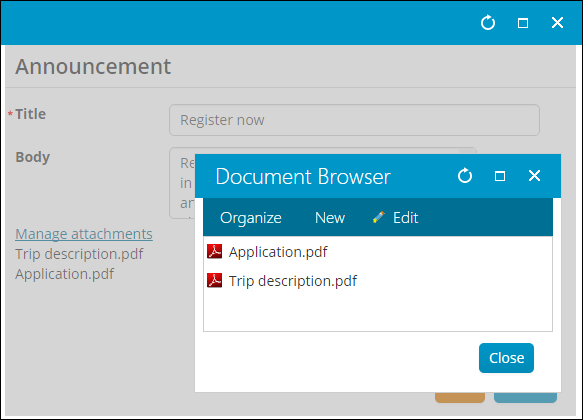
- Description - The rendered list of attachments for a given item.
- Usage Scenario -
Attachment Manager
- Description - Allows controlling the list of attachments for a given item.
- Usage Scenario -
Blog Archive
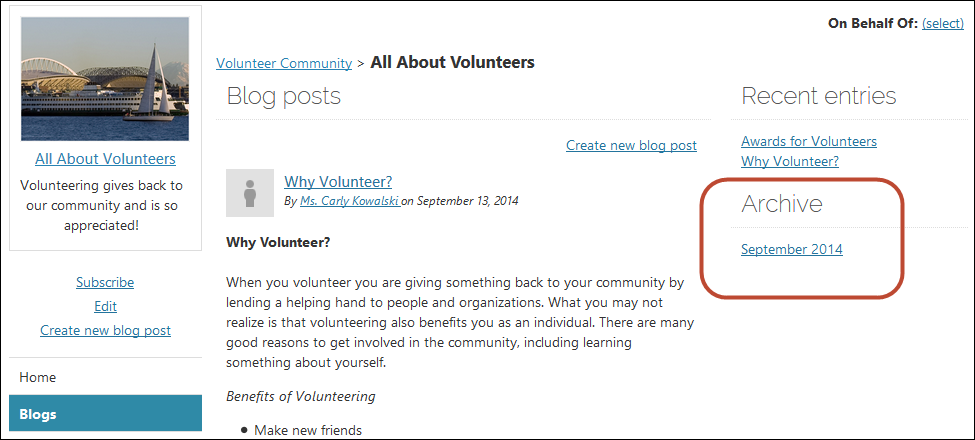
The Blog Archive content item allows you to point your community visitors to an archive of past articles and blog posts.
Blog Archive Entries
- Description - A list of blog entries belonging to a particular archive set.
- Usage Scenario -
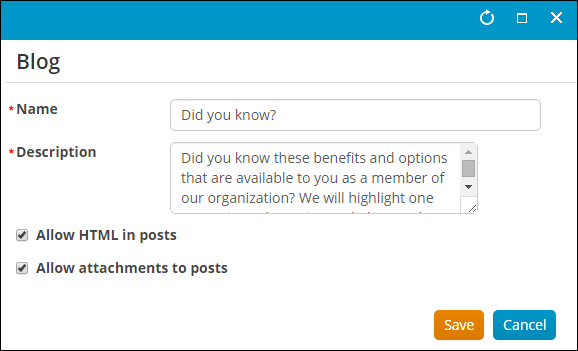
Blog Configuration
- Description - The edit screen for blogs.
- Usage Scenario -
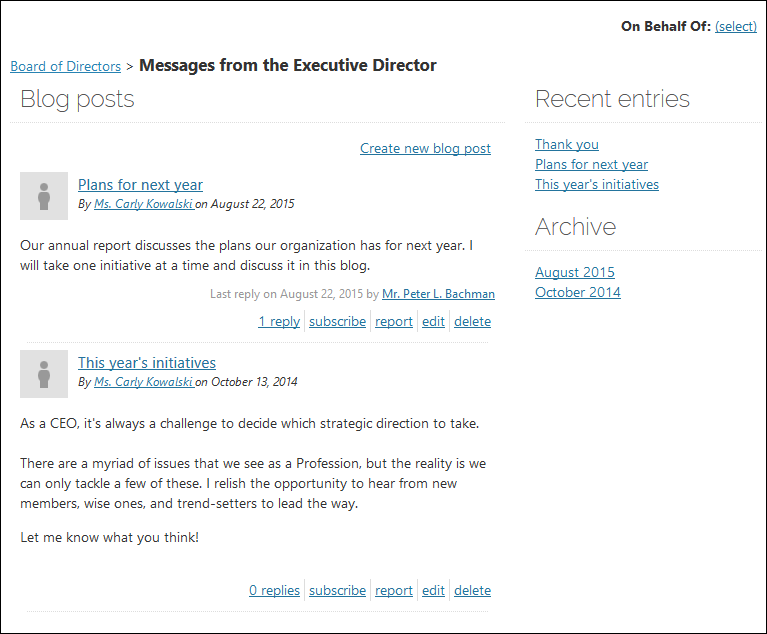
Blog Home
- Description - The "home view" of an individual blog. By default, this 2-column view includes recent activity and archives to the right.
- Usage Scenario -
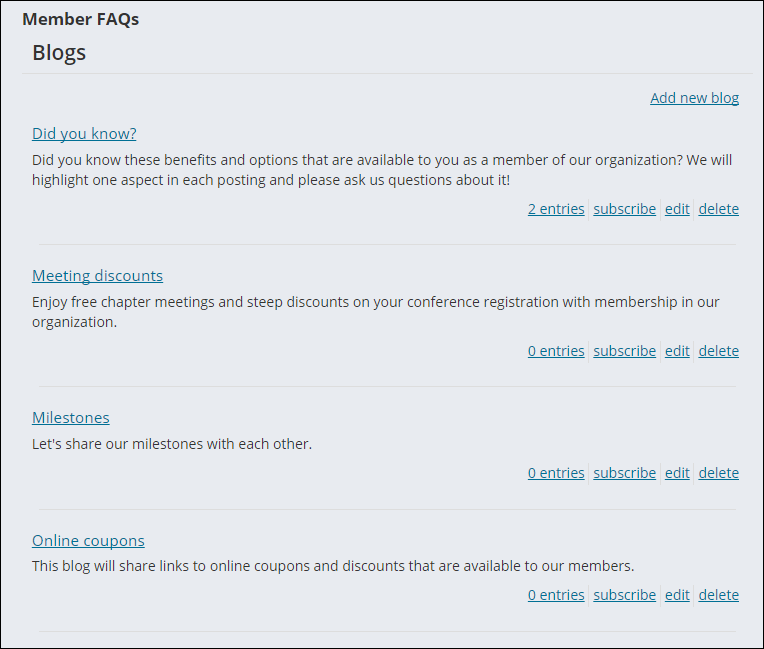
Blog List
- Description - A list of blogs for a given community.
- Usage Scenario -
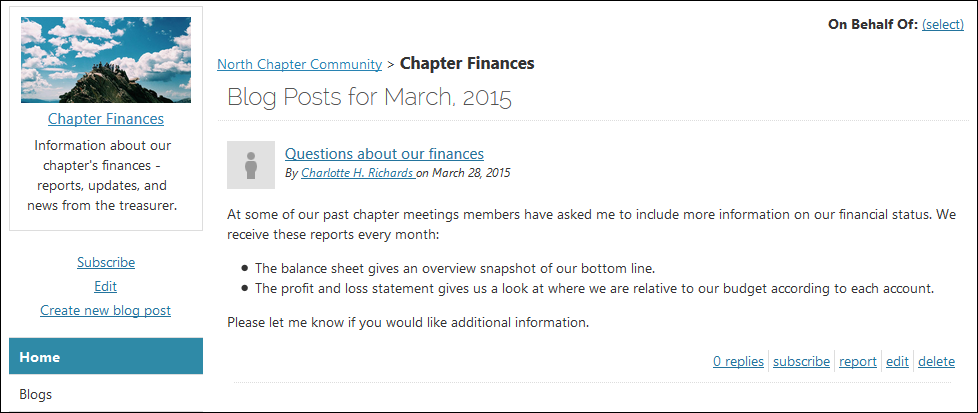
Blog List Item
- Description - A single blog in a blog listing.
- Usage Scenario -
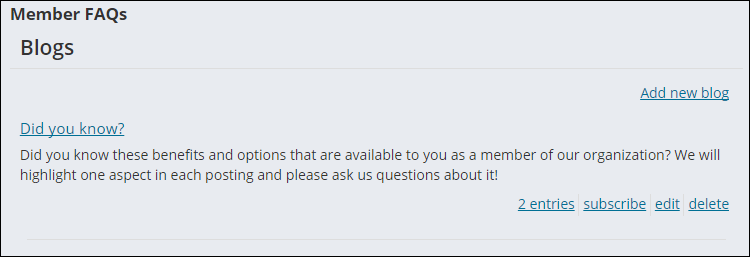
Comment Configuration
- Description - The edit screen for comments.
- Usage Scenario -
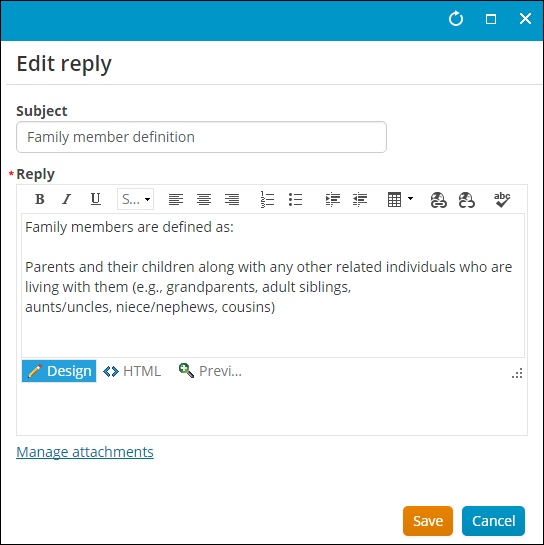
Comment List
- Description - A list of comments for a given item.
- Usage Scenario -
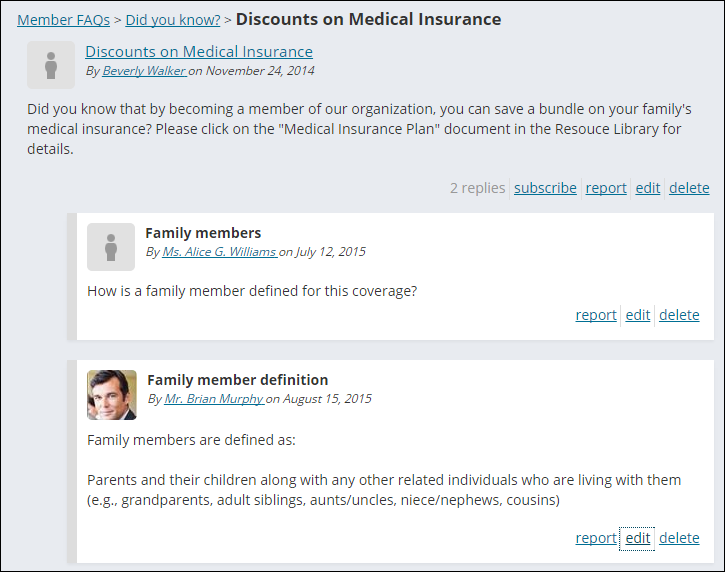
Comment List Item
- Description - A single comment in a comment listing.
- Usage Scenario -
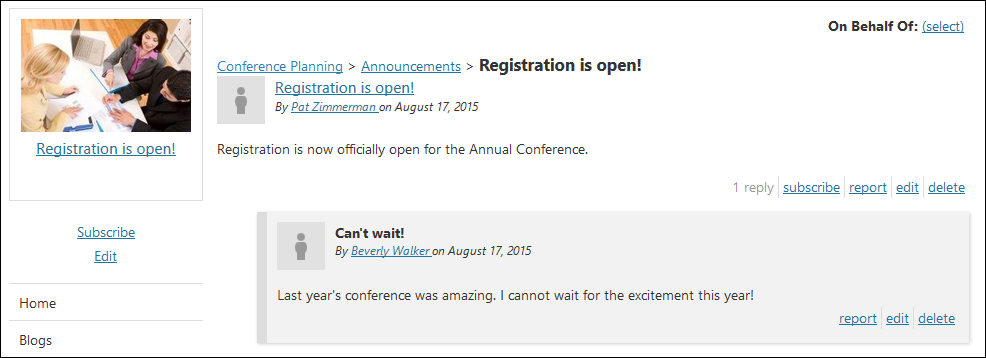
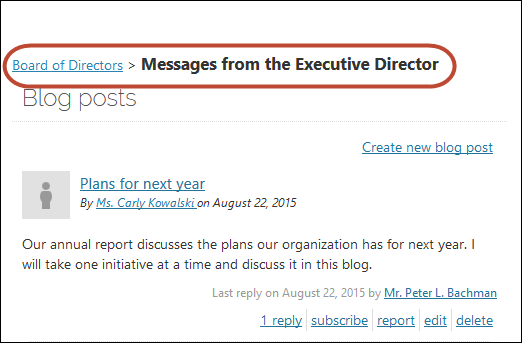
Community Breadcrumb
- Description - Displays the path to the current object as a breadcrumb.
- Usage Scenario - Display the name of the community.
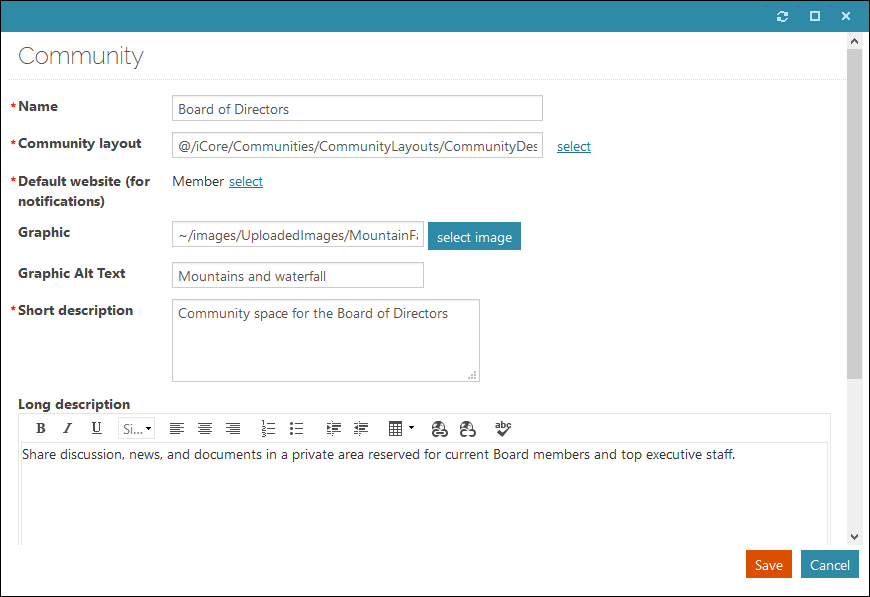
Community Configuration
- Description - The edit screen for a Community.
- Usage Scenario -
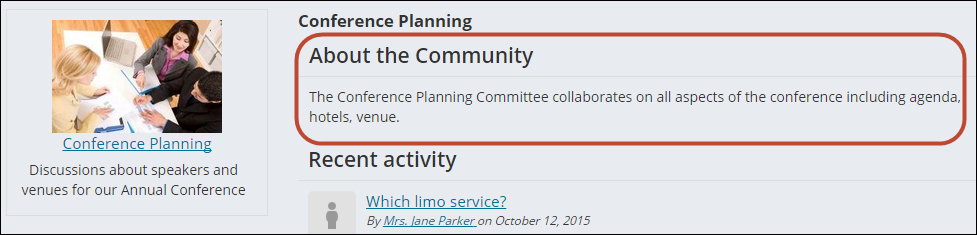
Community Description
The Community Description content item is used to display a description of the community that is currently being viewed.
You can place the content item anywhere on the page in a community, but it is recommended to add the content item at the top of the page. With the Community Description content item, you can let your visitors know what your community is all about and how your community can benefit your visitors.
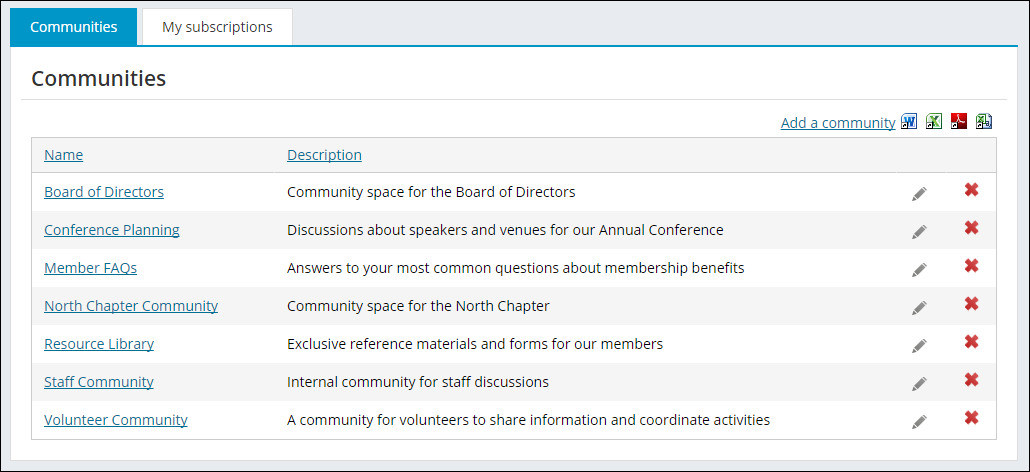
Community List
The Community List content item displays a list of all available Communities.
The content item can be seen out-of-the-box on the Staff site (go to Community > Communities) and on the Member and Member Responsive Quick Start Sites (go to Communities > Community List).
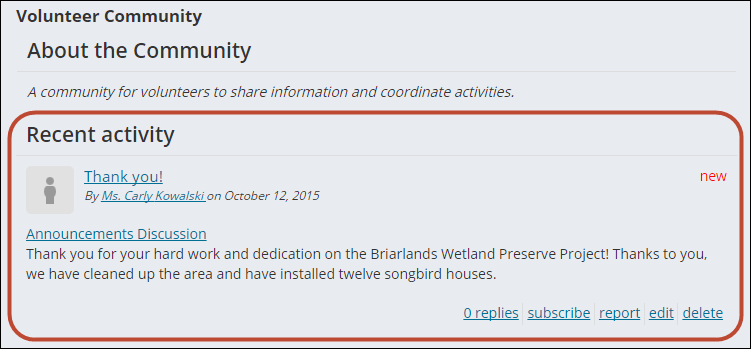
Community Recent Activity
- Description - Displays recent activity of all types for the entire community, such as new replies on discussion topics, new blog entries, and new wiki articles.
- Usage Scenario -
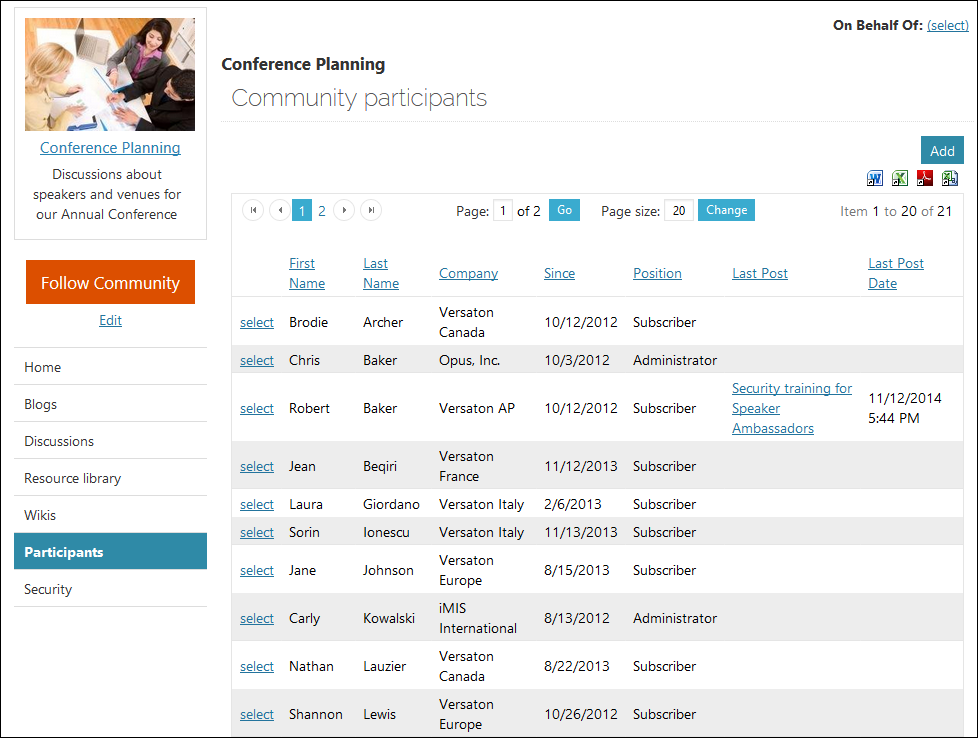
Community Roster
- Description - Displays the list of all members (subscribers and administrators) of a community.
- Usage Scenario -
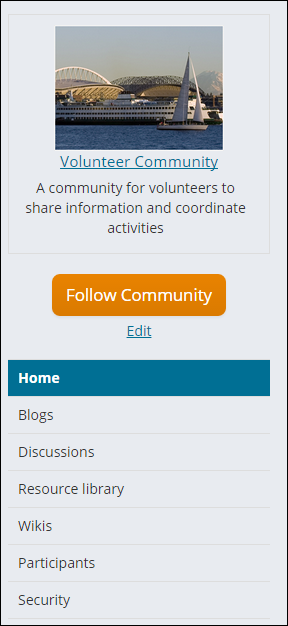
Community Sidebar Helper
- Description - Helper control that inserts the Community Summary into the template's sidebar.
- Usage Scenario -
Community Summary
- Description - Displays the item's linked name, image, description, and relevant links.
- Usage Scenario -
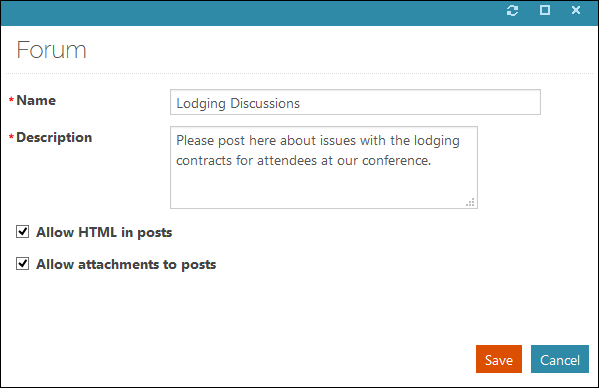
Discussion Forum Configuration
- Description - The edit screen for a discussion.
- Usage Scenario -
Discussion Forum Home
- Description - The "home view" for a discussion. By default, this 2-column view includes recent activity to the right.
- Usage Scenario -
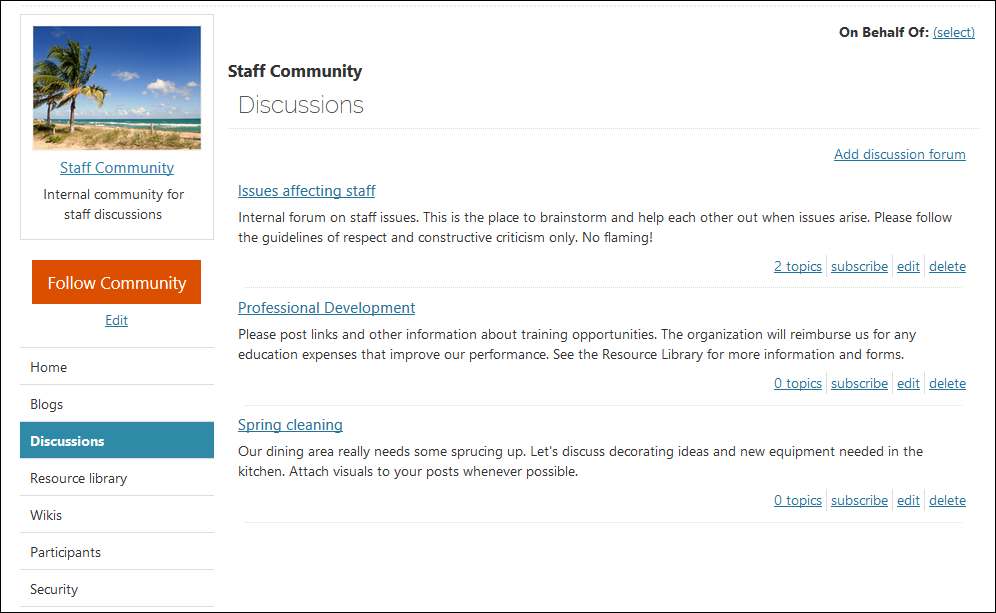
Discussion Forum List
- Description - The list of discussions for a given community.
- Usage Scenario -
Discussion Forum List Item
- Description - A single discussion in a discussion listing.
- Usage Scenario -
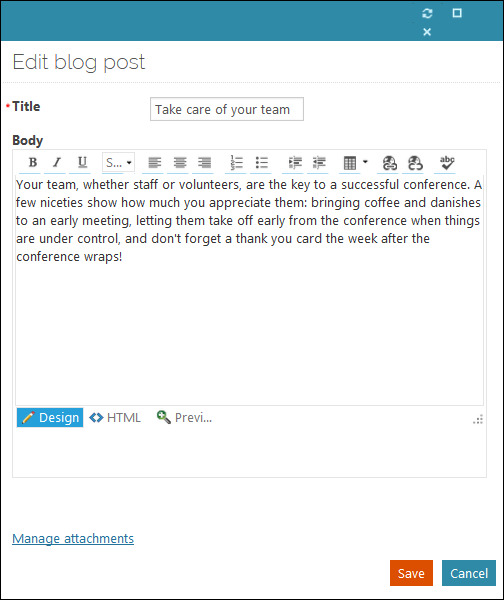
Entry Configuration
- Description - The edit screen for blog entries.
- Usage Scenario -
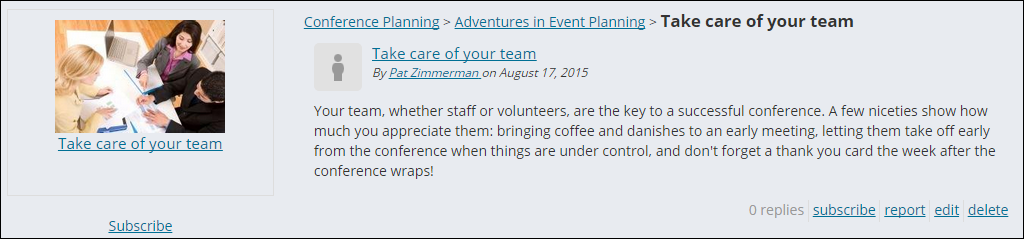
Entry Home
- Description - The "home view" of an individual blog entry. By default, this 1-column view includes the complete comment thread for the entry.
- Usage Scenario -
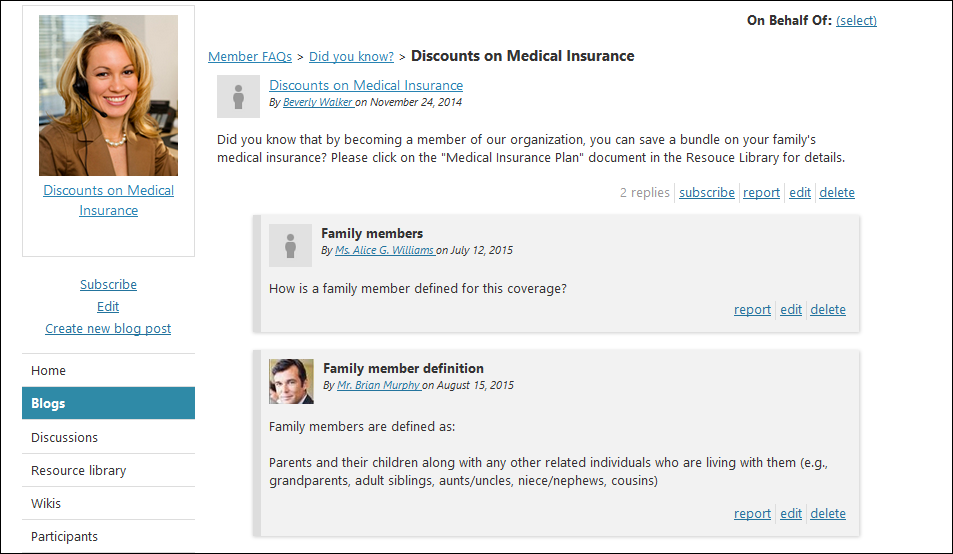
Entry List
- Description - A list of entries for a given blog.
- Usage Scenario -
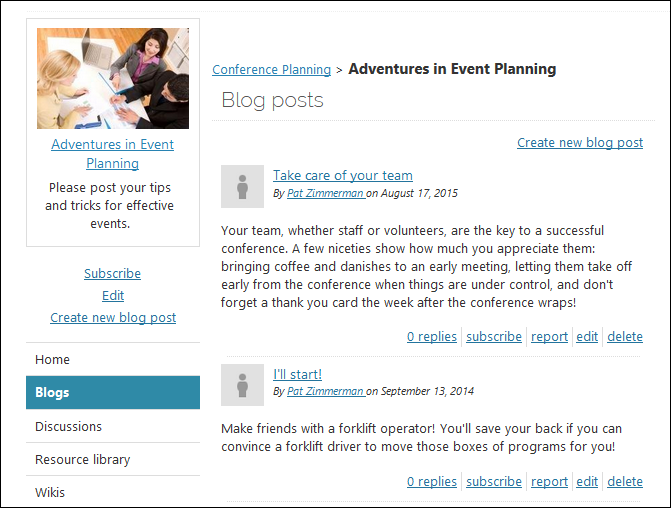
Entry List Item
- Description - A single entry in an entry listing.
- Usage Scenario -
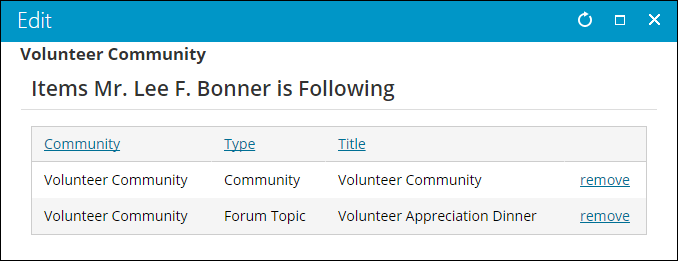
Preferences
- Description - Manages a user's community preferences and subscriptions.
- Usage Scenario -
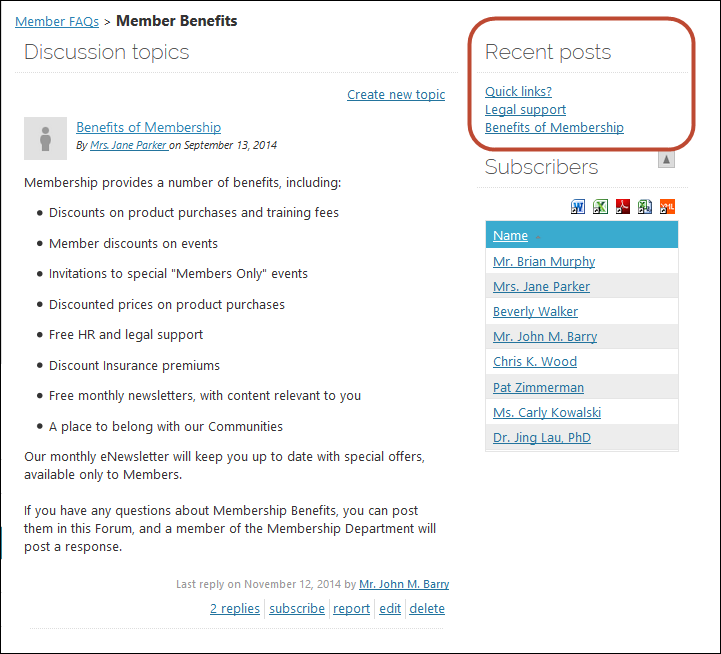
Recent Activity
Place this content item on the page where you want the recent activity from an individual blog or discussion in a particular community to be displayed.
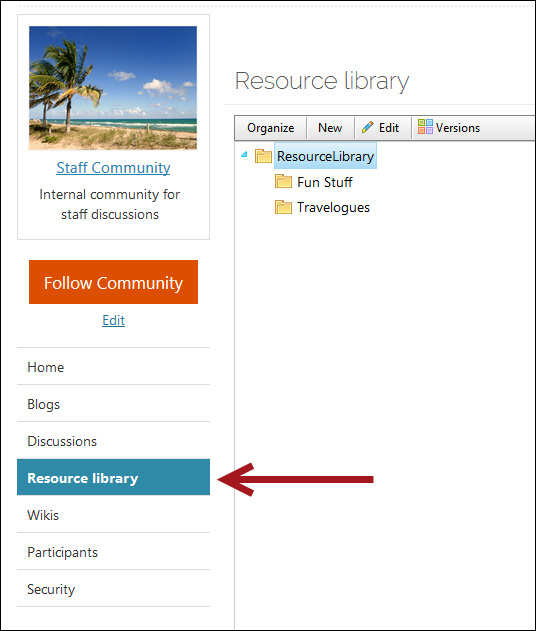
Resource Library
- Description - Displays the Community Resource Library.
- Usage Scenario -
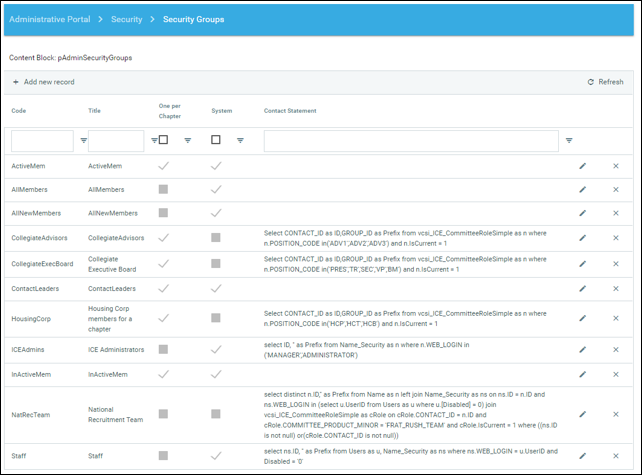
Security
- Description - Manages a community's security.
- Usage Scenario -
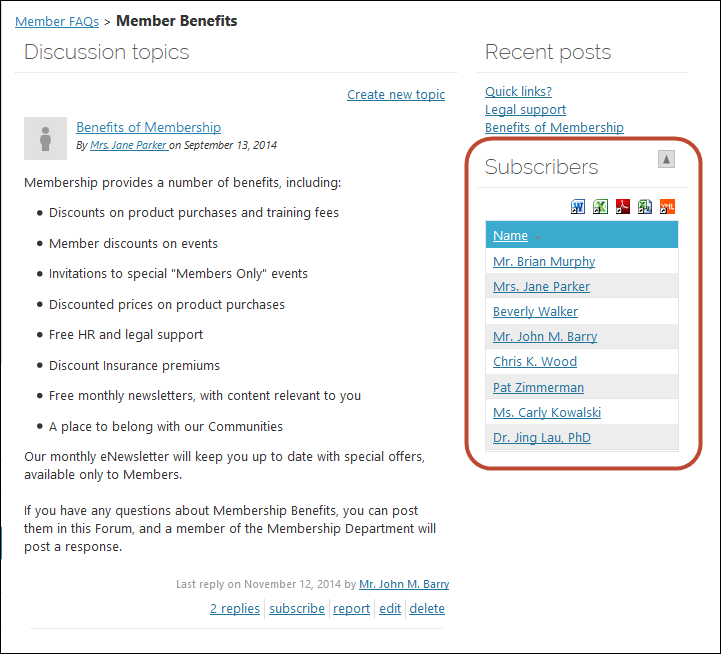
Subscriber List
The Subscriber List content item provides a visual list of contacts that are subscribed to the current object.
Subscription Link
- Description - Allows a user to subscribe to or unsubscribe from a given item.
- Usage Scenario -

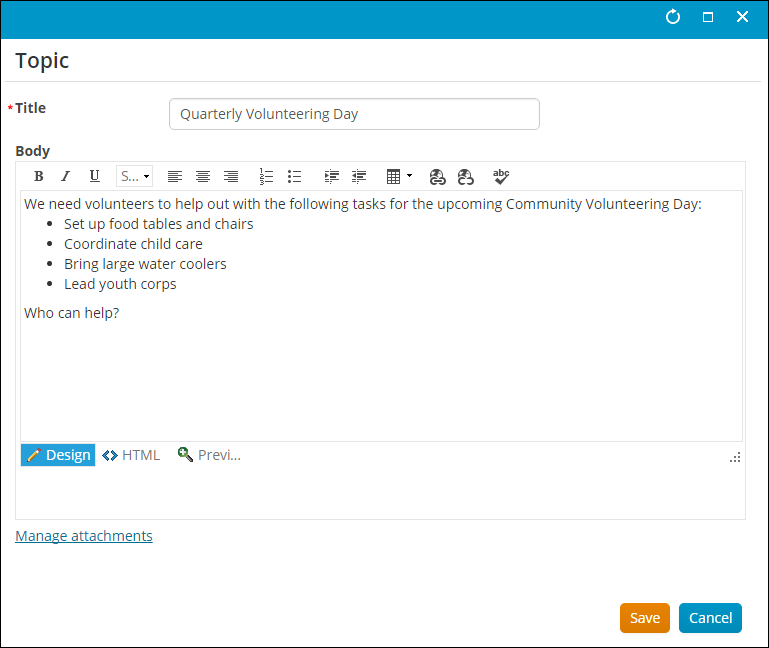
Topic Configuration
- Description - The edit screen for a discussion topic.
- Usage Scenario -
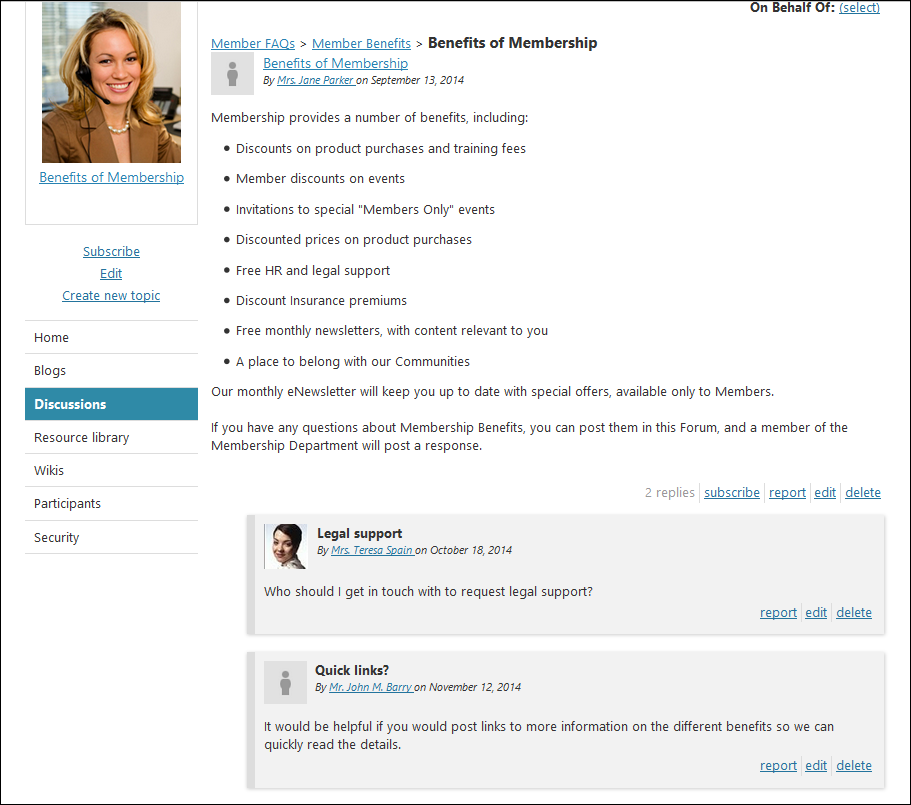
Topic Home
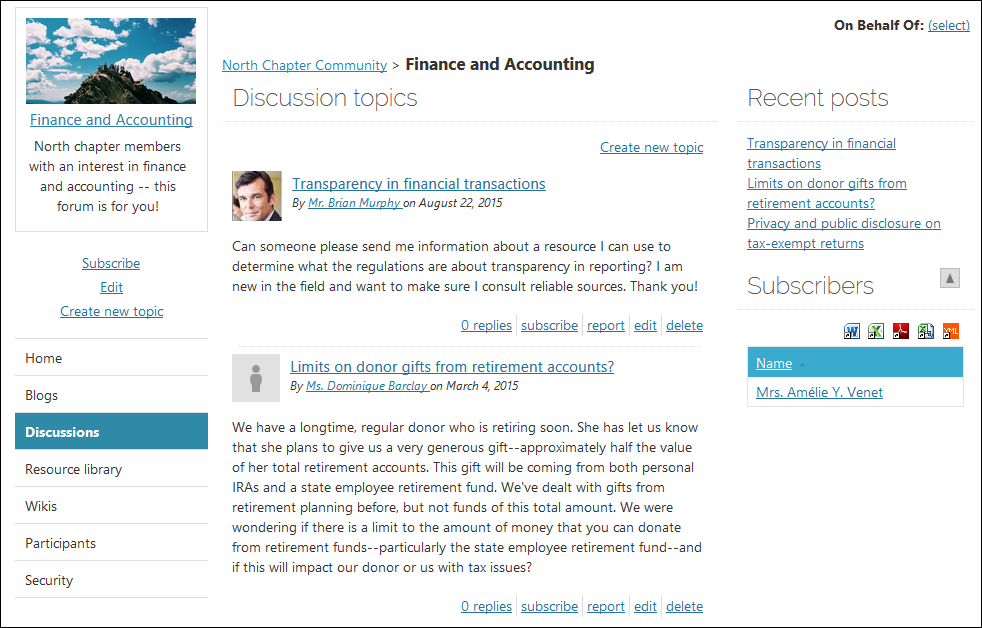
- Description - The "home view" for a discussion topic. By default, this 1-column view includes the complete reply thread for the topic.
- Usage Scenario -
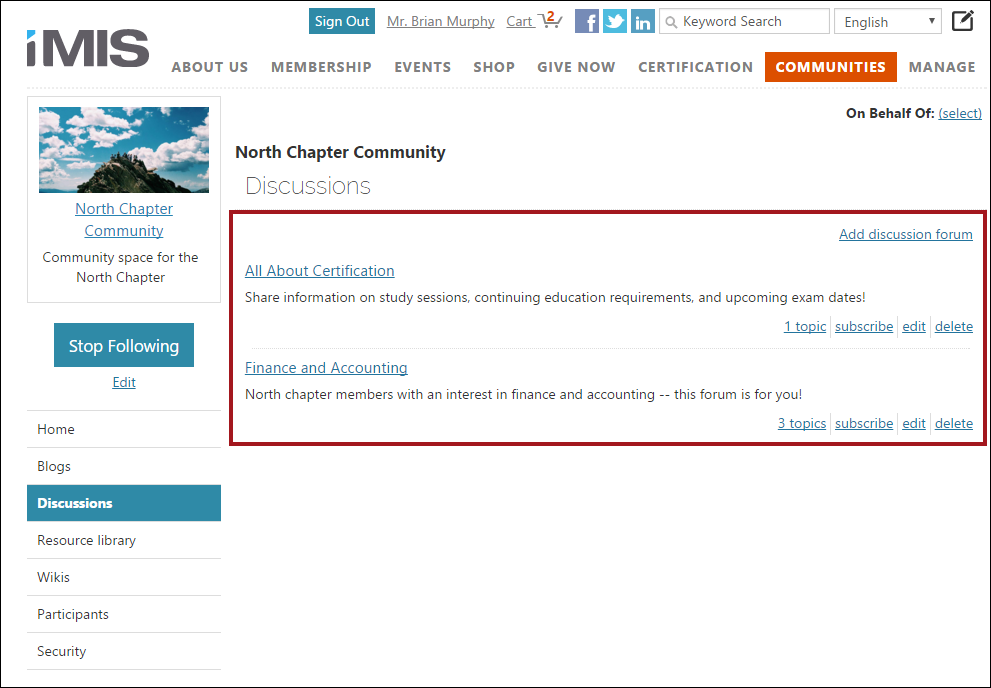
Topic List
Place this content item on any content record that you want to display a list of topics for a given discussion.
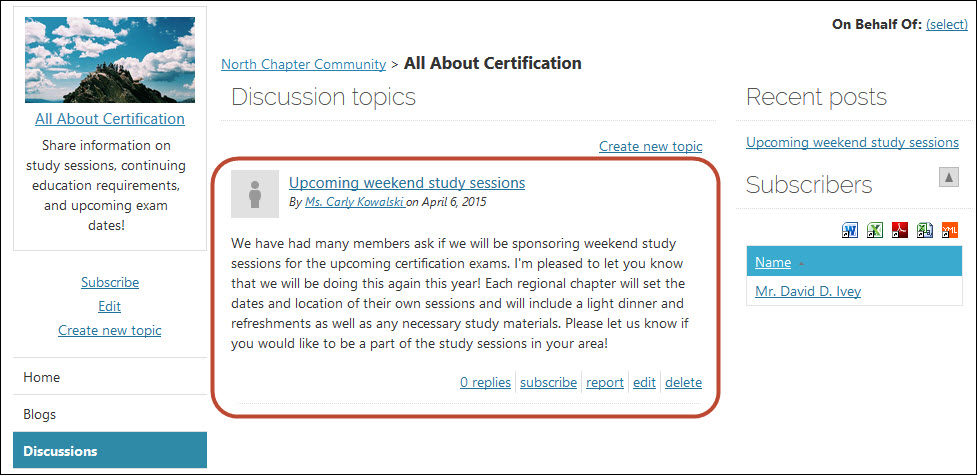
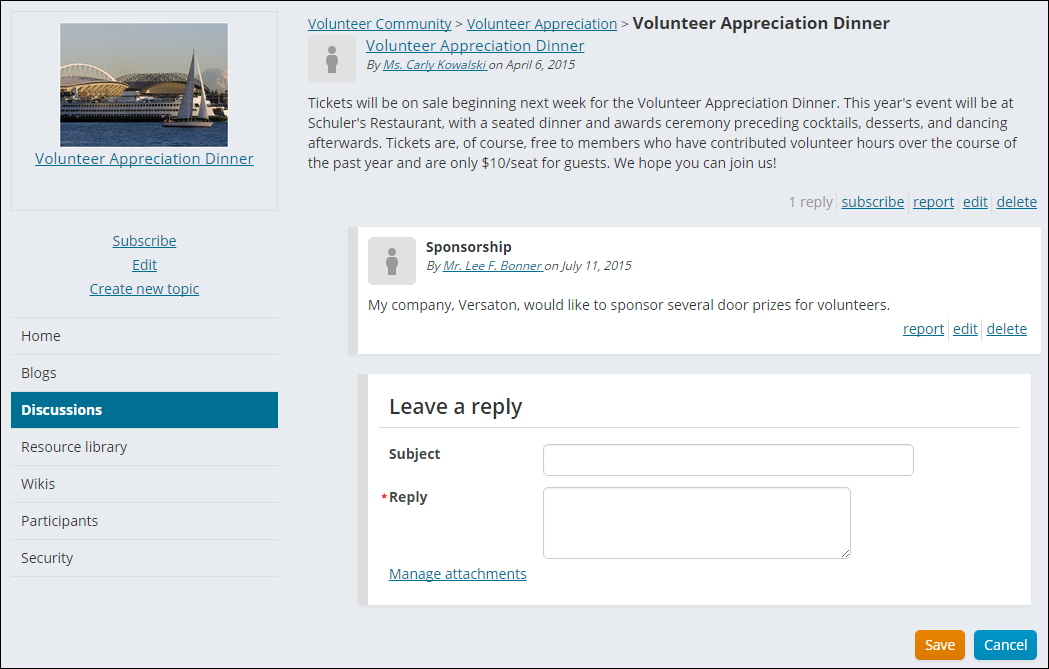
Topic List Item
- Description - A single topic in a topic listing.
- Usage Scenario -
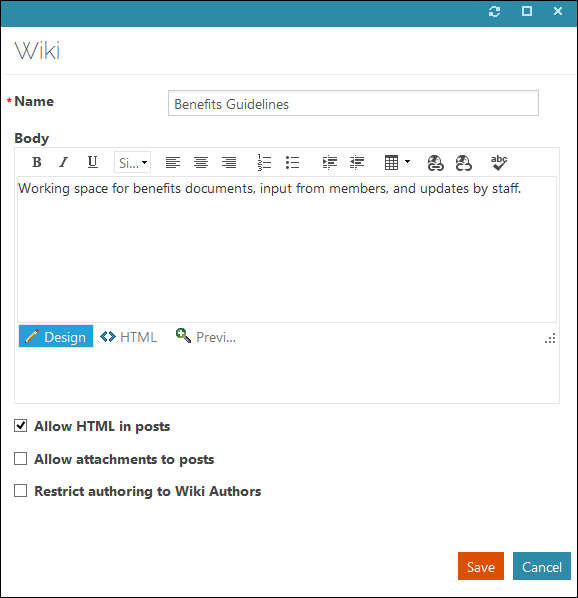
Wiki Configuration
- Description - The edit screen for a wiki.
- Usage Scenario -
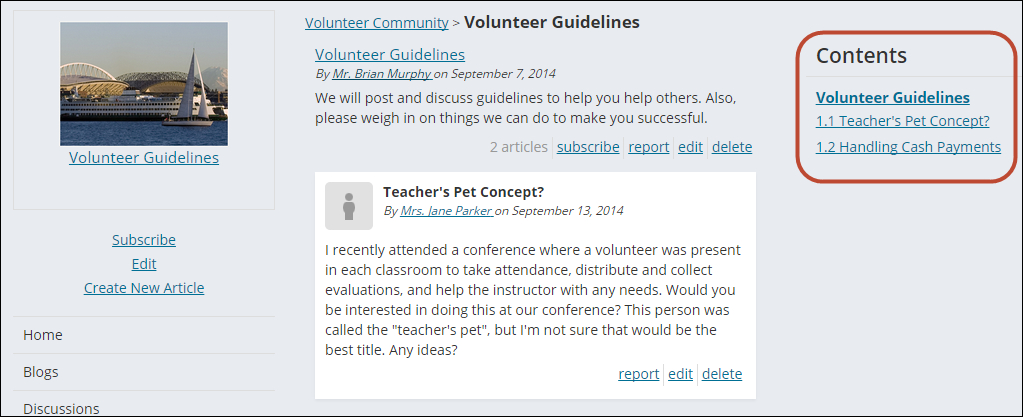
Wiki Contents
- Description - The Table of Contents list for a given wiki.
- Usage Scenario -
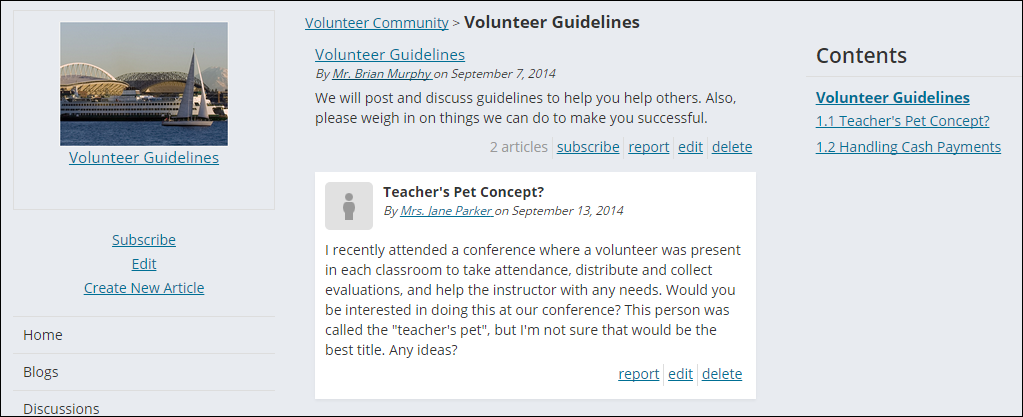
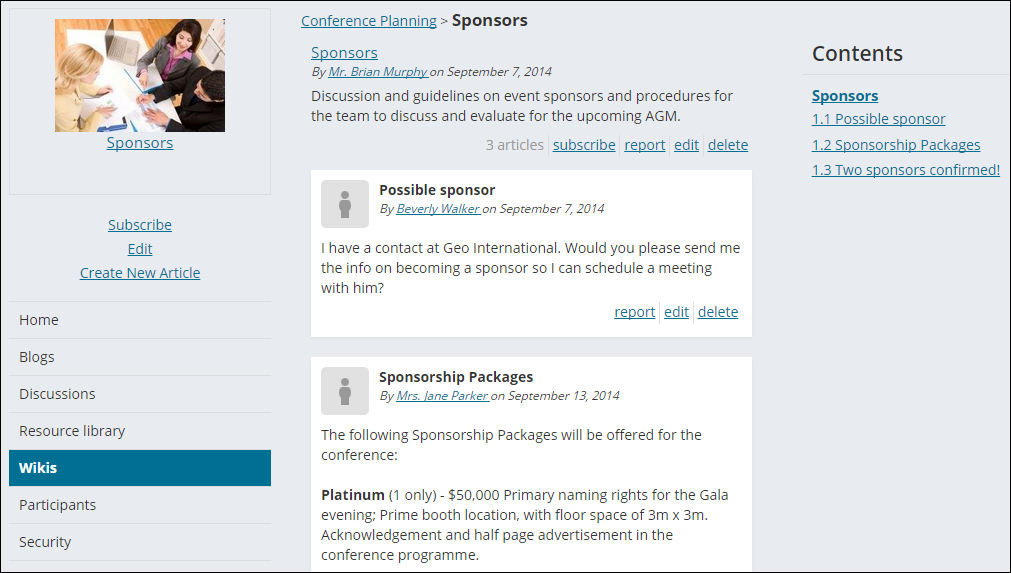
Wiki Home
- Description - The "home view" of a wiki. By default, this 2-column view includes a table of contents to the right.
- Usage Scenario -
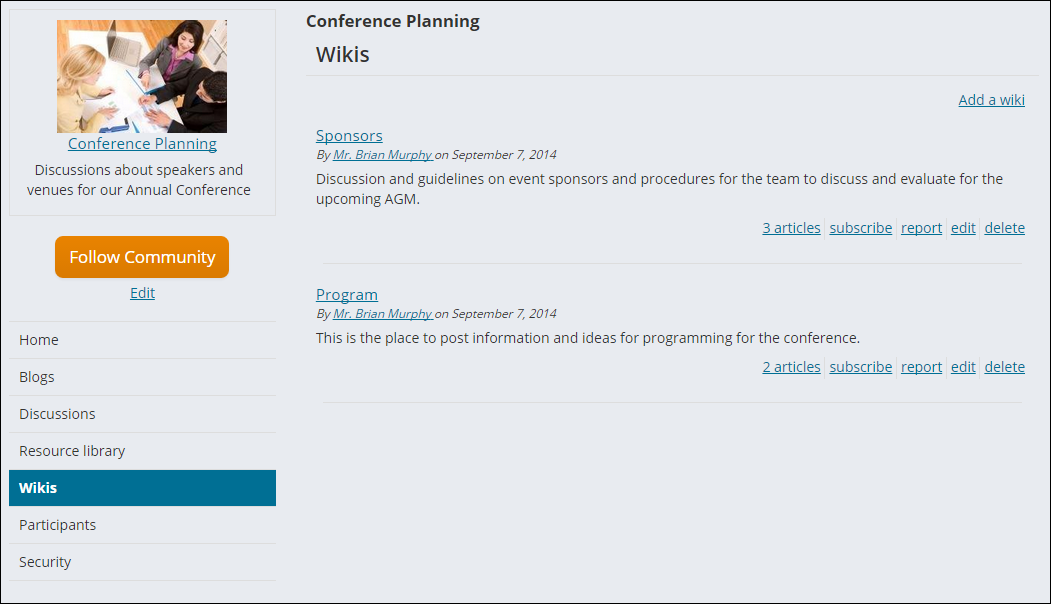
Wiki List
- Description - The list of wikis for a given community.
- Usage Scenario -
Wiki List Item
- Description - A single wiki in a wiki listing.
- Usage Scenario -
Updated 3 months ago