

Activity window
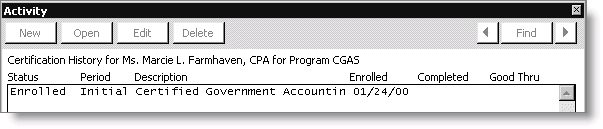
To view a registrant's certification activity
- From Certification, select Register a student> By program to open the Register a student by program window.
- Click New.
- Enter a Registrant, or click the lookup icon to select an ID.
- Enter a program, or click the lookup icon to select a program.
- Click Save.
- Click History. The Activity window opens, allowing you to view the student's registration record.
- Double-click an activity to open the Activity Detail window.
Updated 6 months ago
Did this page help you?