

Process sales transactions window
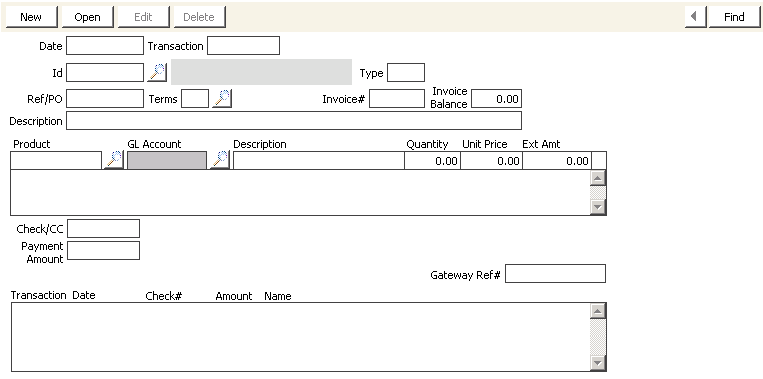
To apply a credit card payment to outstanding items
NoteYou are still processing request(s) for the same customer.
- From Service Central, select Process customer requests.
- The order you entered displays in the Process customer requests window. Click Payment to open the Payment Entry window with the customer’s outstanding (unpaid) items.
NoteAll line item checkboxes are selected (check in Pay column) for payment except Fundraising (FR) and credit balance line items.
- Enter payment information.
- Click Save to apply the Pay Amount to all selected items.
- From Service Central, select Process customer requests.
Notice that the Balance for the OE line item you entered has a Total Due of $0.
Updated 6 months ago
Did this page help you?