

Expositions/Meetings for window
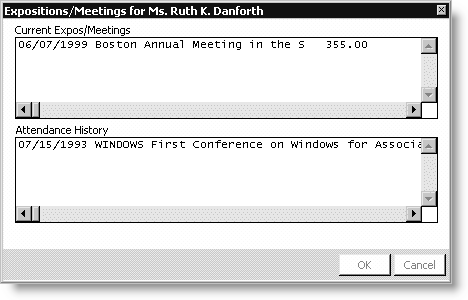
Current Expos/Meetings
Displays the expositions and events for which the prospect is currently registered.
Attendance History
Displays the prospect's attendance history.
To view a prospect's exposition order history
- From Exposition, select Manage prospect lists to open the Manage prospect lists window.
- Load a prospect list. See To load a prospect list for more.
- Select a prospect.
- Click Exhibitor Sales to open the Expo Sales window.
- Click Expo/Meet History to open the Expositions/Meetings for window, which displays all expositions and events the prospect has attended.
Updated 6 months ago
Did this page help you?