

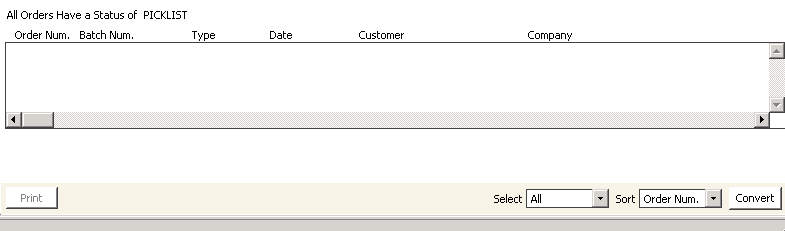
Print pick list window
To print a pick list
- From Print pick list window, select the order(s) for which you want to generate pick lists. To edit an order, double-click it to open the order on the Order Entry window.
- Click Convert. A message displays prompting you to confirm printing the pick lists.
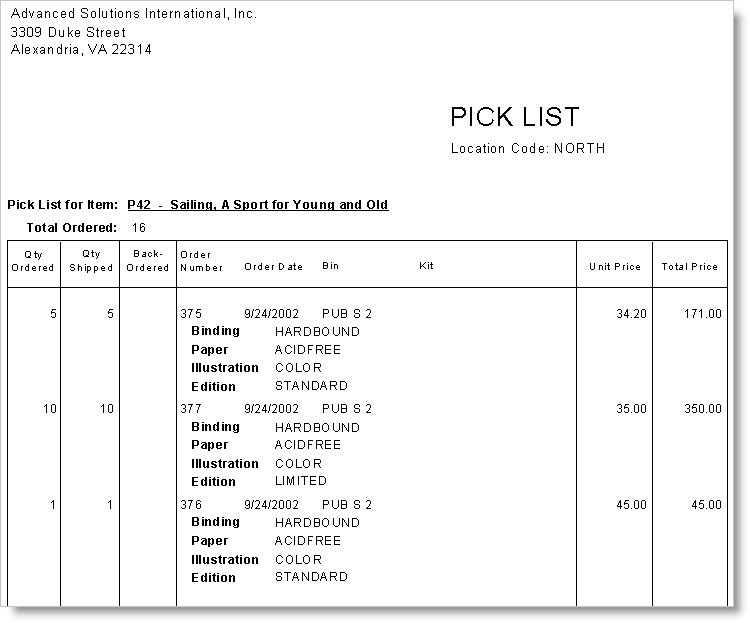
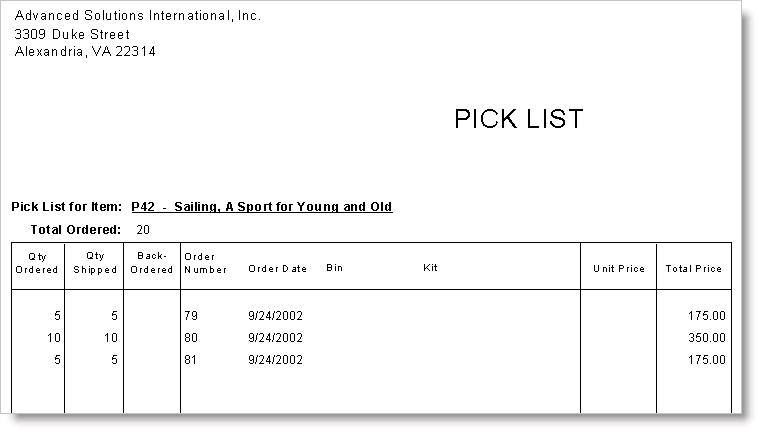
- Click Yes to print the pick lists. A pick list will print for each individual item.
Updated 6 months ago
Did this page help you?