

Booth Change History window
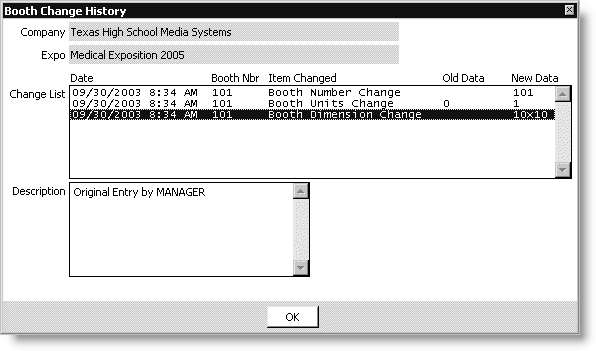
Company
Displays the name of the exhibiting company.
Expo
Displays the name of the current exposition.
Change List
Lists all changes for booths.
Description
Lists all additional booth-change information.
To view booth changes
- From Exposition, select View exhibitor information to open the
View exhibitor information window. - Click Open to display the Exposition Search window, and double-click an exposition.
- Double-click an exhibitor to open the Exhibitor Information window.
- Click More, and select Booth Changes.
- Select an item from the Change List to see a Description of any booth changes (and who made the changes).
Updated 6 months ago
Did this page help you?