

Generating Issues Reports
To run the Issue Statistics report
- From Issues, select Generate reports.
- From Report Types, select Statistics
- From Available Reports, select Issue Statistics.
- Click Run.
- Specify the Begin Date.
- Specify the End Date.
- Click Run.
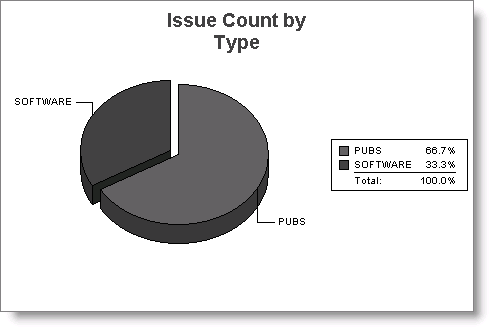
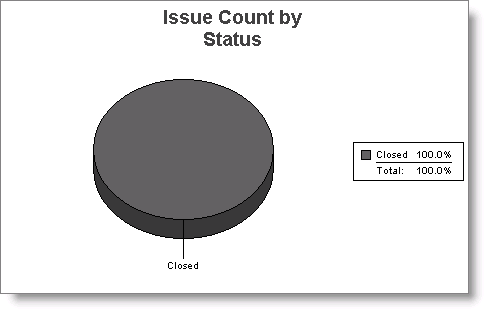
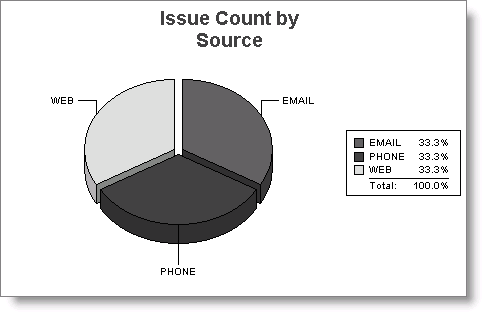
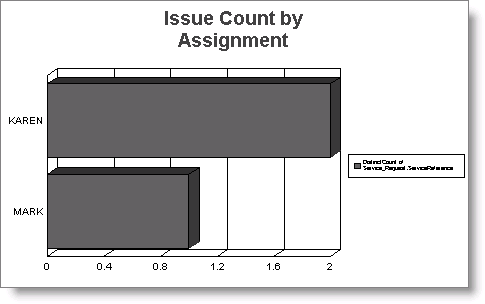
The Issue Statistics report displays. There are four charts, similar to the following, on the Issue Statistics report.
Updated 6 months ago
Did this page help you?