

Standard Letters window
This window shows the list of Letter System templates that are available for a module, and provides options for managing the templates.
NoteThe name of the window varies by module.
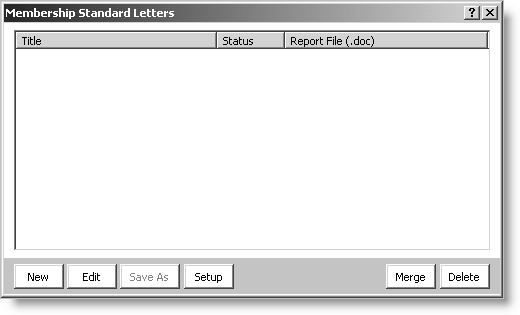
This window shows the following information for each template.
- Title - The iMIS database name of the template.
- Status - The status of the MS Word files associated with the template.
- OK - The template files are available in the template folder.
- Unavailable - The template files are not available in the template folder, or the folder is not available.
- Report file (.doc) - The unique portion of the names of the template files.
This window provides the following buttons.
- New - Creates a template that can use the iMIS fields that are currently available for a module.
- Edit - Opens the selected template with MS Word.
- Save As - Creates a template by copying the existing, selected template. The new template can use the fields that were available for the module when the existing template was created.
- Setup - (if enabled) Opens the Setup Standard Letters window.
- Merge - Initiates the process of combining iMIS data with the selected template.
Updated 6 months ago
Did this page help you?