

Register a customer window - Function Note tab
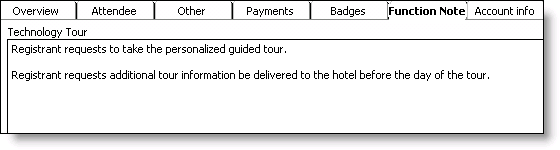
Function
(read only) Displays the name of the selected event function.
Function Note
Specifies any note(s) pertaining to the selected event function.
To enter function notes
- From Events, select Register a customer to open the Register a customer window.
- Find an event registration.
- Click Edit.
- Select an event function.
- Select the Function Note tab.
- Enter any note(s) pertaining to the selected event.
- Click Save.
Updated 6 months ago
Did this page help you?