

Expo Roster window
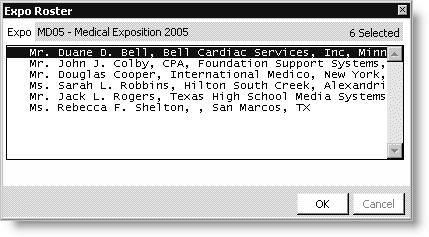
Expo
Displays the name of the exposition.
Exhibitors
Lists exhibitors.
To view an exposition roster
- From Exposition, select Process booth orders to open the Process booth orders window.
- Enter or open an order (see Finding Exposition Orders).
- Click View Roster to view all of the exposition's registered exhibitors.
Updated 6 months ago
Did this page help you?