

Convert quotes window
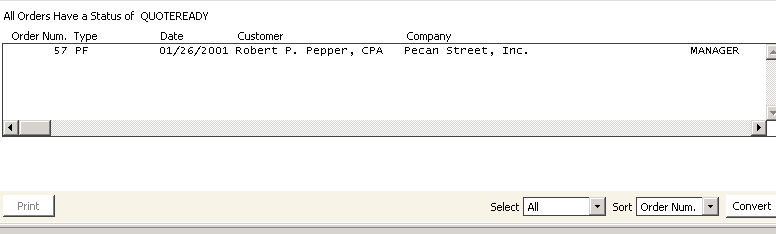
To convert quotes
- Complete the Print quotes order processing stage for the pro forma order you want to convert. See Printing Sale Quotes.
- From Convert quotes window, select the order(s) you want to convert. To edit an order before converting it, double-click the order to open it on the Order Entry window.
- Click Convert. A message displays prompting you to confirm converting to the appropriate order type.
- Click Yes to convert the quote(s) to the appropriate order type. The Convert quotes option does not generate printed data.
Updated 6 months ago
Did this page help you?