

Area code updates window
The Area code updates procedure automates the mass changes that are required when a new area code has been added in an area containing many of your existing member/contact records.
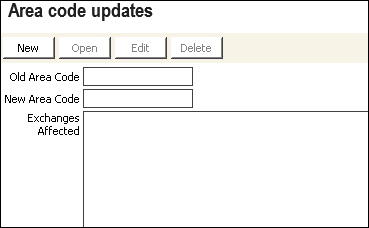
To update area codes:
To initiate the mass change of area codes:
- From the Area code updates window, click New.
- Enter the Old Area Code.
- Enter the New Area Code.
- In Exchanges Affected, enter the 3-digit telephone exchanges of the affected telephone numbers; separate by commas and without spaces.
- Click OK.
iMIS will look for a match in the Old Area Code and one of the Exchanges Affected listed in all telephone numbers for business, fax, and home in the profile tab in Membership.
Updated 6 months ago
Did this page help you?