

Registration Description window
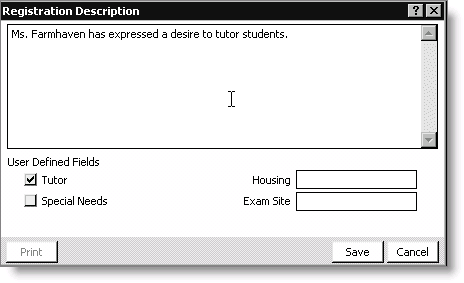
This window provides a large text area for entering incidental information about the program registration. The user-defined prompts you created in the Set up module window display in this window. For additional information, see Setting up User-Defined Fields.
To add registration notes
- From Certification, select Register a student> By program to open the Register a student by program window.
- Click Open and enter a customer ID in the Registrant field.
- Click Save. The registration record is shown.
- Select the program registration.
- Click Edit.
- Click Notes to open the Registration Description window.
- Update the window as needed.
- Click Save to return to the Register a student by program window.
- Click Save.
Updated 6 months ago
Did this page help you?