

Selecting Specific Bills
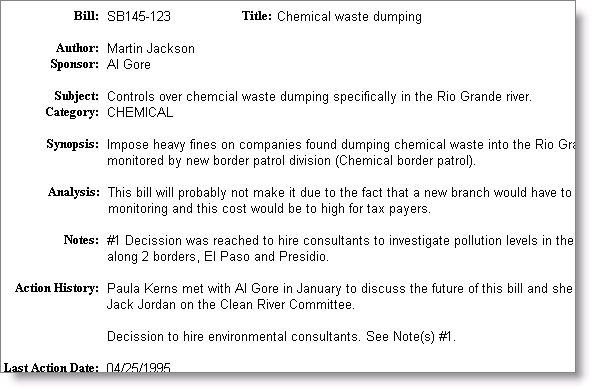
The report format Full Bill Detail allows you to create report selection criteria to filter your bill records.
To select specific bills
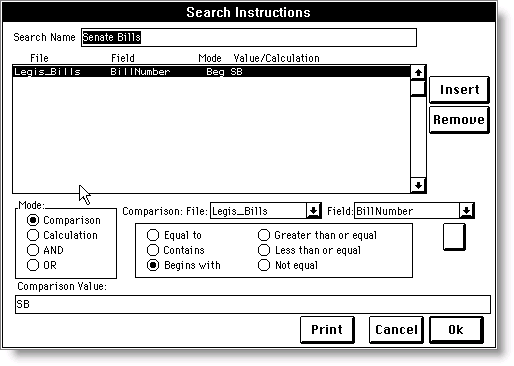
- On the Select Search Instructions window, select New, Clone, or Modify at left to open the Search Instructions window.
- Define the comparison to use the iMIS File “Legis_Bills”.
- Set the Field comparison to one that will allow you to make a useful search, such as “BillNumber”.
- Press OK to generate the report.
Updated 6 months ago
Did this page help you?