

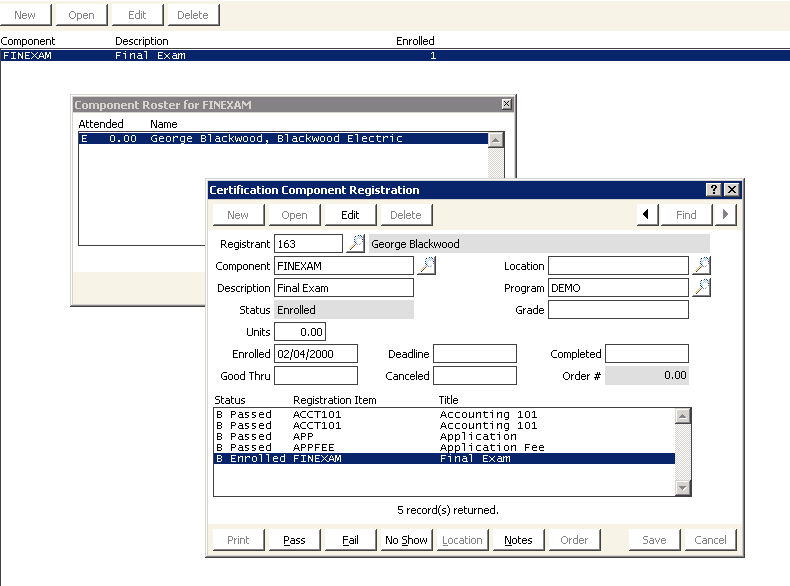
View rosters by component window
NoteEvent functions and CEU components must be linked manually. See To link a CEU component with an event function.
To view CEU activity records after closing an event
After you close an event, you can view the CEU activity records on the Activity window.
- From View rosters by component window, click Find and enter a customer ID in the Equals field. The customer record is displayed.
- Select the Activities-All tab.
- Double-click the CEU activity to open the Activity Detail window.
Updated 6 months ago
Did this page help you?