

List of group operations
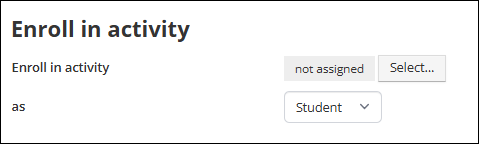
Enroll in Activity
When triggered, group members will be enrolled in the specified learning activity.
- Click Select to open drop-down list of learning activities.
- Use as to indicate whether group members are enrolled in the activity as a Student or Instructor.
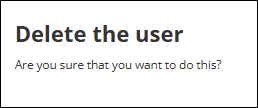
Delete the user
When triggered, group members will be deleted from TopClass.
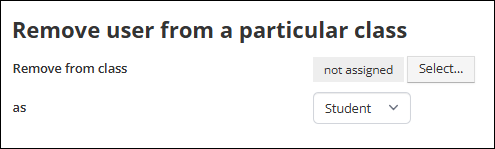
Remove from class
When triggered, group members will be removed from the specified learning activity.
- Click Select to open drop-down list of learning activities.
- Use as to indicate whether group members are removed from the class as a Student or Instructor.
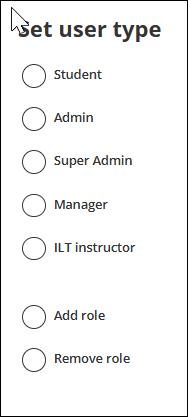
Set user type
When triggered, group members will have the specified role added to or removed from their profile.
- Select the user type
- Indicate whether the role is to be added or removed.
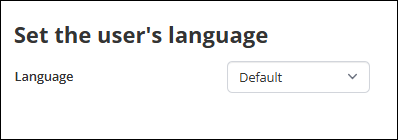
Set the user's language
When triggered, group members' language will be changed.
NoteUsers will only see language variations if they have been configured at an item level. For example, notifications, news items, and policies. If not, the user will see the system default language text.
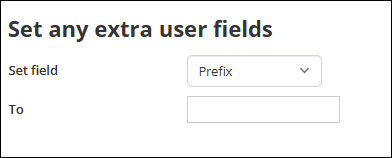
Set any extra user fields
When triggered, the specified extra user field of the group members will be populated as et.
- Use the Set field drop-down to select the extra user field.
- Enter the display text in the To field.
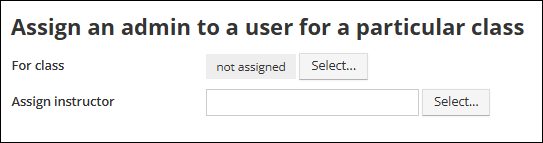
Assign an admin to a user for a particular class
When triggered, group members will be assigned a specific instructor for a particular class.
- Click Select on For class to open drop-down of learning activities.
- Click Select on Assign Instructor to open drop-down of available instructors.
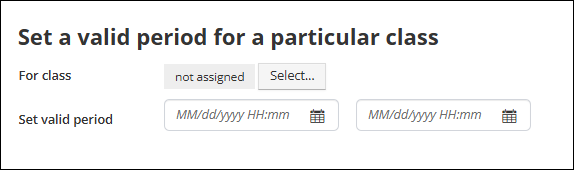
Set a valid period for a particular class
When triggered, a valid period for a particular class will be applied to group members.
- Click Select on For class to open drop-down of learning activities.
- Enter the applicable dates to Set valid period.
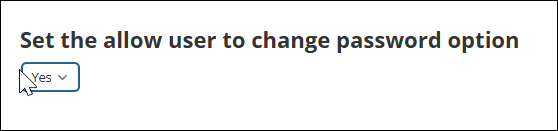
Set the allow user to change password option
When triggered, group members' user privilege determining whether they can change their password, will be updated.
- Use the drop-down to set whether users are allowed to change their password.
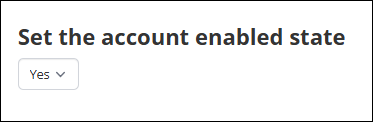
Set the account enabled state
When triggered, group members' active status will be updated.
- Use the drop-down to set whether user accounts are active or not.
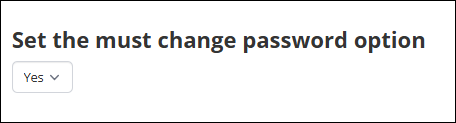
Set the must change password option
When triggered, group members' must change password on initial login setting will be updated.
- Use the drop-down to set whether users will be required to change their password when logging in for the first time.
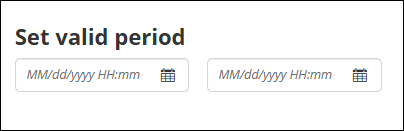
Set a valid period for a user
When triggered, a valid period will be set for group members' user accounts.
- Enter the applicable dates for the user account valid period.
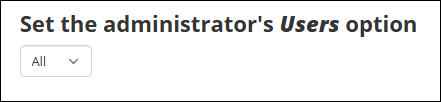
Set the administrator's Users option
When triggered, group members' admin privilege for Users will be updated.
- Use the drop-down to set Users admin privileges to:
- All - allows the administrator to create or edit any user.
- Own - allows the administrator to edit the user profiles of students who they have created within TopClass.
- None - prevents the administrator from creating or editing any user profiles.
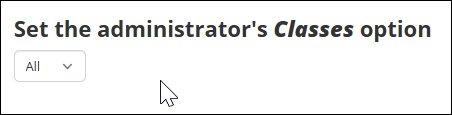
Set the administrator's Classes option
When triggered, group members' admin privileges for Classes will be updated.
- Use the drop-down to set Classes admin privileges to:
- All - allows the administrator to create and modify online classes.
- Own - allows the administrator to modify their own course units only. Batch registration and batch delete are not possible with this setting.
- None - prohibits the administrator from creating or modifying any class.
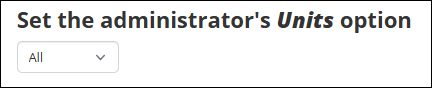
Set the administrator's Units option
When triggered, group members' admin privileges for Editing Course Material will be updated.
- Use the drop-down to set Edit Course Material admin privilege to:
- All - grants the administrator full access to all online courses on TopClass.
- Controlled - allows the administrator to edit online courses that they have rights for on the Edit access rights page.
- No - prevents the instructor from creating or editing online courses.
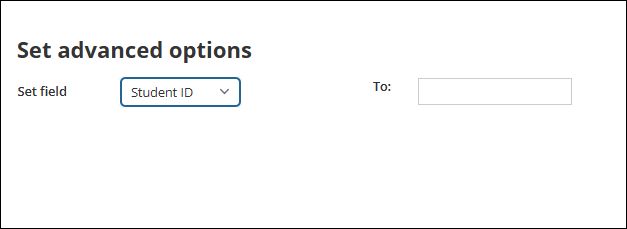
Set advanced options
When triggered, group members' user profile fields will be updated.
- Use the Set field drop-down to select the user profile field.
- Enter the display text in the To field.
Add to partition
When triggered, group members will be added to a partition.

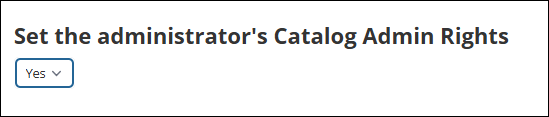
Set the administrator's Catalog Admin Rights
When triggered, group members' admin privileges for catalog Category Admin will be updated.
- Use the drop-down to set whether users can create/ edit catalog categories.
Set the administrator's Competencies Admin Rights
This operation has been deprecated.
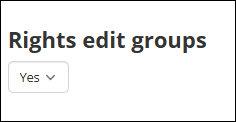
Rights edit groups
When triggered, group members' right to create and edit Groups will be updated.
- Use the drop-down to set whether users can create/ edit groups.
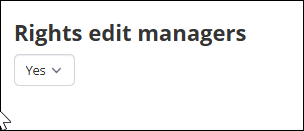
Rights edit managers
When triggered, group members' right to create and edit Managers will be updated.
- Use the drop-down to set whether users can create/ edit managers.
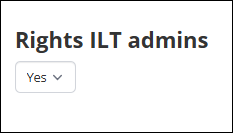
Rights ILT admins
When triggered, group members' right to edit ILT Instructors will be updated.
- Use the drop-down to set whether users can edit ILT instructors.
Rights ILT resources
When triggered, group members' right to edit ILT Resources will be updated.
- Use the drop-down to set whether users can edit ILT resources.
Rights ILT classes
When triggered, group members' admin privileges for ILT Classes will be updated.
- Use the drop-down to set ILT Classes admin privilege to:
- All - allows the administrator to edit any ILT activity.
- Own - allows the administrator to edit the ILT activities they have created within TopClass.
- None - prevents the administrator from editing any ILT activities.
Rights ILT sessions
This operation has been deprecated.
Rights ILT students
This operation has been deprecated.
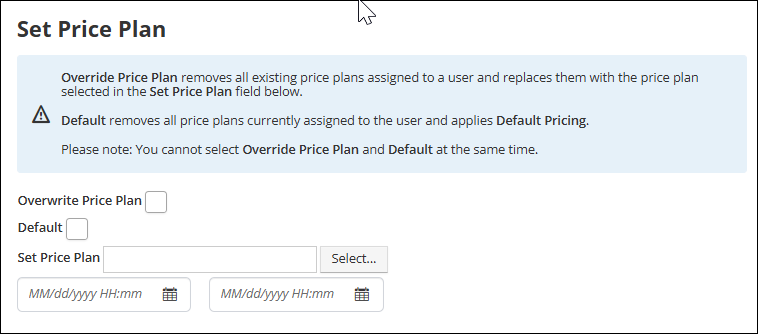
Set Price Plan
When triggered, the selected price plan will be added to group members.
- Click Select on Set Price Plan to open dropdown list of price plans.
- Enter the applicable dates to set a valid period. If left blank, price plan will have no end date.
- Select Overwrite Price Plan to remove all existing price plans and replace them with the price plan selected in the Set Price Plan field.
- Select Default to remove all existing price plans and apply default pricing.
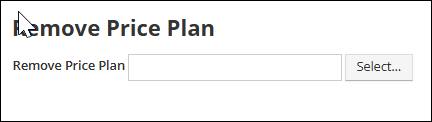
Remove Price Plan
When triggered, the selected price plan will be removed from group members.
- Click Select on Remove Price Plan to open drop-down list of price plans.
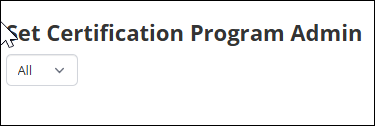
Set Certification Program Admin
When triggered, group members' admin privileges for Certification Programs will be updated.
- Use the drop-down to set Certification Programs admin privilege to:
- All - allows the administrator to create/ edit any certification program.
- Own - allows the administrator to edit the certification programs they have created within TopClass.
- None - prevents the administrator from creating orediting any certification programs.
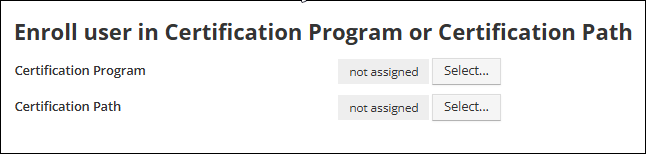
Enroll user in Certification Program or Certification Path
When triggered, group members will be enrolled in the selected certification program and/ or certification path.
- Click Select on Certification Program to open drop-down of certification programs
- Click Select on Certification Path to open drop-down of certification paths.
Set the administrator's Review Autocorrected Submissions option
When triggered, group members' admin privileges for Review Autocorrected Submissions will be updated.
- Use the drop-down to set whether users can access and edit, scores and comments for autocorrected submissions.

Updated about 1 hour ago