

Test Result Messages
Super administrators and administrators can create a bank (library) of customized pass/fail messages that can then be assigned to specific tests, allowing for more meaningful and context-specific feedback for learners based on their performance.
Accessing the Test Result Messages admin page
To access the Test Result Message admin page, do the following:
-
Within a test, go to Test Settings > Test Results & Feedback.
-
Select the View/ Edit Test Result Messages.
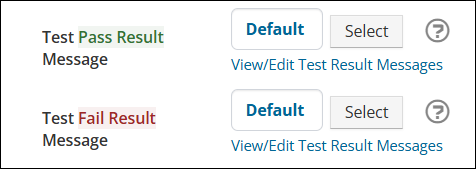
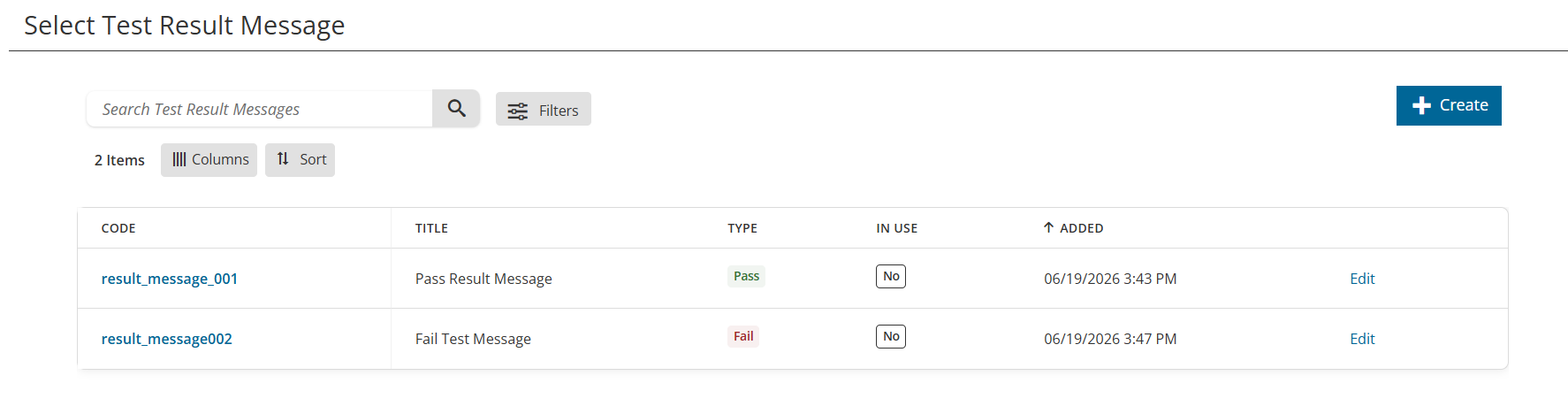
The Test Result Messages admin page displays all created custom test result messages. From here, you can:
- Click Create to create a new pass or fail message.
- Use the Search bar, Sort, and Filter options to locate a test result message.
- Click the Code link or Edit to access a test result message.
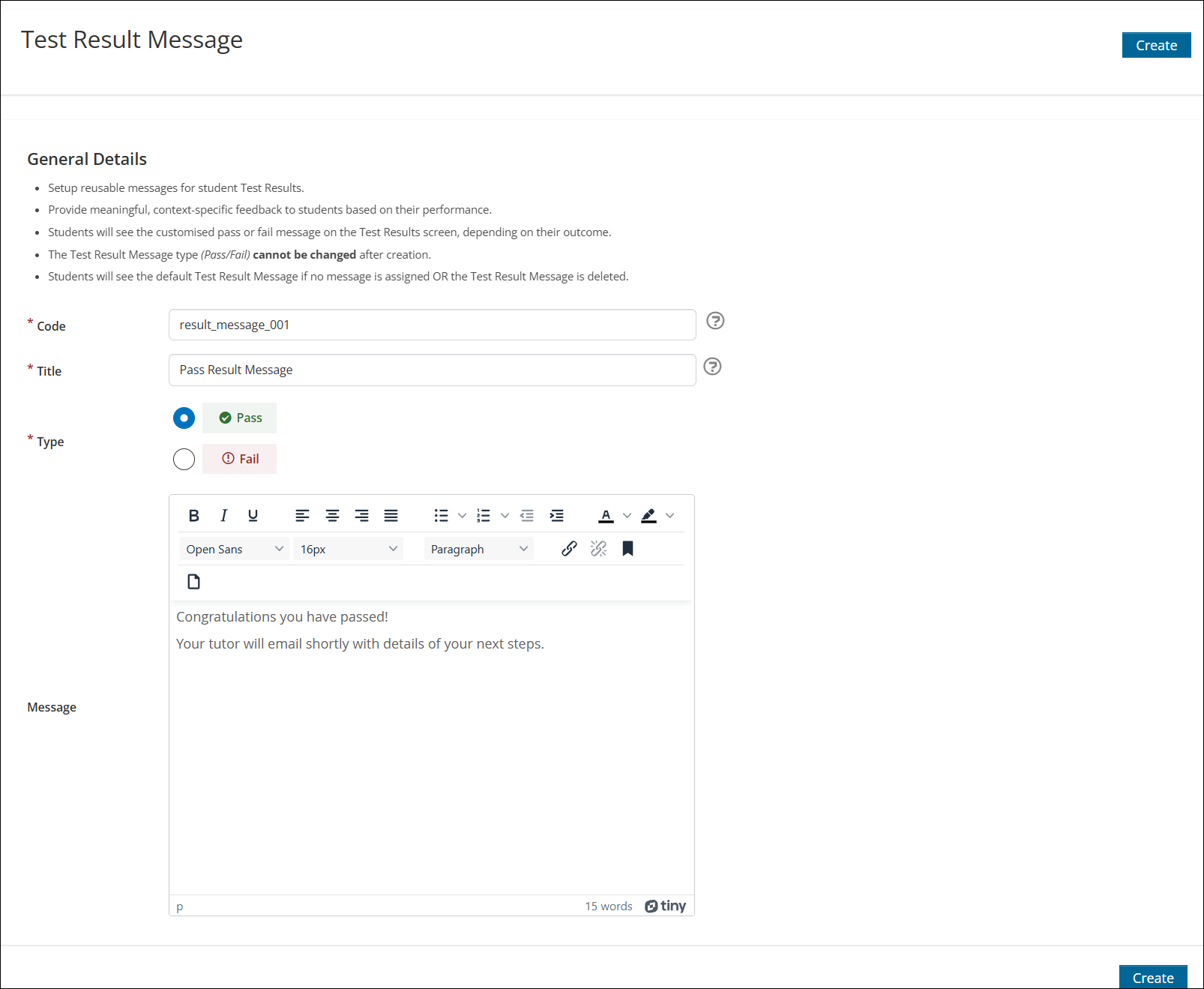
Creating a custom pass/ fail message
To create a new pass or fail message, do the following:
- Click Create.
- Enter a unique Code.
- Enter a Title.
- Under Type, select whether the message is for Pass or Fail test results.
- Enter the Message to be displayed.
- Click Create.
Once created, messages can be edited, previewed and deleted.
Assigning custom test result message to a test
To assign a custom test result message to a test, do the following:
-
Within a test, go to Test Settings > Test Results & Feedback.
-
Under Test Pass Result Message, do the following:
a. Click Default to view the default pass message.
b. Click Select to choose a custom pass result message.
c. Select the View/ Edit Test Result Messages to navigate to the Test Result Messages admin page and make changes. -
Under Test Fail Result Message, do the following:
a. Click Default to view the default fail message.
b. Click Select to choose a custom fail result message.
c. Select the View/ Edit Test Result Messages to navigate to the Test Result Messages admin page and make changes. -
Click Save.
-
Once saved, the custom test results messages can be previewed, removed, and reset.
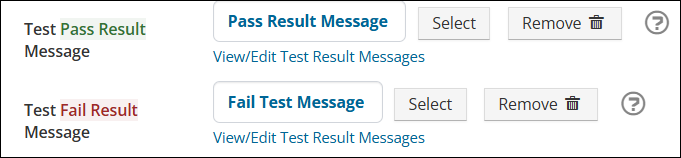
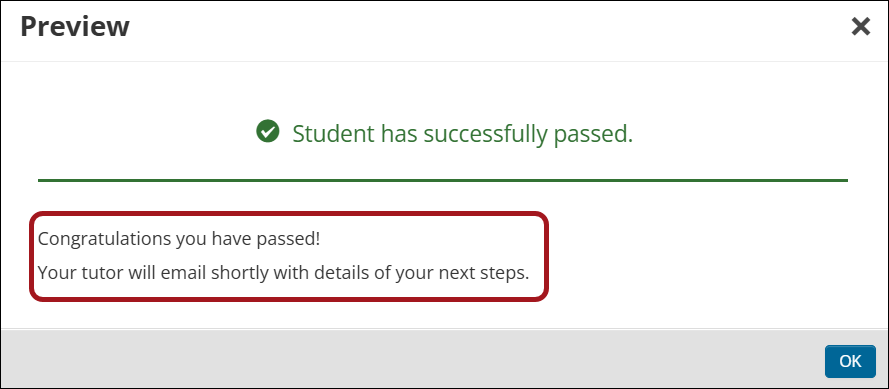
NoteThe Default pass and fail messages will be displayed to learners along with any custom test result messages set.
Updated 2 months ago