

Purchasing a credit for an activity
The Purchase Credit option within an activity allows a learner to buy a coupon that can be used to enroll in a specific activity at a later date. When purchased, the learner receives a unique coupon code that can be used to pay for enrollment in the selected offering.
NoteThis coupon code may be shared with another learner if desired; however, each coupon can only be used once. The code is valid for one year from the date of purchase and can be accessed by going to Profile > Account > My Coupons. It is also included in the purchase confirmation email and can be retrieved through the confirmation link provided.
Setting up an activity with a purchase credit
Do the following to define a purchase credit on an activity:
- Go to Activities and Learning > Learning Activities.
- Search for an open the activity.
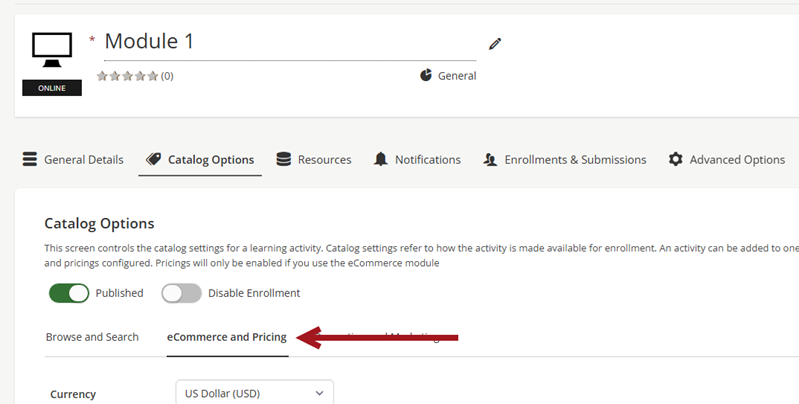
- Click the Catalog Options tab.
- Click the eCommerce and Pricing sub-tab.
- Enable Purchase Credit. This allows learners to purchase credit for this activity. If disabled, student learners can only purchase and enroll into the activity.
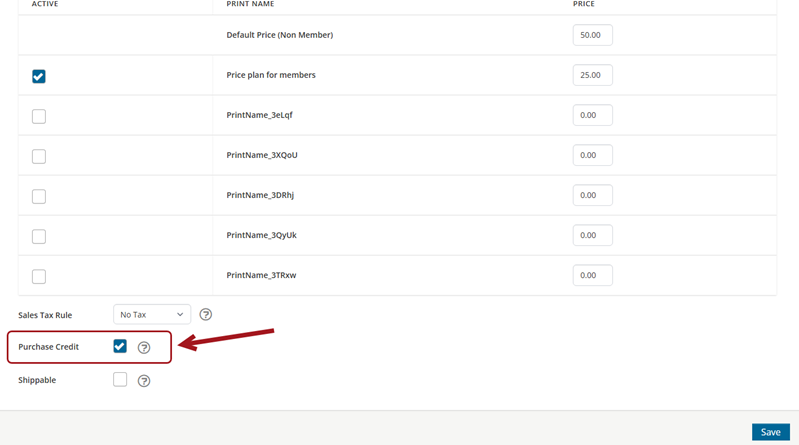
- Click Save.
Purchasing a credit and applying coupons
Do the following to purchase a credit and apply coupons:
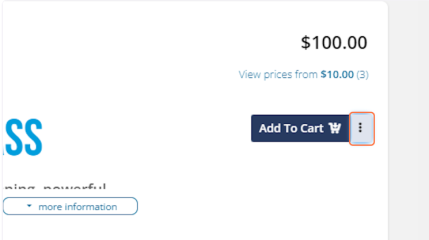
- From within the catalog, next to the Add To Cart button on an Activity, student learners will expand the 3 dots for More Options.
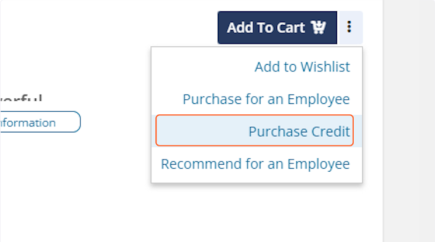
- Student learners will then click the Purchase Credit option which will add this activity to the shopping cart for credit purchase.
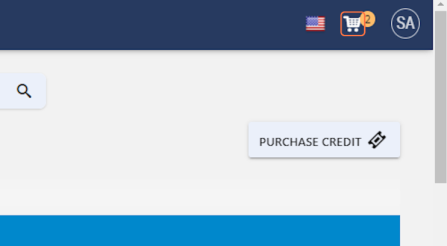
- Navigating to the Shopping Cart.
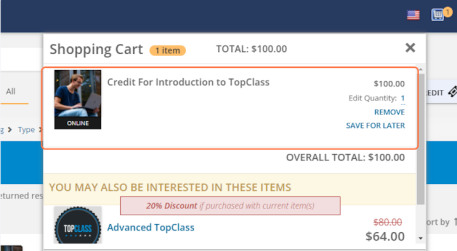
- The learner will see the full value of the activity and that they are purchasing for credit.
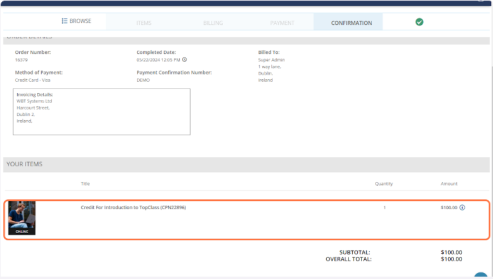
- On the purchase confirmation screen learner will see the coupon code for their credit purchased.
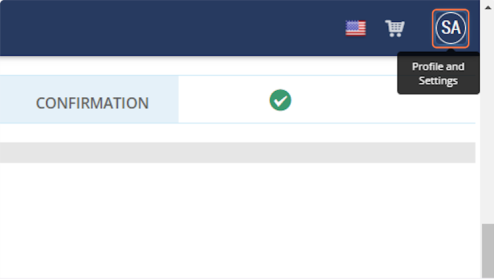
- Navigate to the learners profile.
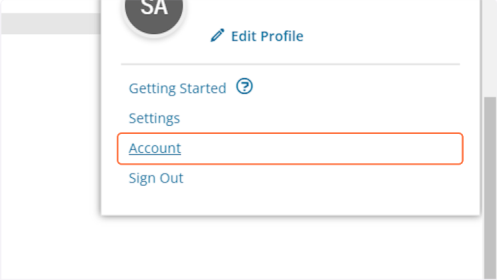
- Click on Account.
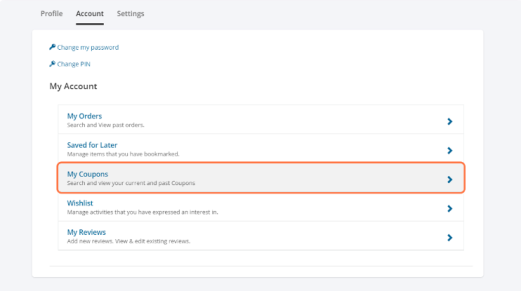
- Click on My Coupons.
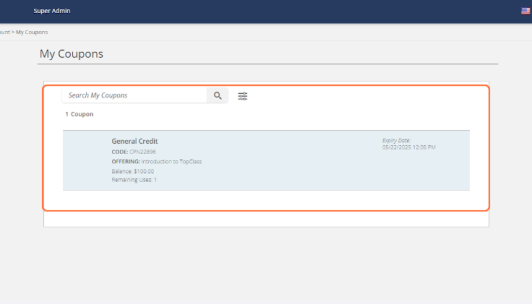
- On screen the learner will see their coupon and code they have just purchased for this Activity.
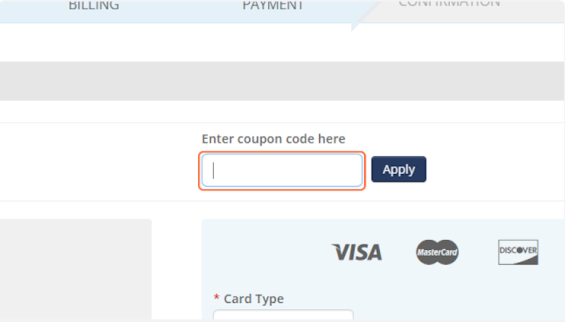
- Student Learners will enter the Coupon Code within the checkout screen coupon section. Then they will click apply in order to apply the coupon.
Updated 5 months ago
Did this page help you?