

Price plans and assigning price plans to users
Price plans are a way of setting up different pricing options for activities. Price plans can be assigned to different users so that those users will be charged the price that has been set for their particular price plan instead of the default price for the activity.
By default, TopClass provides a member and non-member price on activities, but it is possible to create other price plans, such as Alumni Pricing. Activities can have multiple price plans activated at any one time.
Administrators can define an active period of time for the price plan with the Price Plan Period setting. Once this active period ends for the price plan, the user will revert to the default non-member price plan.
To assign a price plan for a user, do the following:
- Go to Users.
- Select an existing user.
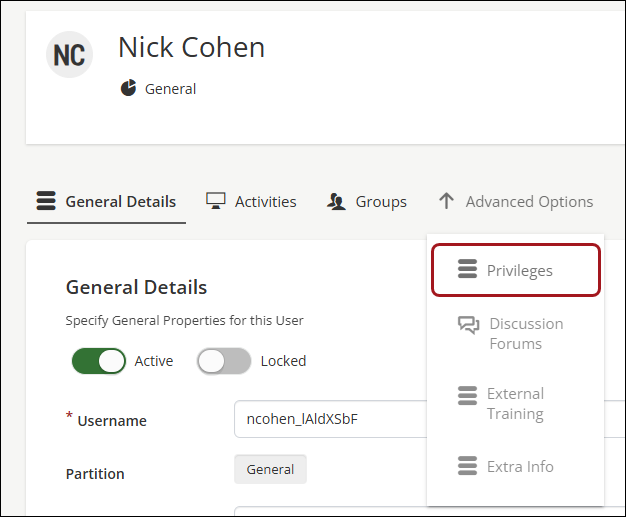
- From the Advanced Options drop-down, select Privileges.
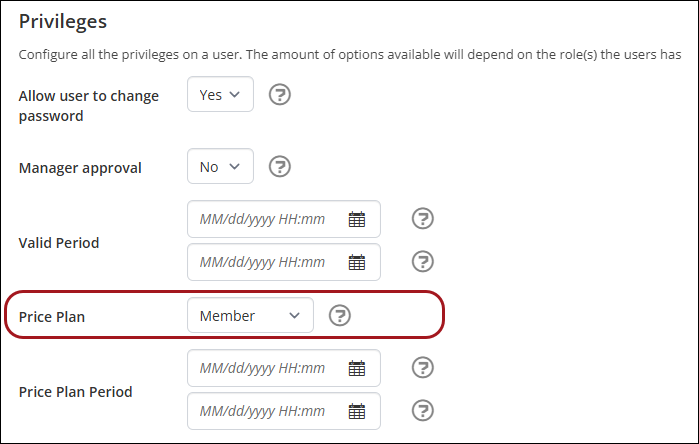
- From the Price Plan drop-down, select the price plan.
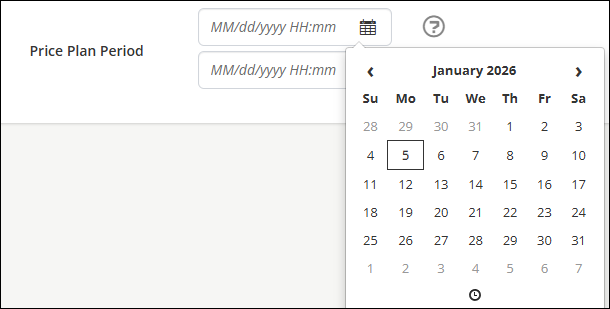
- (optional) Define the Price Plan Period by selecting beginning and ending dates from the calendar selectors.
- Click Save.
Updated 3 months ago