

Creating a price plan
Do the following to create a price plan:
- Go to eCommerce > Price Plans.
- Click Create.
- Enter a Code, Title, and Print Name for the price plan.
- Configure any additional settings for the price plan.
- Click Create.
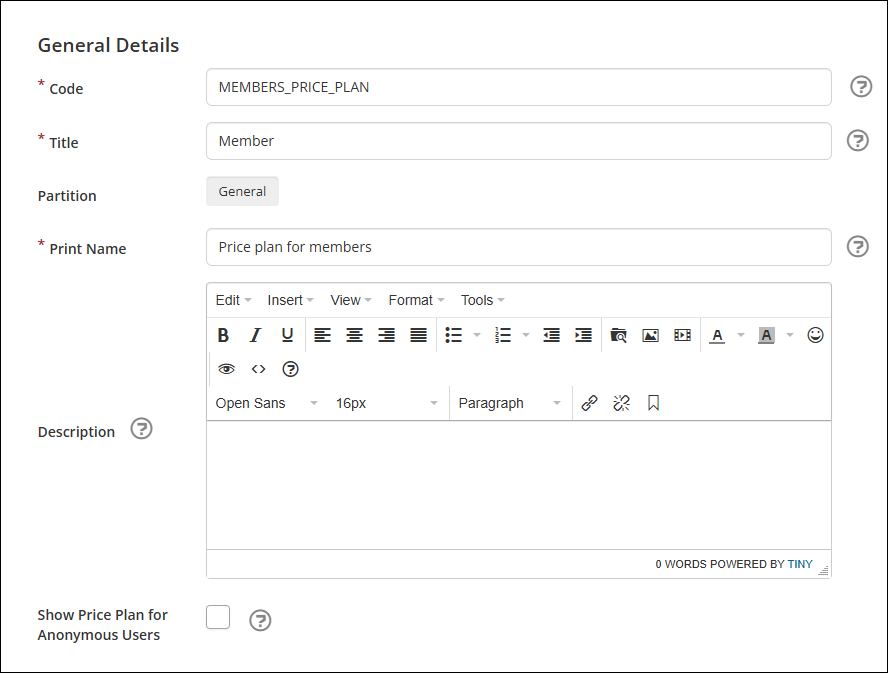
Additional fields
Use the following fields to further customize a price plan:
- Description - Enter a description for the price plan.
- Show Price Plan for Anonymous Users - If enabled, the price plan is visible in the Catalog for both registered and anonymous users.
Updated about 2 months ago
Did this page help you?