

Customizing PDF receipts with your logo
Administrators can customize the PDF receipts that users receive when they purchase a course, product, or any other item with their own header and footer content.
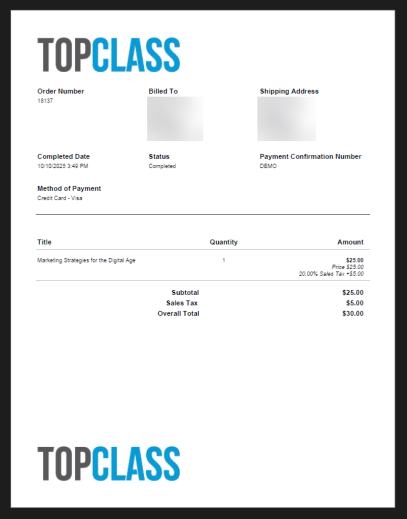
To customize PDF receipts, do the following:
- Go to Customizations > Branding.
- Select the Purchase Receipt PDF tab.
- Do one of the following:
- Drag and drop an image file into the Header Logo or Footer Logo area.
- Click on the Header Logo or Footer Logo area to select an image file with the file picker.
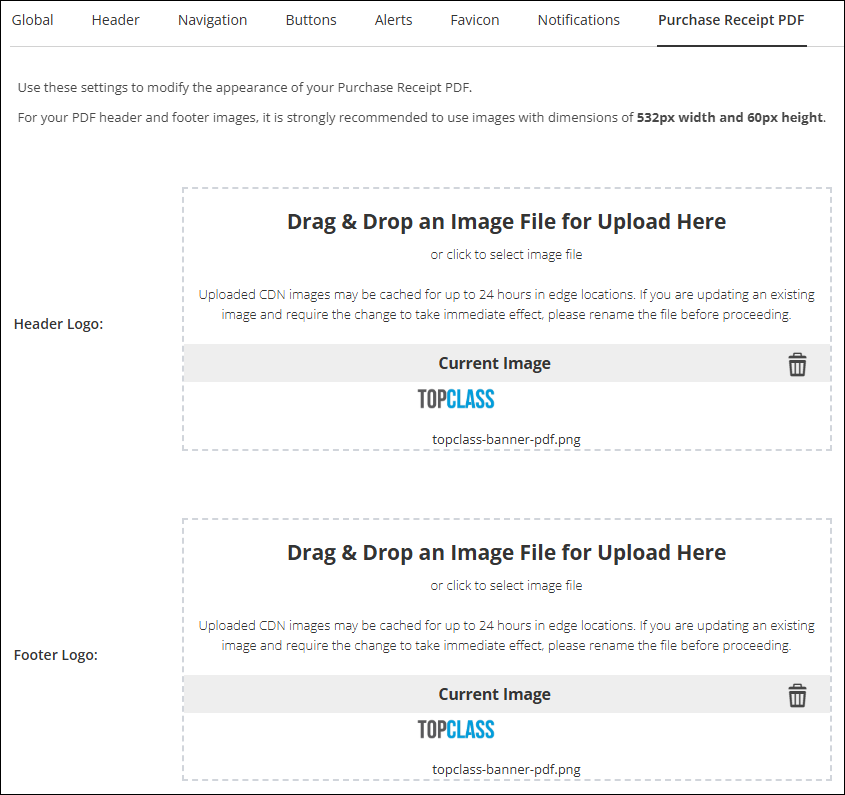
NoteThe recommended dimensions for logos are 532 pixels (width) x 60 pixels (height).
Updated 5 months ago
Did this page help you?