

Reviewing incomplete gift payments
If a gift, pledge, or installment pledge payment Result is anything other than Completed, you need to review the payment further to determine if it has failed.
Gift payments
To review a gift payment, do the following:
-
Go to Finance > Pay Central > Pay Central Live. The payment will be displayed. Review the Status for the payment.
-
Go to the donor’s account page and select the Giving tab. The unpaid invoice is displayed under Open pledges.

Pledge or installment pledge payments
To review a pledge or installment pledge payment, do the following:
-
Go to Finance > PayCentral > Automatic payment transactions.
-
Review the Result for the payment.

-
Go to Fundraising > Enter gifts.
-
Do one of the following:
- Create a new batch.
- In an existing batch, create a pledge payment for the donor.
-
The invoice for which the payment failed is displayed in the list of unpaid pledges:
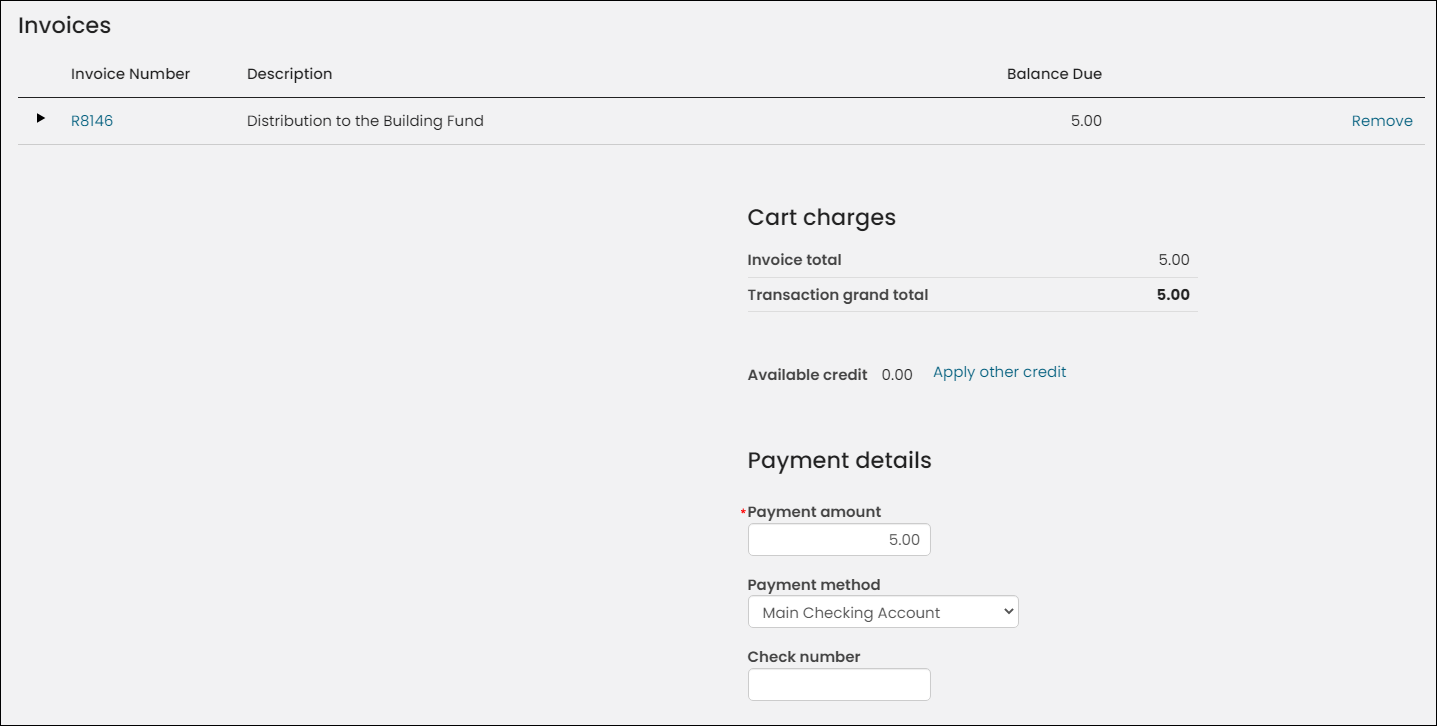
-
The invoice for which the payment failed is also visible in the donor’s account page:

Updated about 1 month ago