

Report Writer: Commerce Reports
Access requiredTo access the Report Writer, you must be a system administrator or a staff user in the Reporting Users Full Control security group.
The following are out-of-the-box reports created with Report Writer.
In addition, any sample report can be duplicated and tailored to your organizations needs. This can be accomplished by using a Template. See Creating an Advanced Report based on a template for more information.
To find these reports, go to Reports > Report Writer.
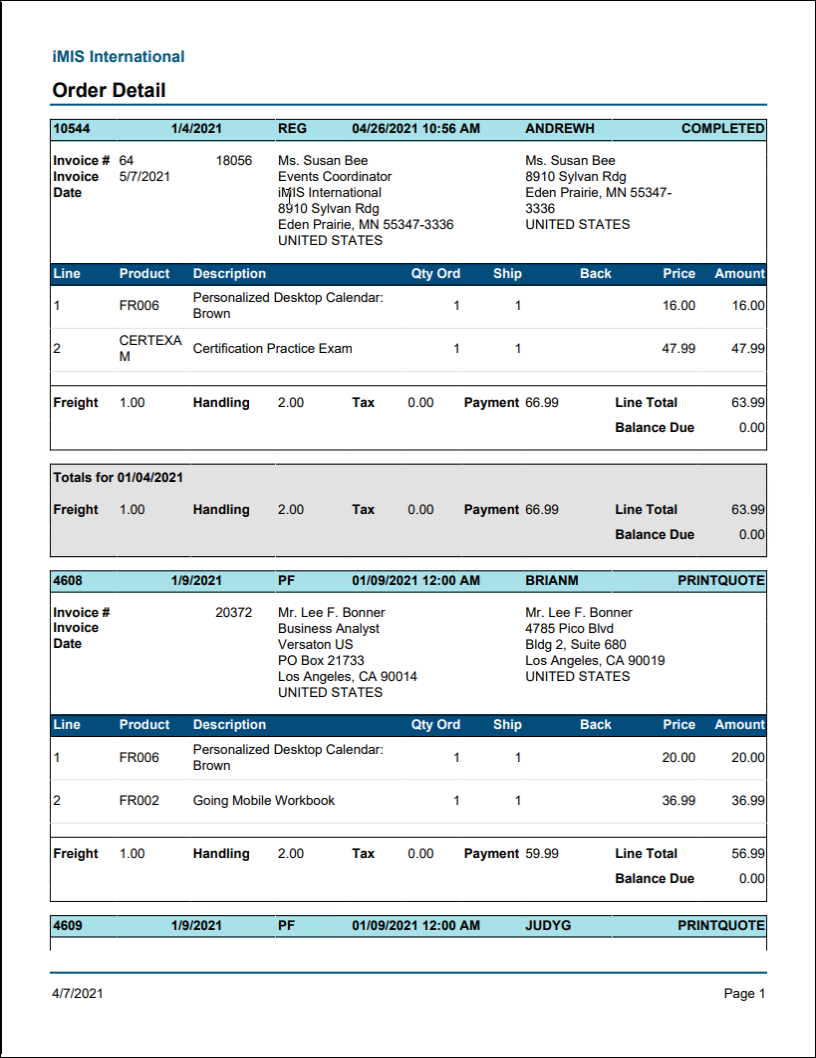
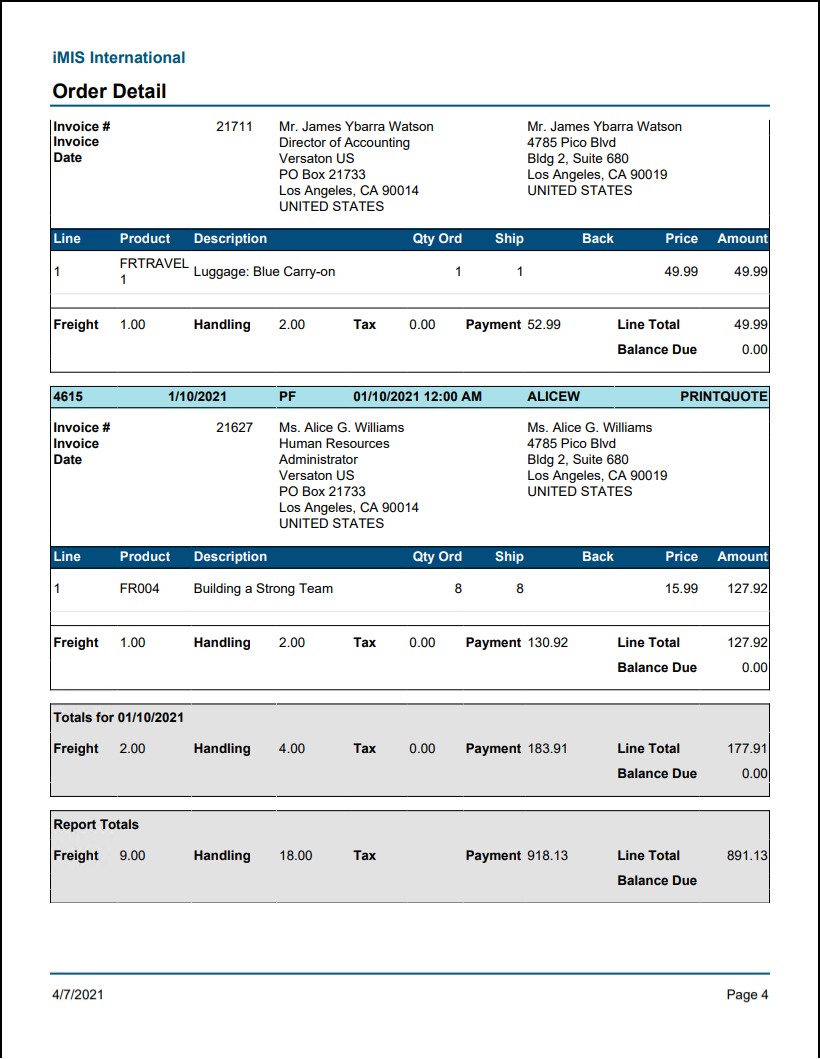
Order Detail Report
Lists detail for all orders in the system with filters for order type and status.
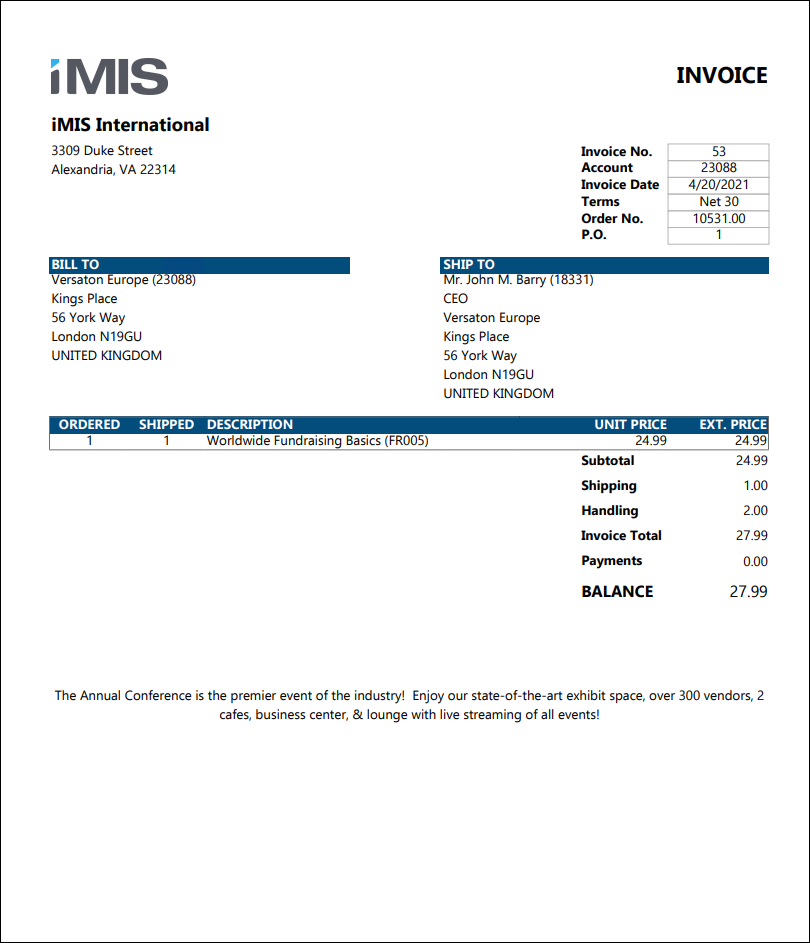
Order Invoice
Prints order system invoices, including credit memos and debit memos. Can be filtered by invoice date, Bill to contact, Ship to contact, order number, invoice number, or invoice balance. VAT information will appear if applicable.
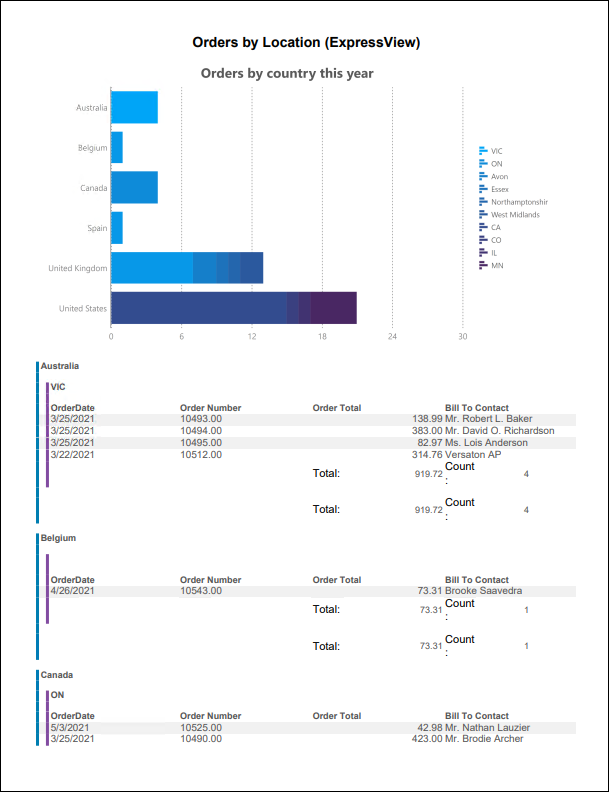
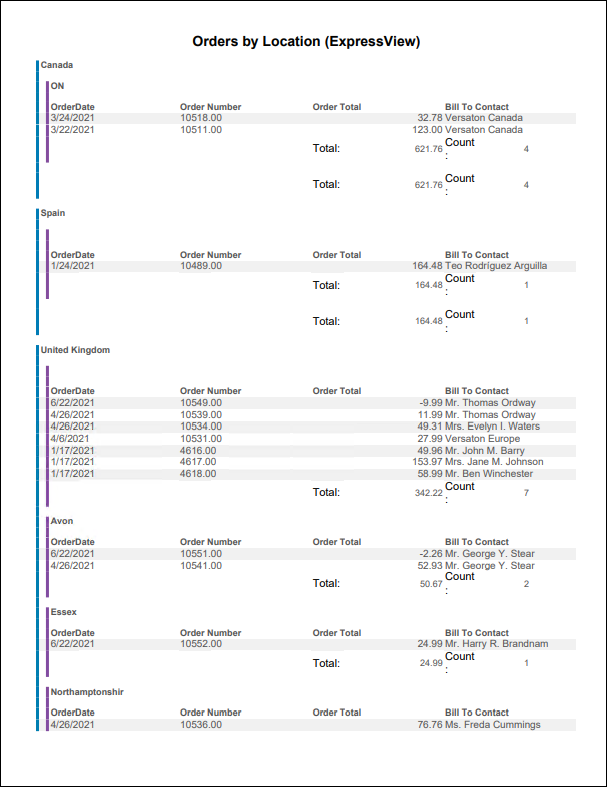
Orders by Locations (ExpressView)
ExpressView report showing orders since the beginning of year by country and state/province.
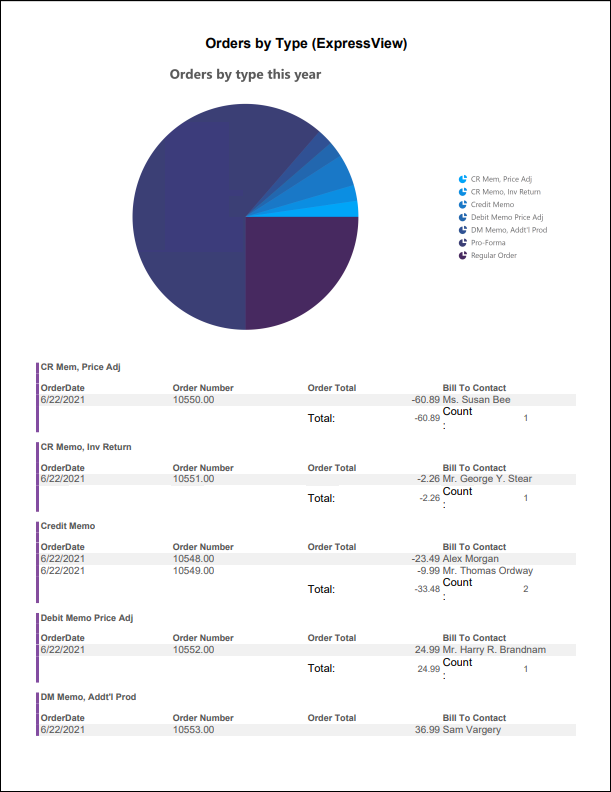
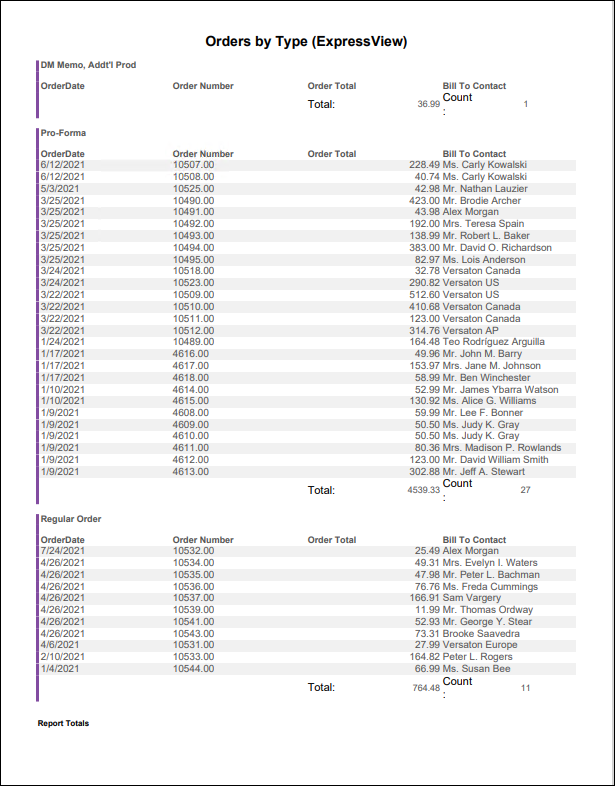
Orders by Type (ExpressView)
ExpressView report showing orders since the beginning of year by order type.
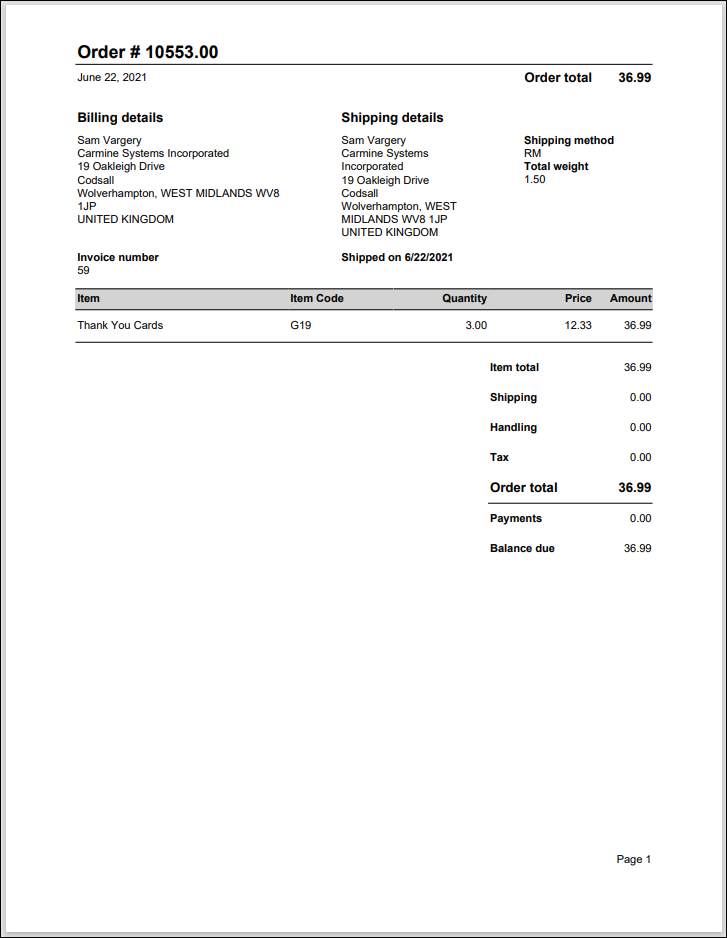
Print Order by Order Number
Displays order details in a printer-friendly format.
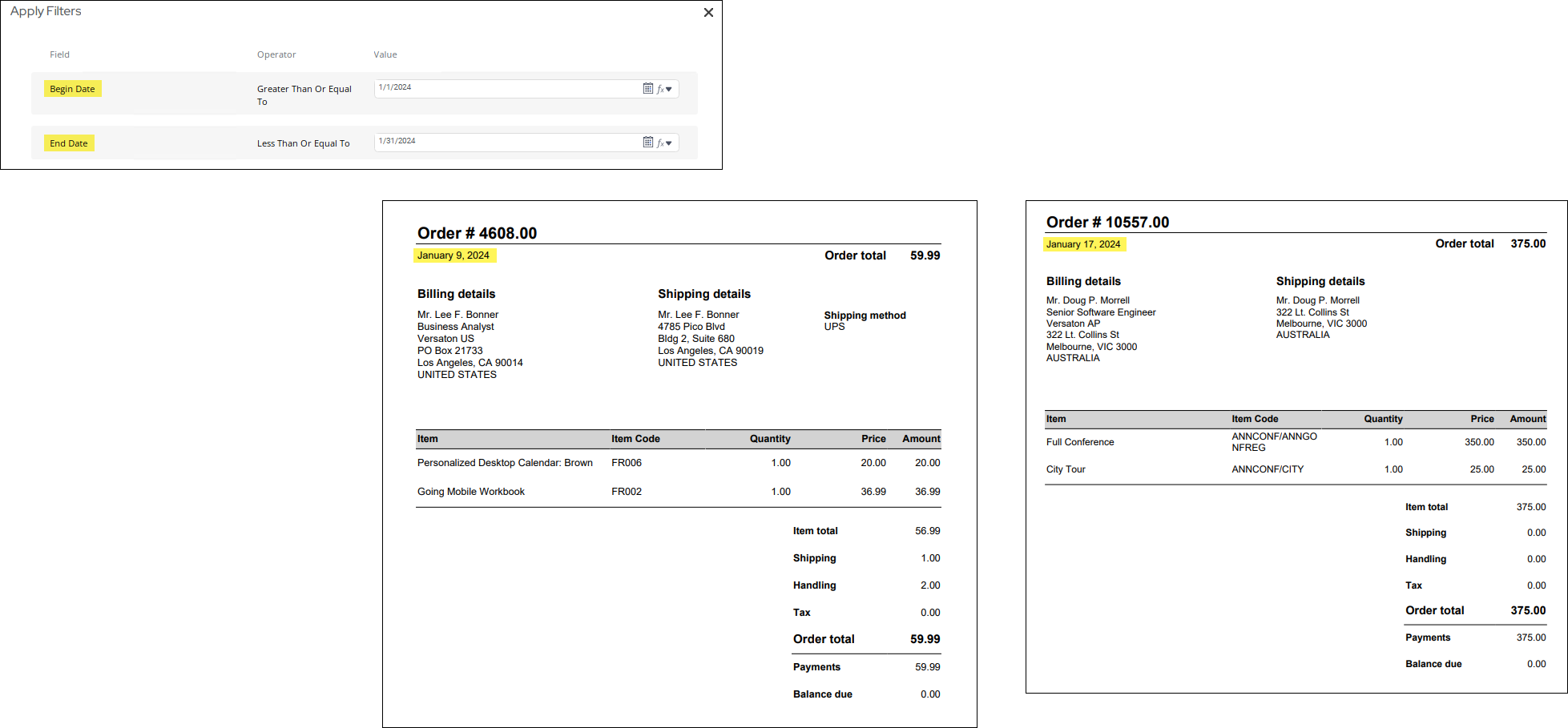
Print Orders By Date
Displays order details in a printer-friendly format.
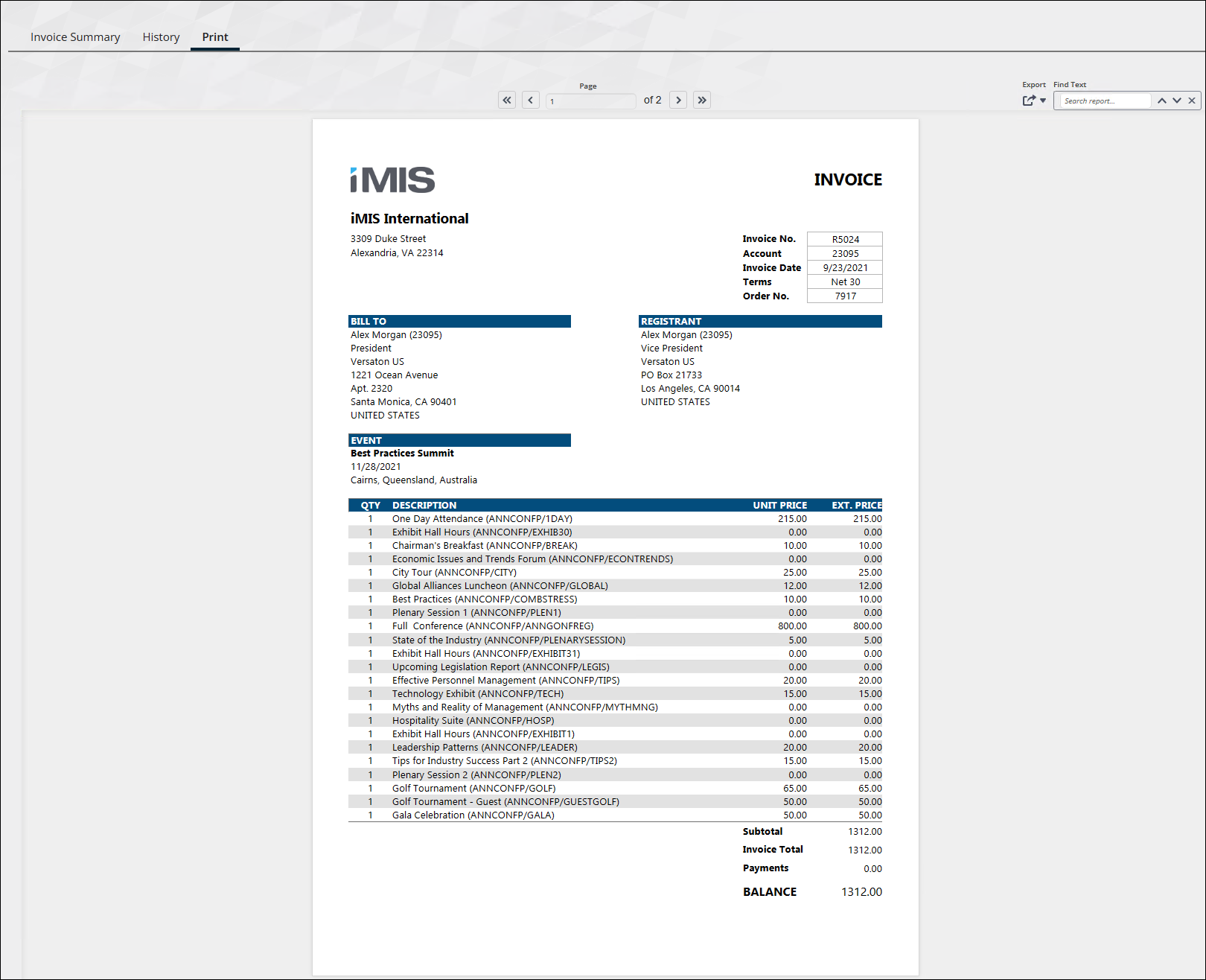
Print Selected Order Invoice
Prints order system invoices, including credit memos and debit memos. VAT information will appear if applicable. Intended for use in the Print tab of the Invoice detail screen (filtered to InvoiceId specified in the URL).
TipDo not run this report in Report Writer. To use this report on the Print tab, see Using Report Writer invoices on the Print tab of the invoice display.
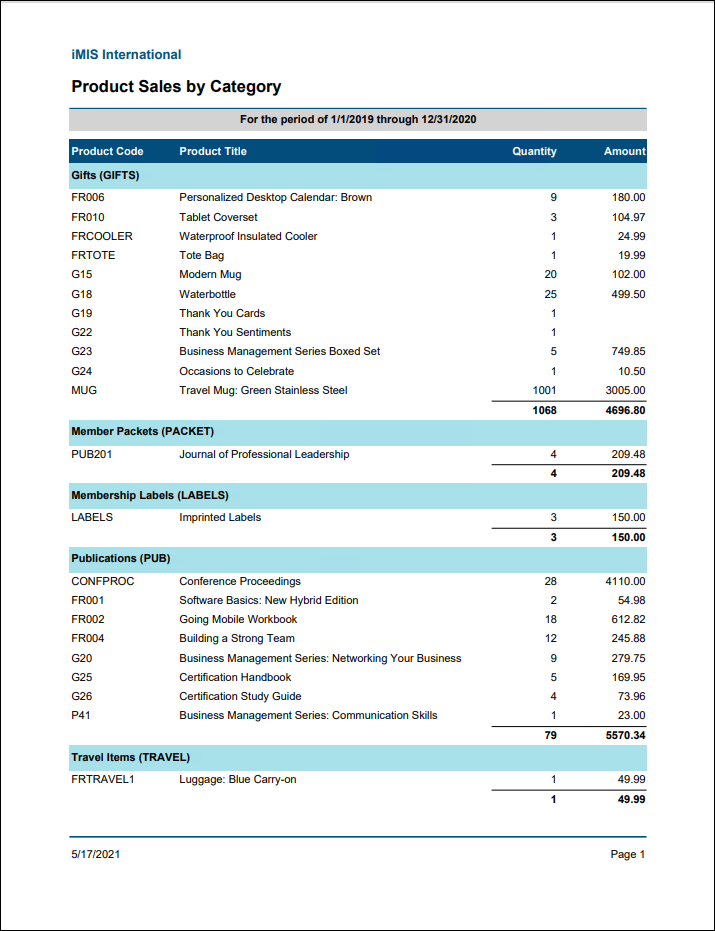
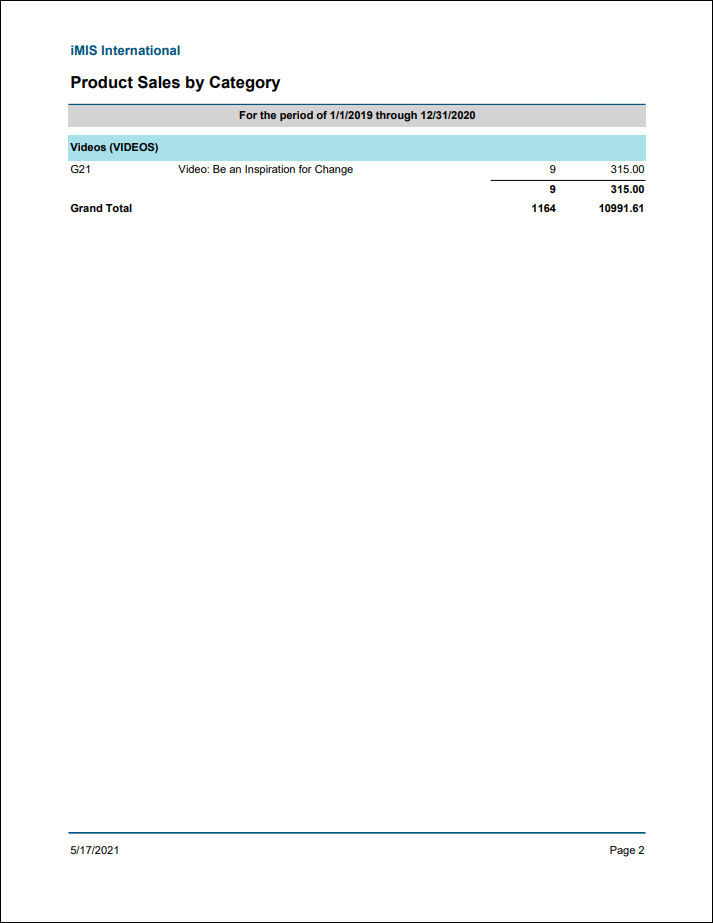
Product Sales by Category
List of order product sales grouped by category and then title within the date range specified. Includes only orders that have been ordered within the selected date range.
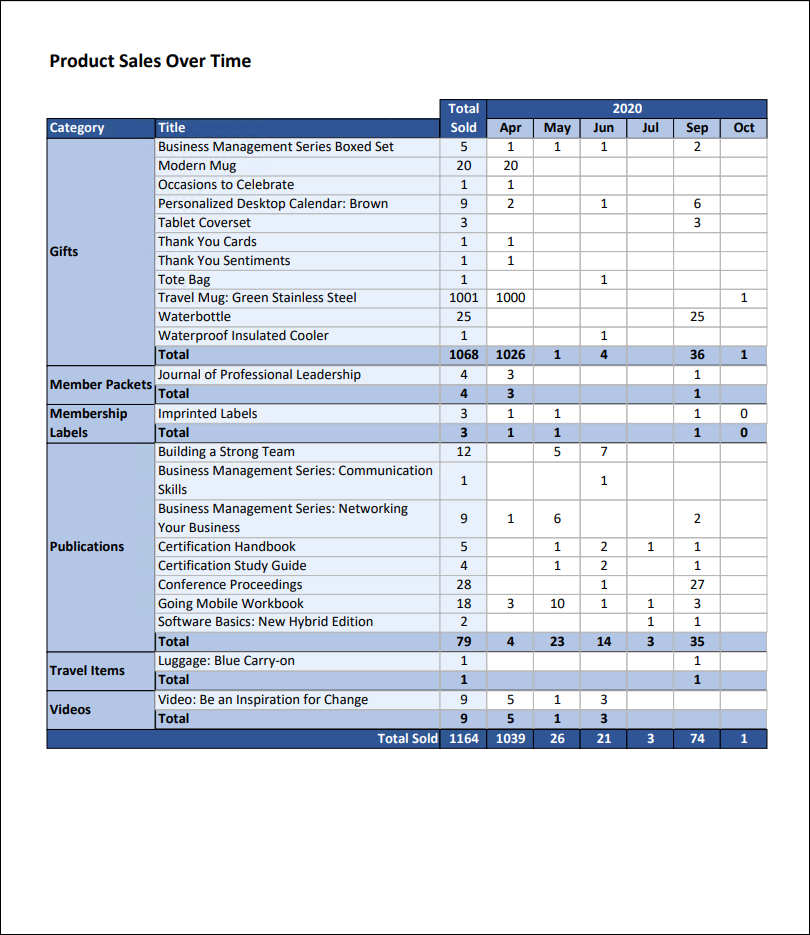
Product Sales Over Time
Cross tab report showing the quantity of products sold by category and month for the specified date range.
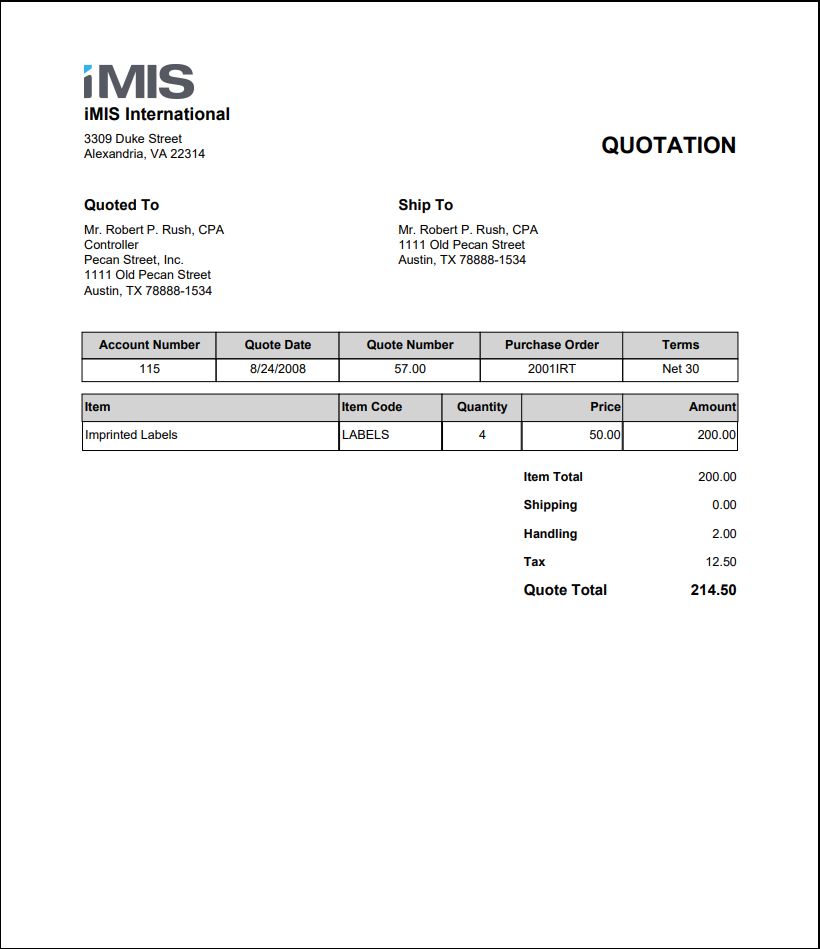
Pro-Forma Quotation
Prints a quotation for orders in the QUOTEREADY stage.
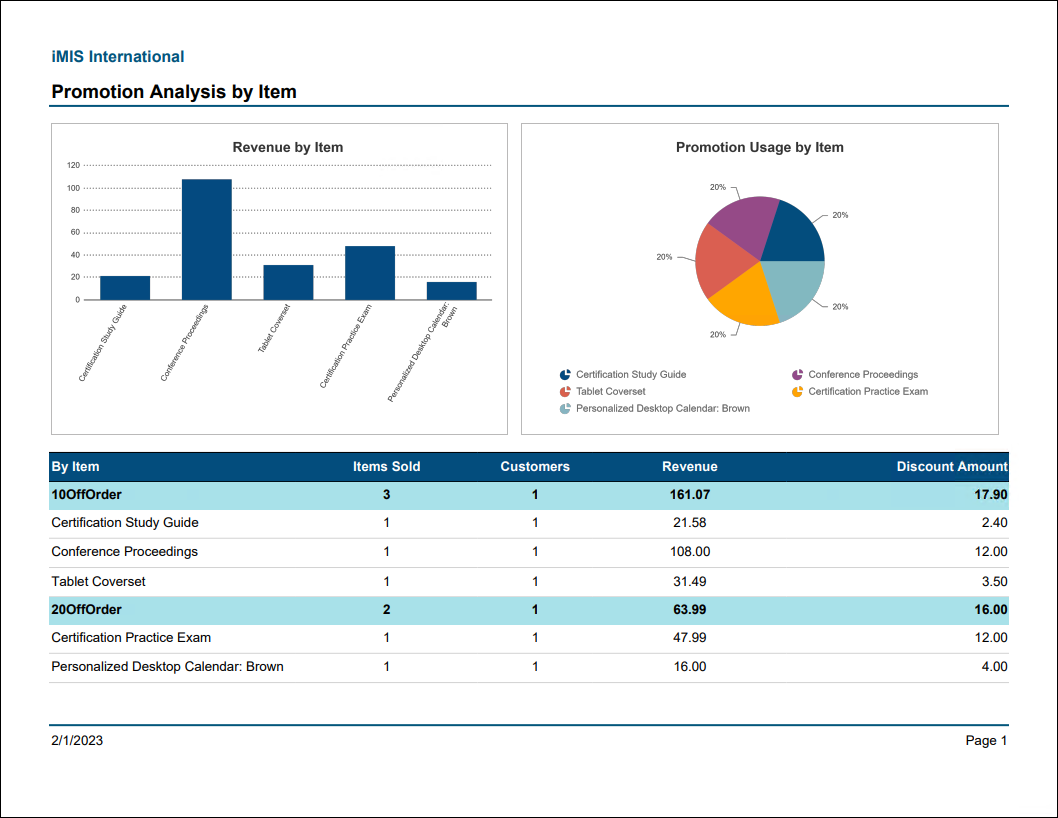
Promotion Analysis by Item
Comprehensive summary of promotions including revenue received by item, number of times used by item, and items purchased.
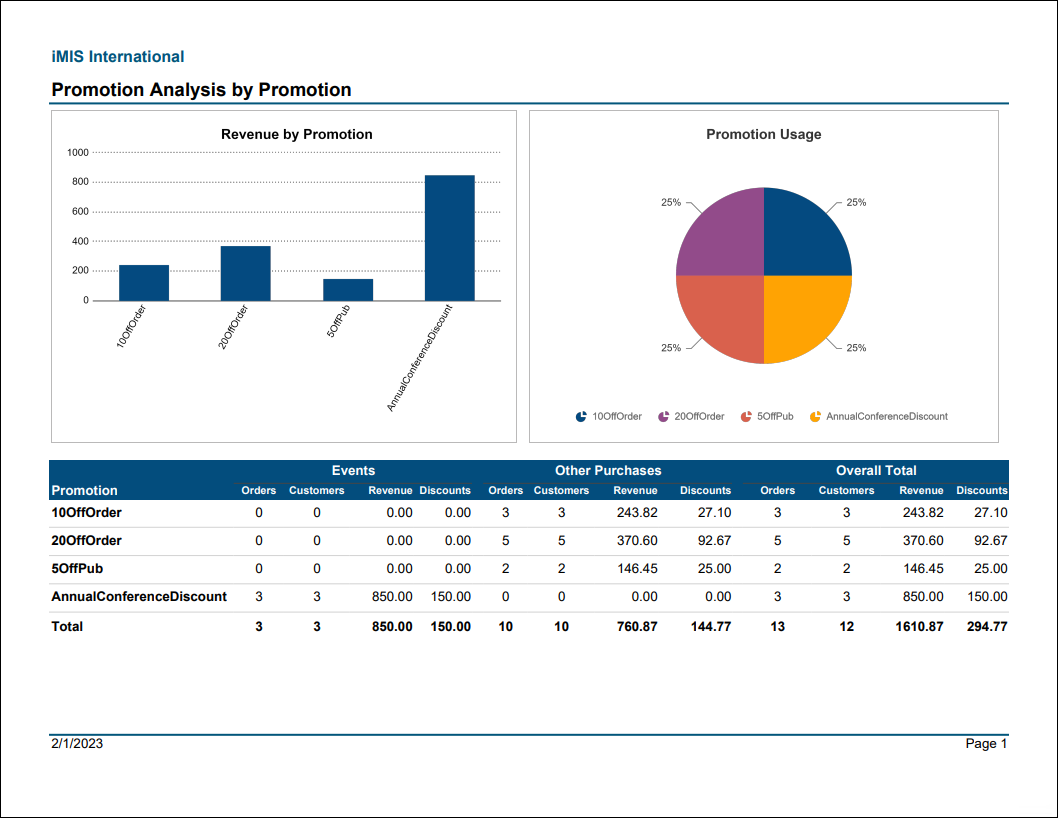
Promotion Analysis by Promotion
Comprehensive summary of promotions including revenue received by promotion and number of times used by promotion.
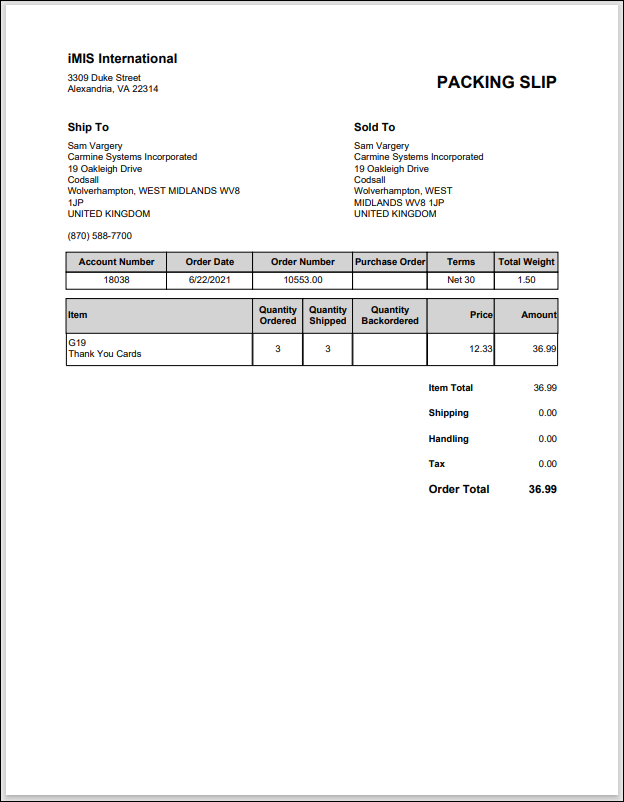
Shipping Paper
Prints a packing slip for the selected order.
Updated 25 days ago