

Advertising: Dashboard
To use the Advertising Dashboard, go to Advertising > Dashboard.
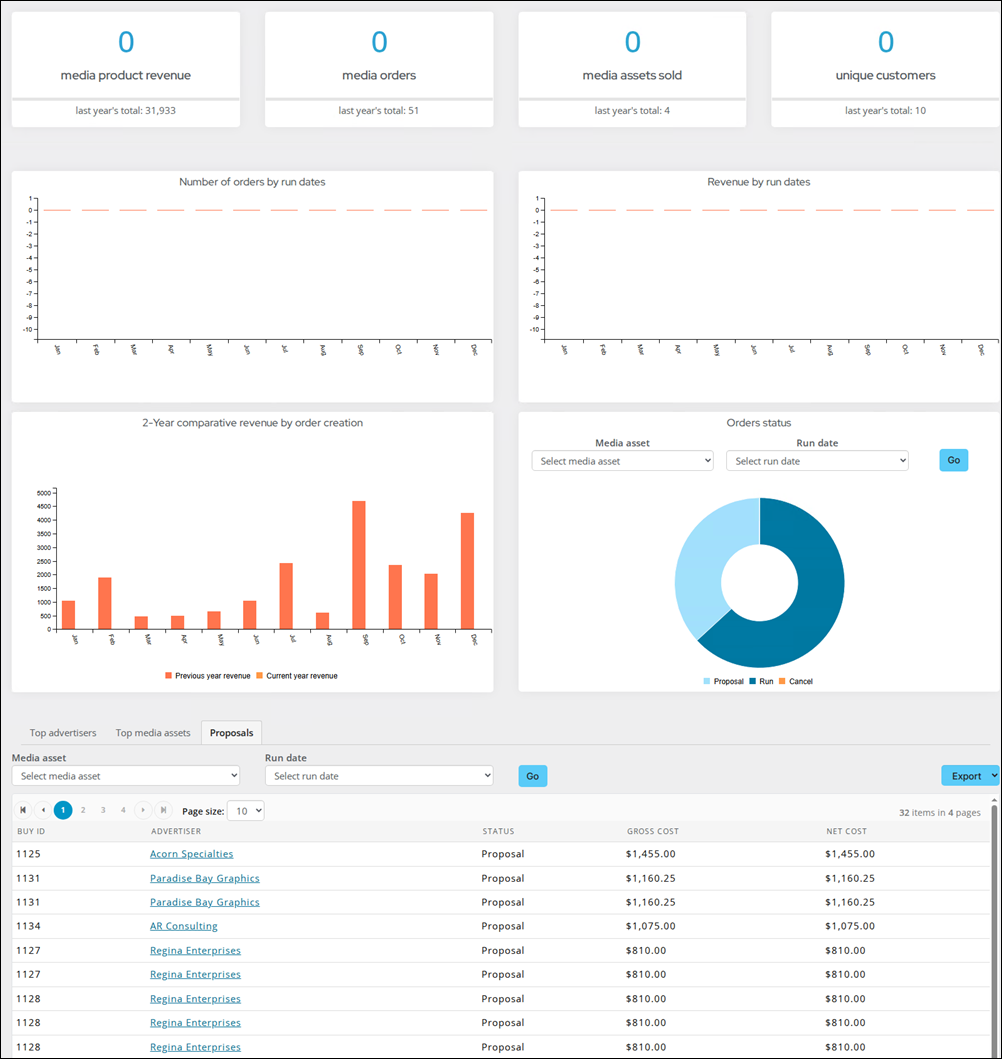
The following information can be found:
- Media product revenue
- Media orders
- Media assets sold
- Unique customers
- Number of orders by run date
- Revenue by run date
- 2-year comparative revenue by order creation
- Order status
- Top advertisers
- Top media assets
- Proposals
RiSE dashboard
A RiSE dashboard is also available that can be customized with queries, charts, or other information to meet organizational needs. This dashboard exists alongside the main Advertising dashboard, but needs to be activated to be available.
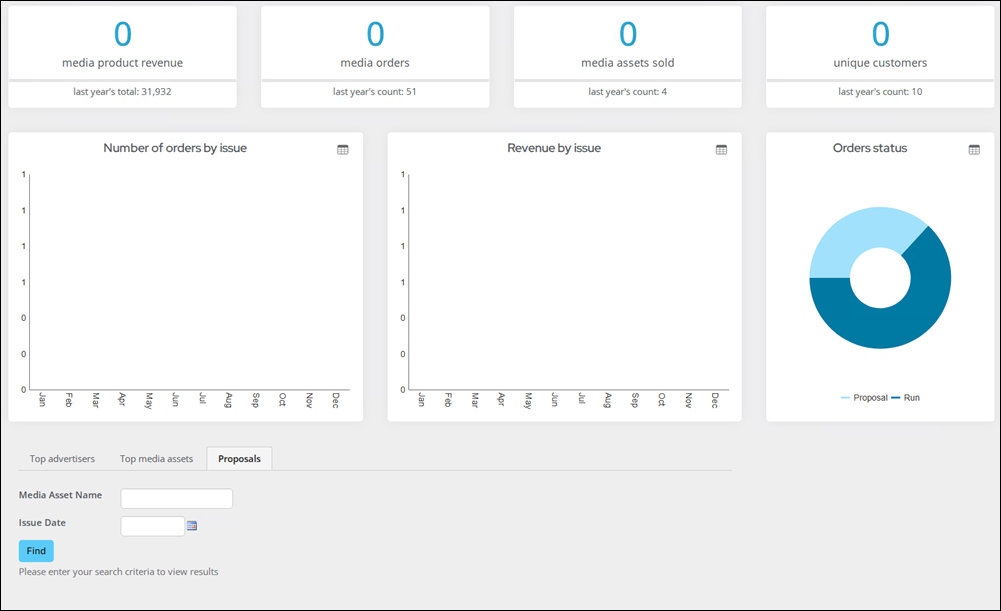
Do the following to activate the RiSE dashboard:
-
Go to RiSE > Site builder > Manage sitemaps.
-
From the drop-down, choose Staff.
-
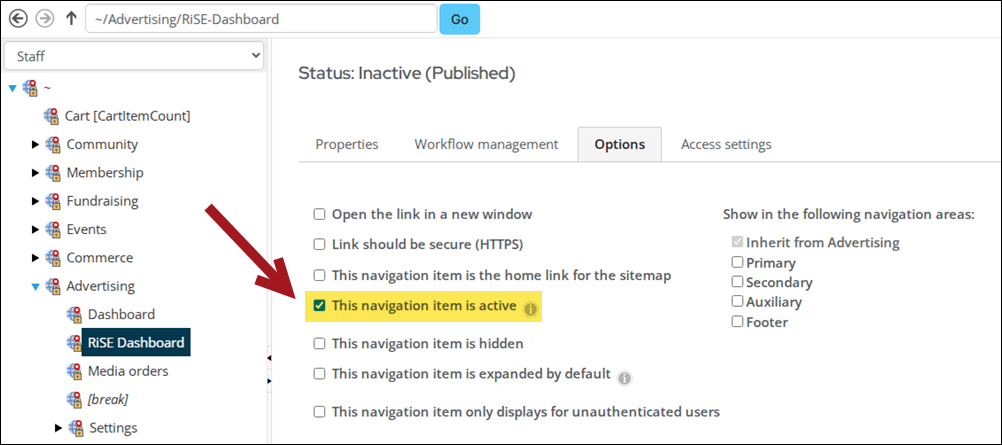
In the sitemap tree, go to Advertising > RiSE Dashboard.
-
Click the Options tab and enable This navigation item is active.
-
Click Save, then Publish.
-
Update the shortcut as needed. See Managing shortcuts.
-
Go to Advertising > RiSE Dashboard, then enable Easy Edit.
-
Select Open in Content Designer.
-
Make the desired changes, then click Save & Publish.
Updated 3 months ago