

Creating an event invoice for someone else to pay later
Access requiredTo perform this process, you must be a system administrator or a staff user with the OnBehalfOf role.
Staff users can create event invoices for a member so that they can pay it later. To create an event invoice for someone else, do the following:
-
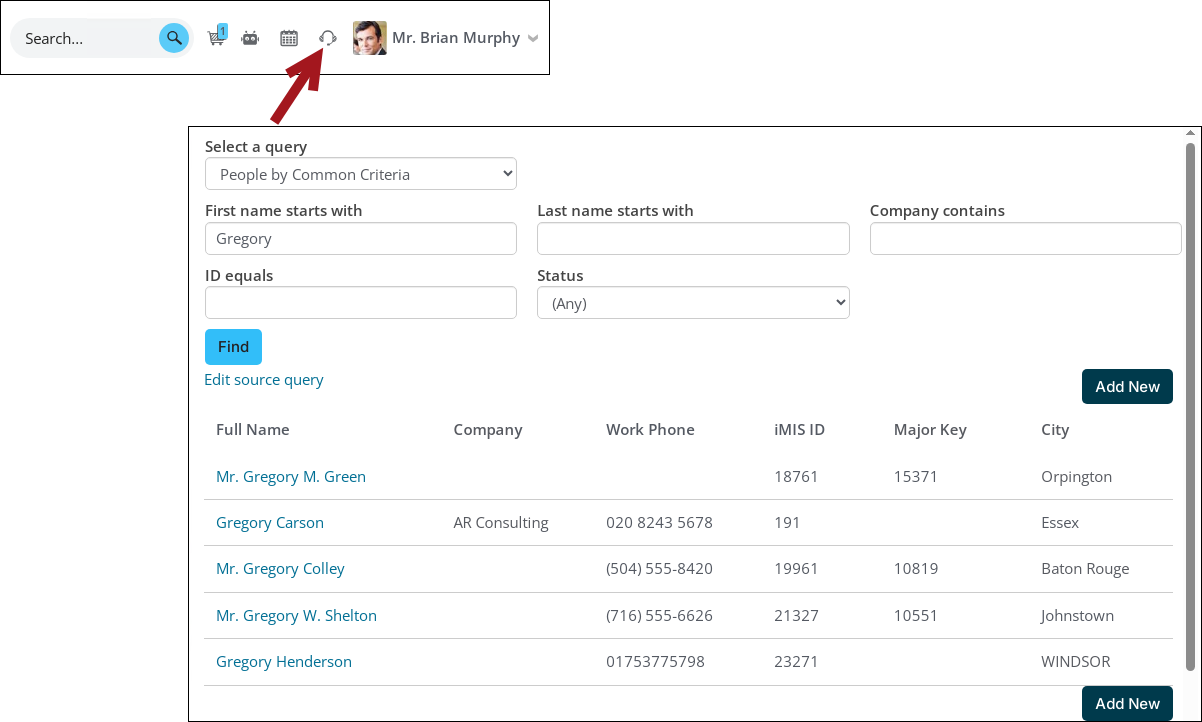
Click the On Behalf Of icon, then search for the member and begin working on behalf of them.
-
Navigate to the event.
-
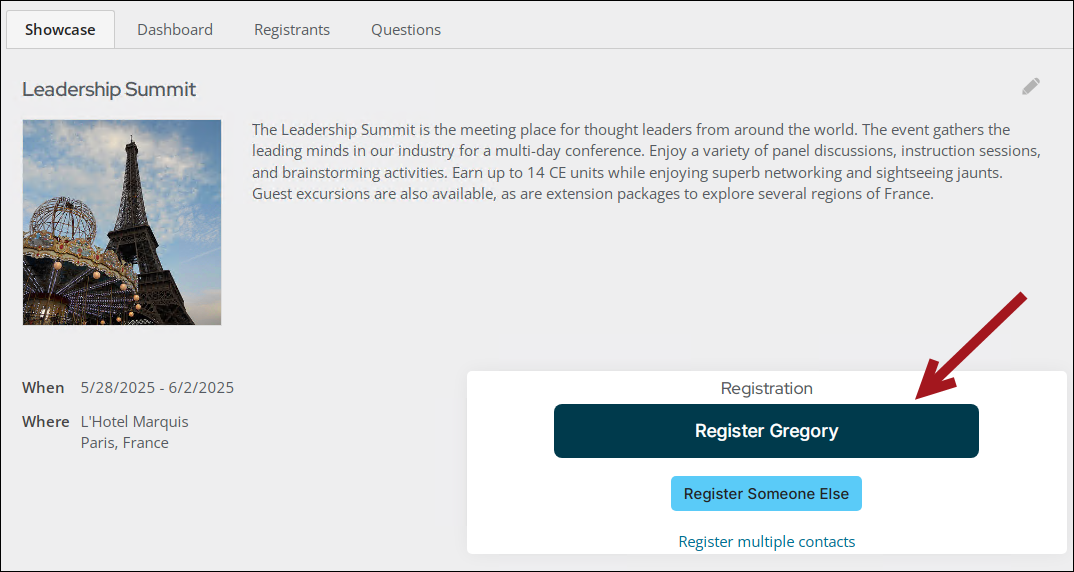
Click the Register button.
-
If there is more than one registration option defined, choose the registration option for the member.
-
If there are program items defined, choose the desired program items.
-
Click Check Out & Confirm Registration.
-
In the Cart, choose the Pay Later option. If you do not see the Pay Later option, see Adding the option to Pay Later.
-
If required, enter the PO number.
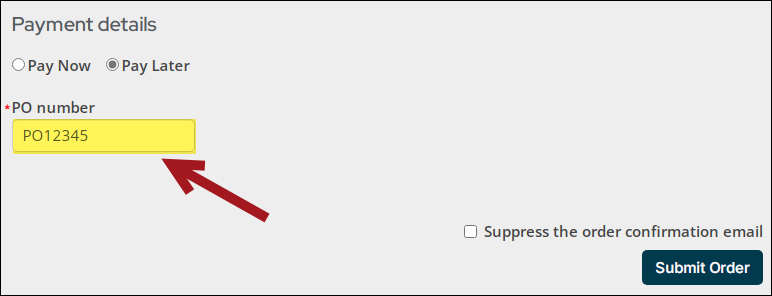
- Click Submit Order. The invoice now appears with an open balance on the member's account page. The member can login from the member-facing site (member portal) and pay the invoice themselves.
For more information, see the following articles:
Updated about 1 month ago