

Locating the query behind a report
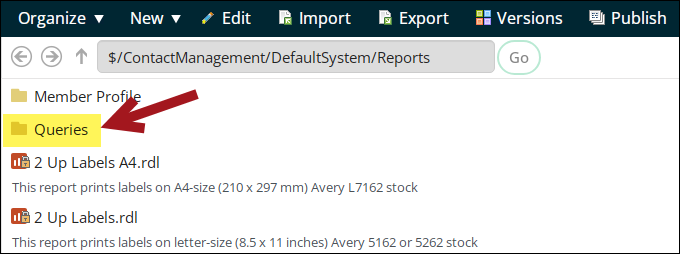
Some Reports navigation items contain a Queries folder. The Queries folder contains the queries behind the reports. Typically, the query will have the same name as the report.
To locate the query behind a report, do the following:
-
Go to Reports in the site navigation and select one of the reporting navigation items, such as Contact reports.
-
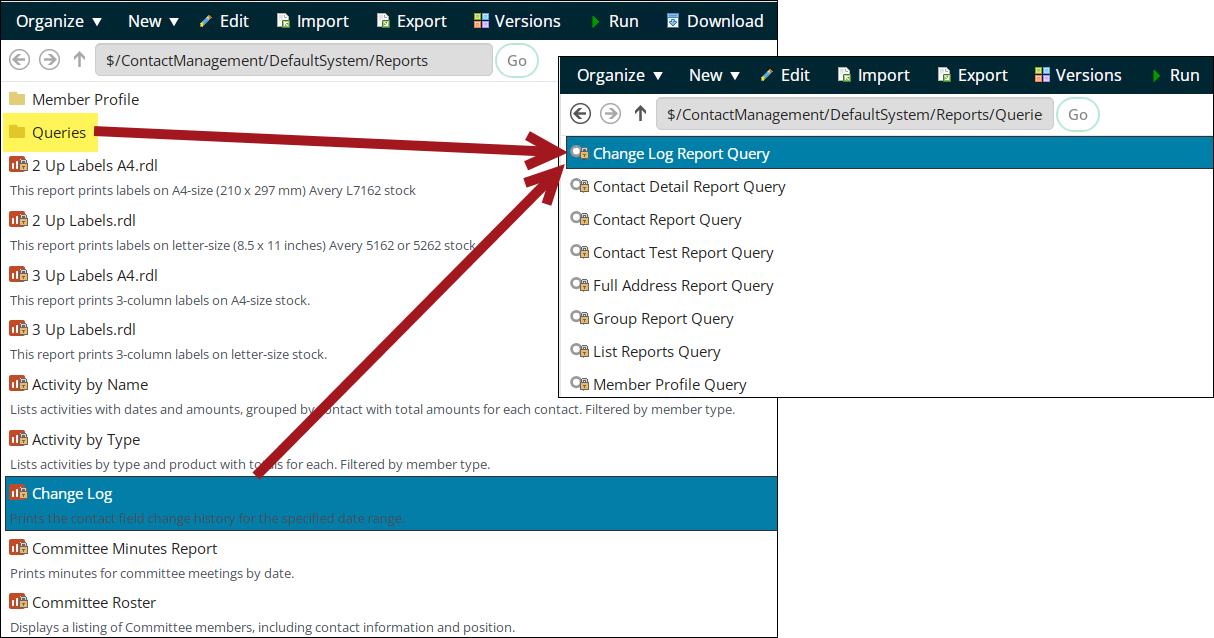
Open the Queries folder. If there is no Queries folder, then there is no query behind the report and the report is generated using SQL Server Reporting Services (SSRS) only.
- Select the query named after the report.
- Run the query.
Updated 20 days ago
Did this page help you?