

Adding notes during gift entry
Access requiredTo edit gift items to allow donors to enter notes, you must be a system administrator or a staff user with Fundraising: 5 module authorization.
Gifts can be configured to allow the donor or staff user to enter notes or details related to the donation. When Allow purchaser to enter details is enabled for a gift item, a multi line text box is available to donors and staff users that can be populated with notes prior to submitting the gift.
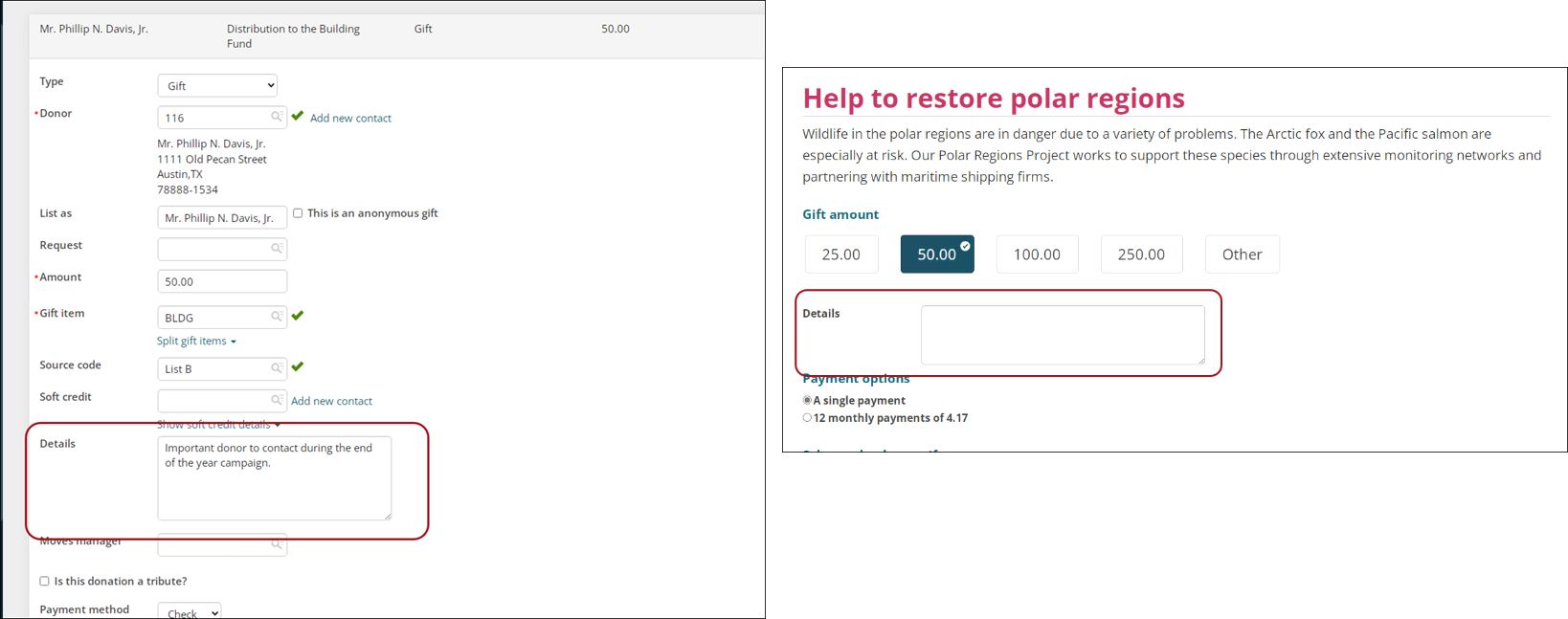
Allowing donor to enter notes
To allow donors to enter notes related to their donations, do the following:
-
Go to Fundraising > Find gift items.
-
Select the gift item.
-
Click the edit icon.

-
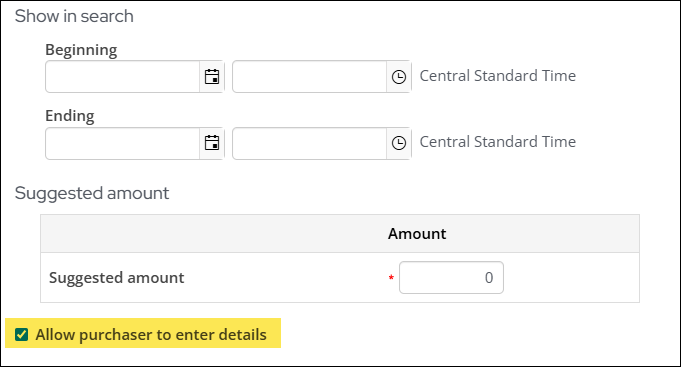
Enable the Allow purchaser to enter details checkbox.
- Click Save & Close.
- Repeat for each necessary gift item.
Reporting on gift notes
Use the Gift business object and Note property to report and review notes that are entered with donations.
Updated about 1 month ago