

Resending an order confirmation email
Do the following to resend the order confirmation email:
-
Navigate to the contact's account page.
-
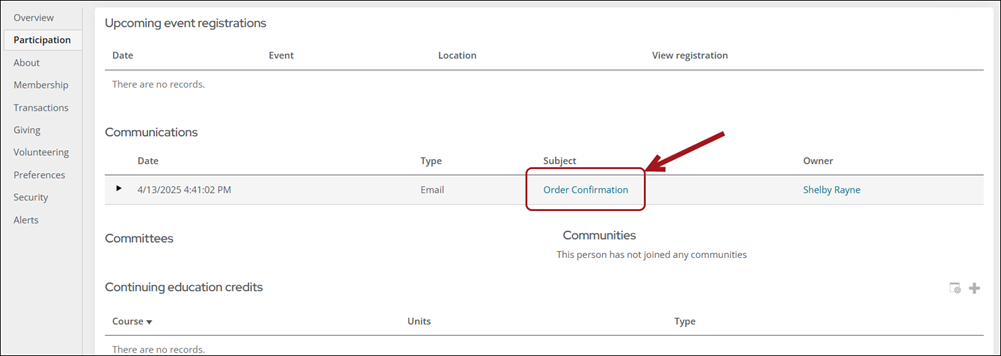
Click the Participation tab.
-
From the Communications area, locate the order confirmation email.
-
Select the Subject link.
-
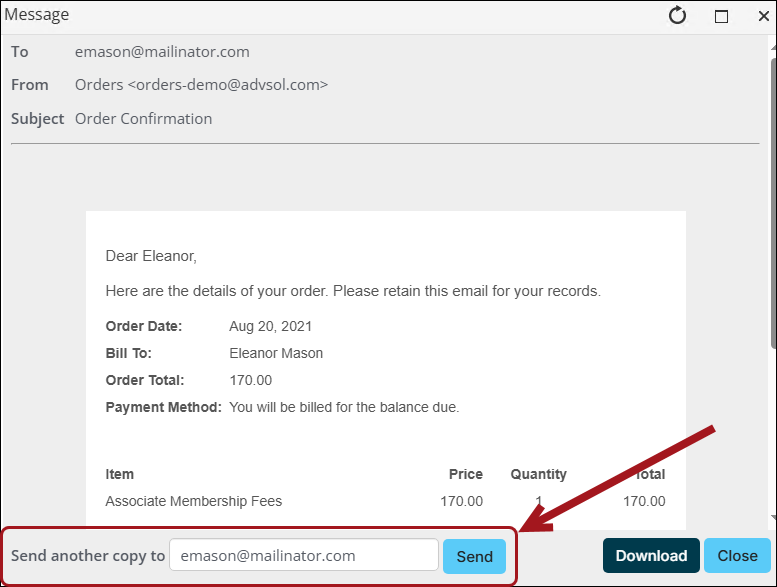
From the Message window, verify the email address is correct, then click Send.
Updated 5 months ago
Did this page help you?