

Overriding shipping and handling charges
Access requiredTo override shipping and handling, you must be a system administrator or a staff user with the OnBehalfOf role.
Manually override shipping and/or handling charges for customers directly from their cart.
NotePublic users will not see shipping or handling line items in the cart if the product is a non-inventory (virtual) item or if shipping and handling charges are not defined for an inventory item.
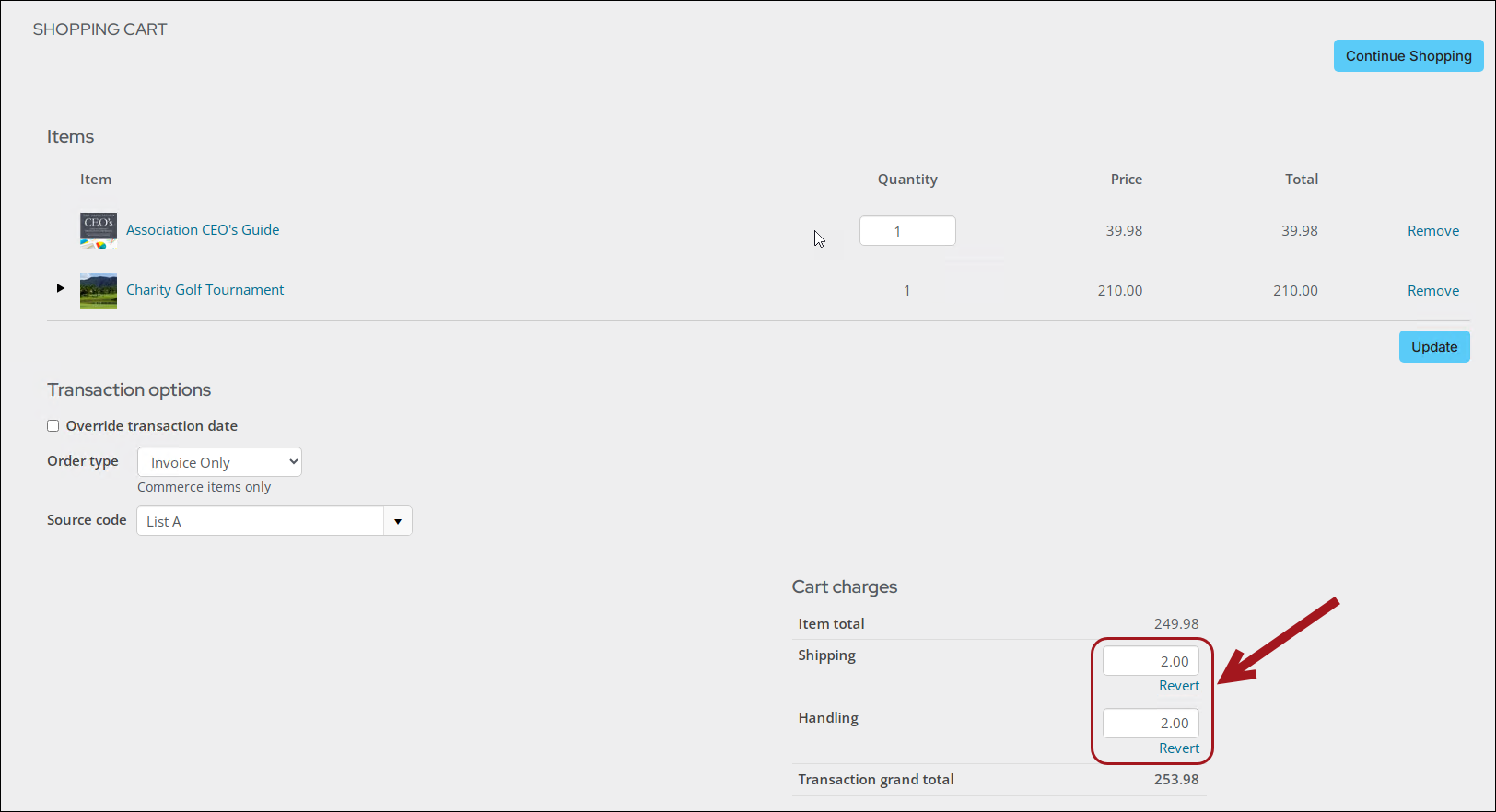
Do the following to override shipping and handling charges:
- Go On behalf of a customer.
- Add the desired items to the customer’s cart. At least one item must be a commerce item for the shipping and handling charges to be overridden.
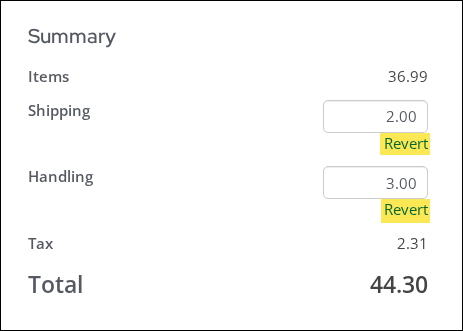
- Under Summary, manually input new shipping and/or handling amounts.
-
Select Revert to undo the shipping and/or handling changes and return them to the original amounts.
- Add the payment details, then click Submit Order.
Updated about 1 month ago
Did this page help you?