

General lookup tables
iMIS enables you to create and manage general lookup tables for use with several fields, such as drop-downs.
To get started, do the following:
-
Go to Settings > General look up tables.
-
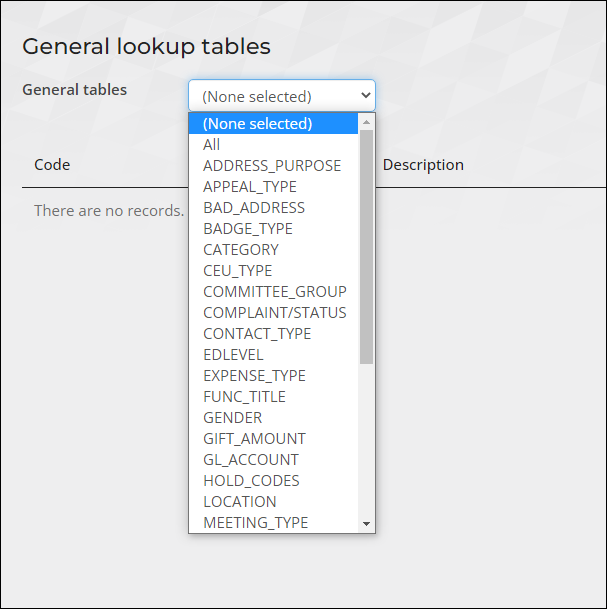
From the General tables drop-down, do one of the following:
- Choose a specific table to view the related data.
- Choose All to review the data in all of the tables.
-
If the table you need is not in the list, you may need to add it. To understand all available tables, see iMIS tables.
Updated about 1 month ago
Did this page help you?