

Report Writer: Finance Reports
Access requiredTo access the Report Writer, you must be a system administrator or a staff user in the Reporting Users Full Control security group.
The following are out-of-the-box reports created with Report Writer.
In addition, any sample report can be duplicated and tailored to your organizations needs. This can be accomplished by using a Template. See Creating an Advanced Report based on a template for more information.
To find these reports, go to Reports > Report Writer.
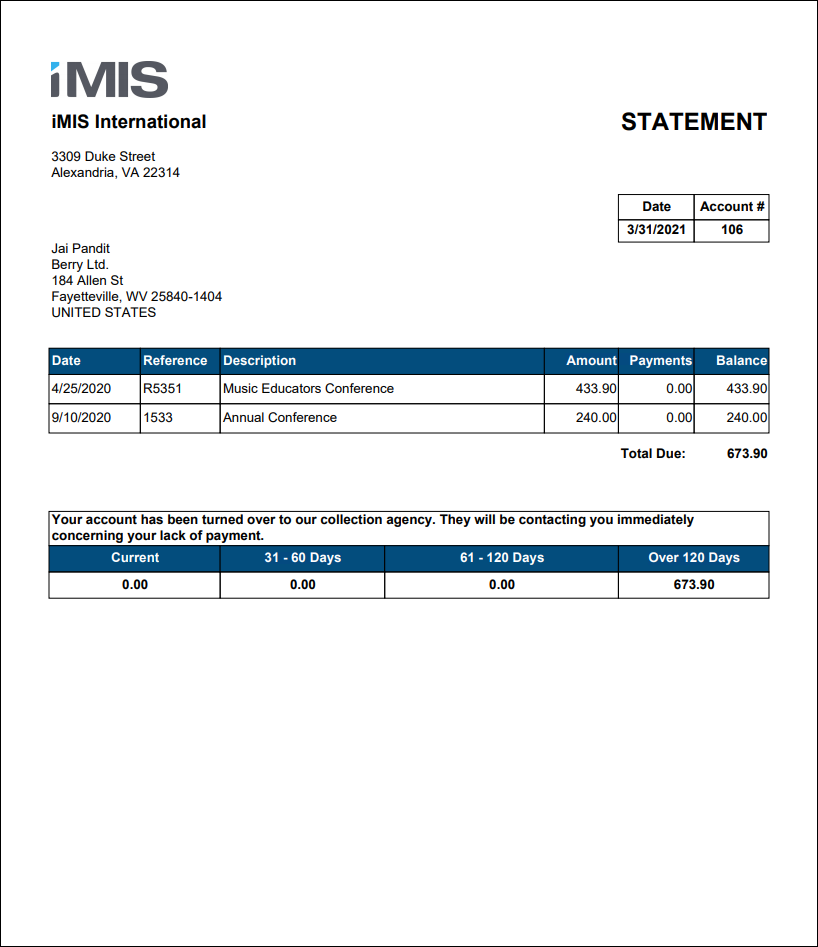
Account Statement
A statement of a contact's outstanding invoice balances. This report excludes invoices with zero balances, future dates (i.e. pledges), AutoPay invoices, and invoices using the Cash accounting method.
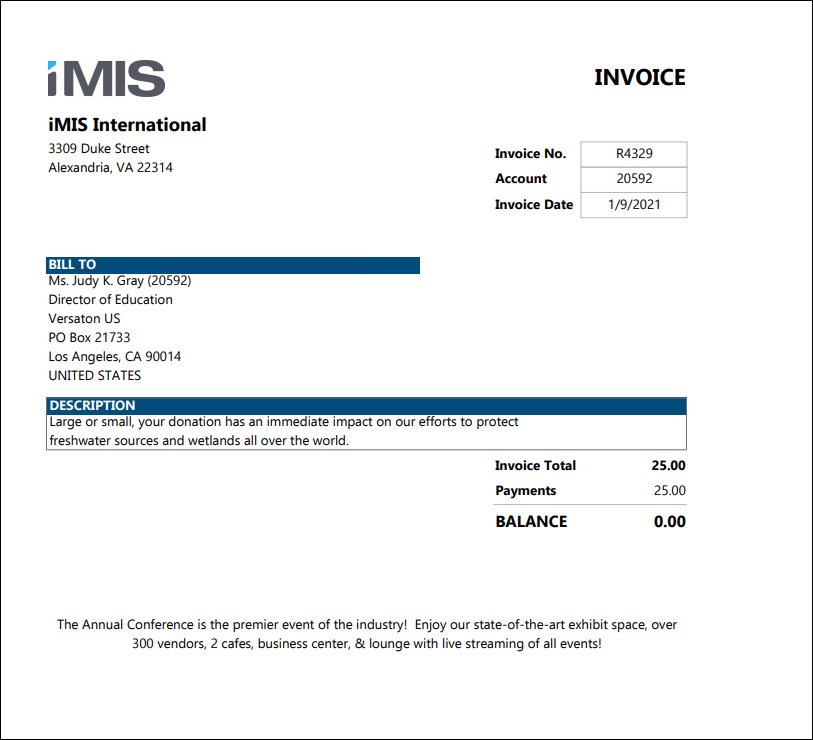
Invoice Attachment
The Invoice Attachment report can be used as an attachment in a communication template with with any recipient query that has an Invoice Number display column.
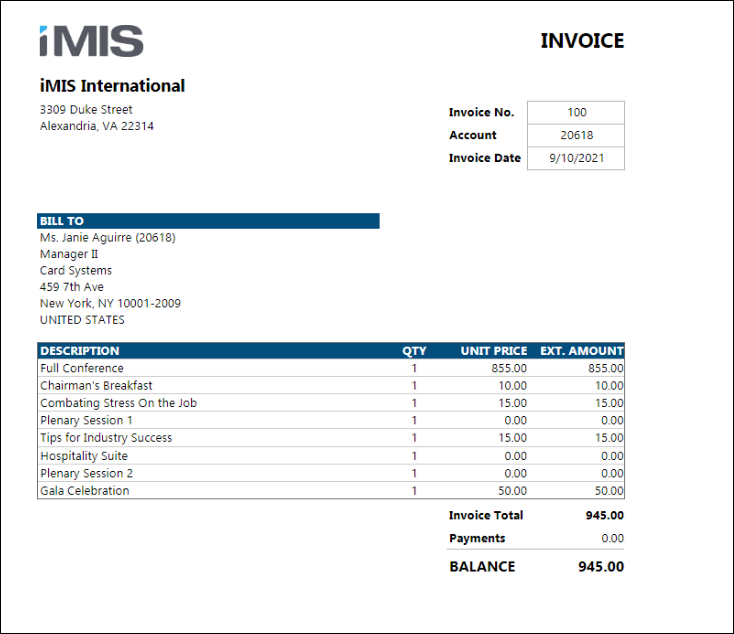
Invoice Detail
Default invoice report, intended for use with Membership (DUES) and Fundraising (FR) invoices. Displays invoice details without any special formatting for events, orders, or taxation. Can be filtered by invoice date, invoice number, bill to contact, or open balance amount.
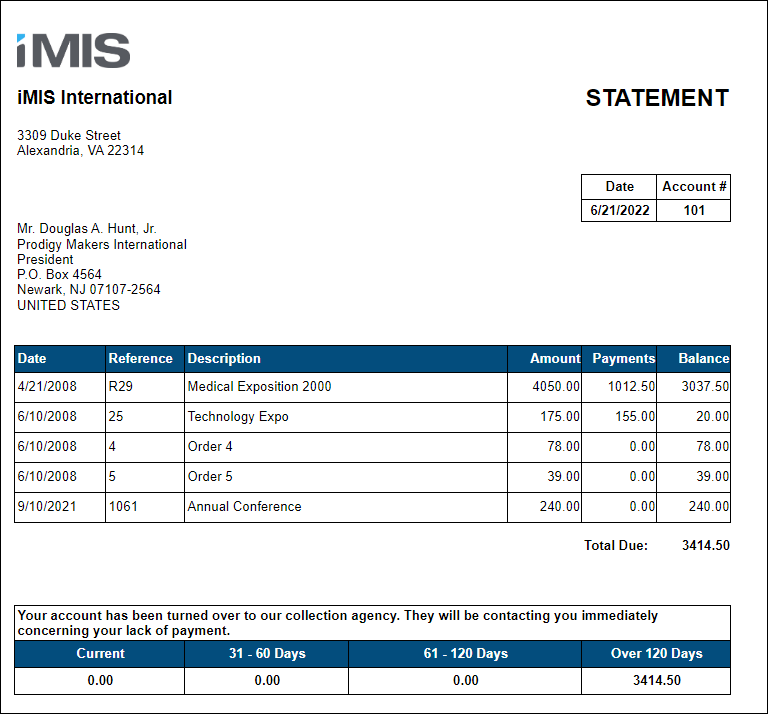
Account Statement Attachment
A statement of a contact's outstanding invoice balances attached to a communication template. This report excludes invoices with zero balances, future dates (for example, pledges), AutoPay invoices, and invoices using the Cash accounting method.
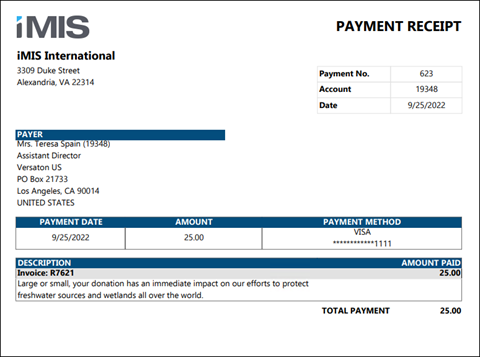
Payment Receipt
Payment detail report that displays information about the specified payment and what it was applied to. Excludes payments that are pending, reversed, voided, or fully refunded.
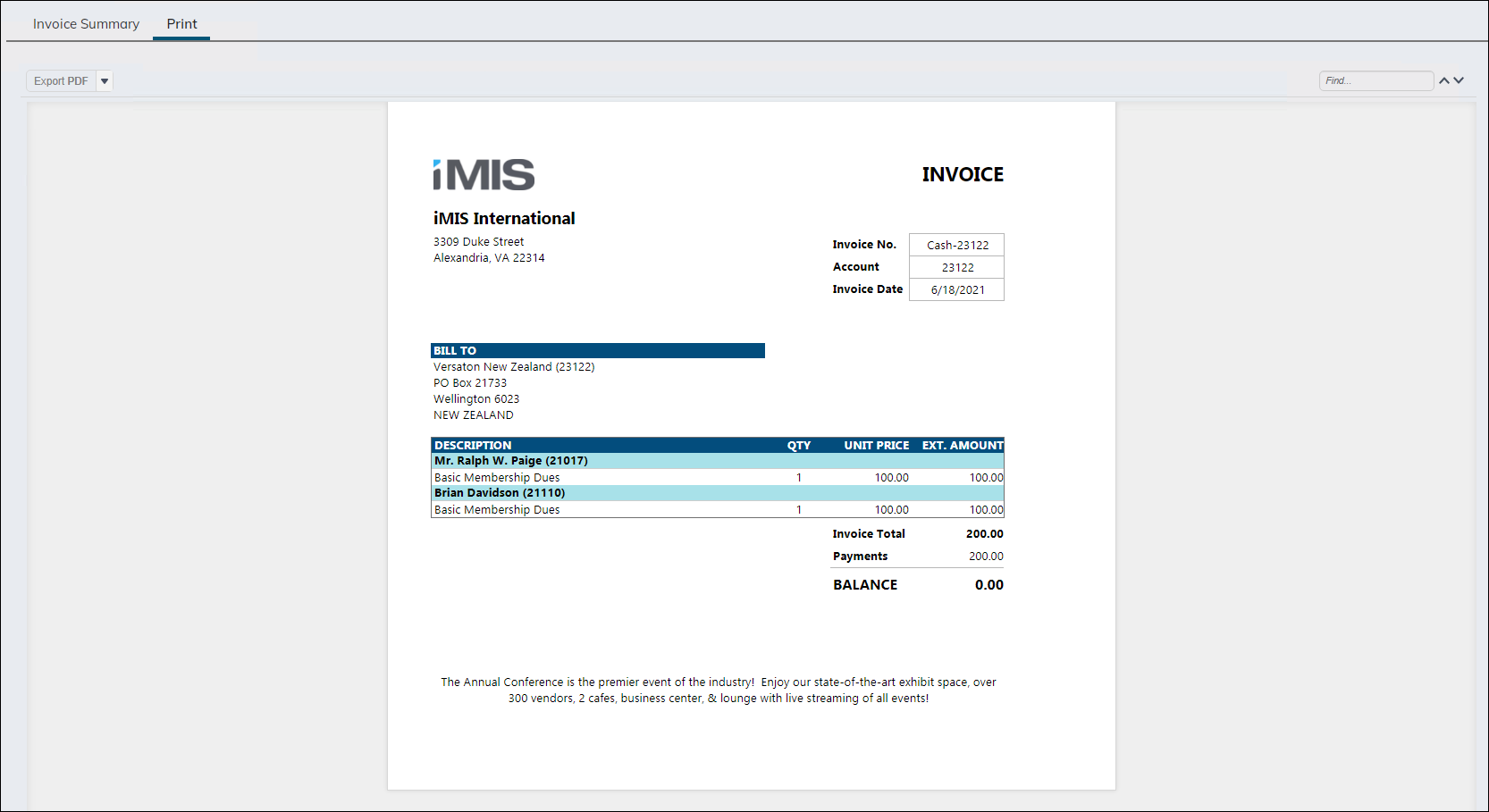
Print Selected Invoice Detail
Default invoice report, intended for use with Membership (DUES) and Fundraising (FR) invoices. Displays invoice details without any special formatting for events, orders, or taxation. Intended for use in the Print tab of the Invoice detail screen (filtered to InvoiceId specified in the URL).
TipDo not run this report in Report Writer. To use this report on the Print tab, see Using Report Writer invoices on the Print tab of the invoice display.
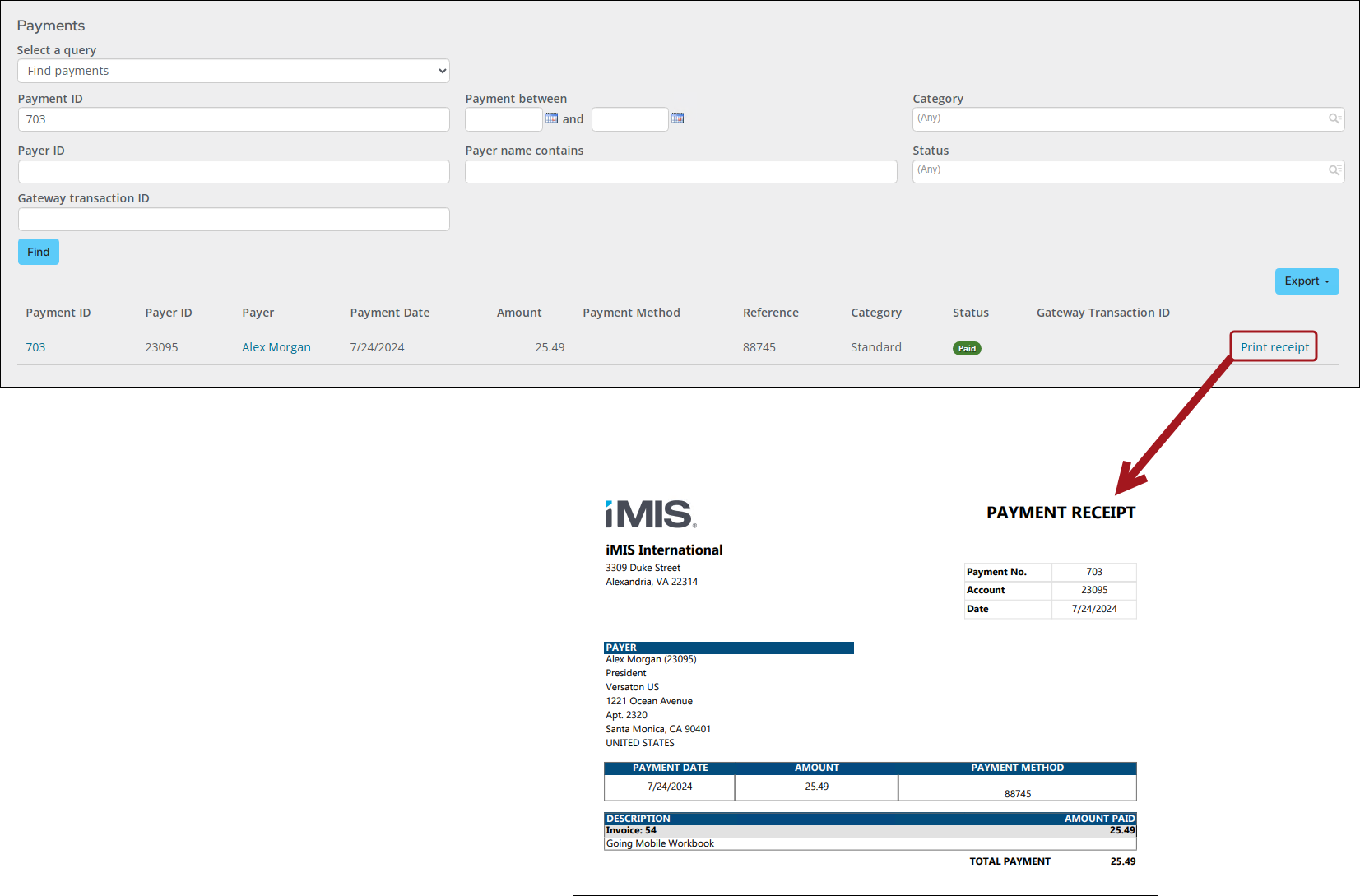
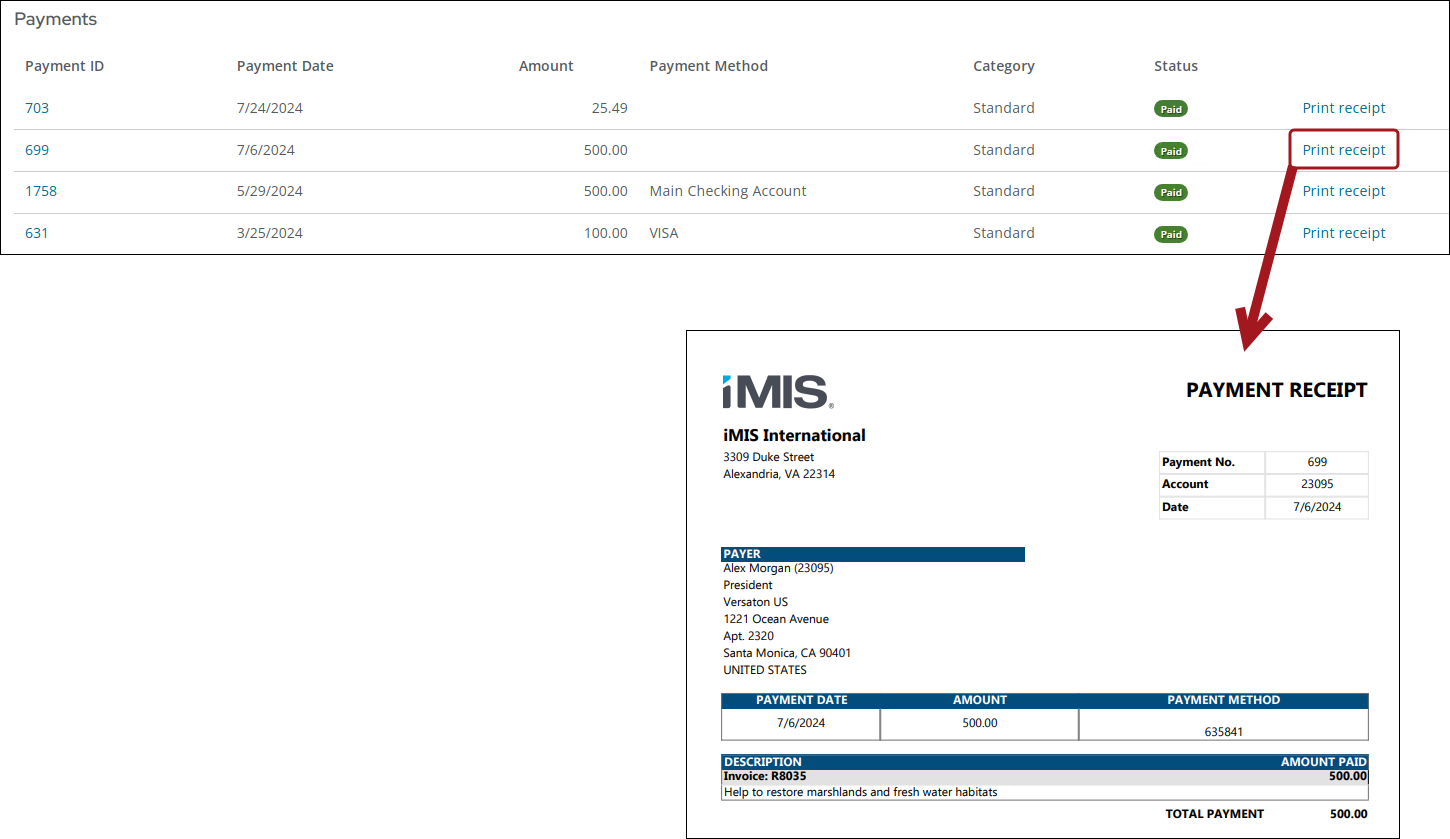
Print Selected Payment Receipt
Payment detail report that displays information about the specified payment and what it was applied to. Excludes payments that are pending, reversed, voided, or fully refunded. Intended to be used from a location where a specific payment ID is passed in the URL.
Do not run this report in Report Writer. To run this report, navigate to one of the following locations:
- Transactions tab on staff account pages in the Payments section
- Transactions tab on public user account pages in the Payments section
- Finance > Pay Central > Find payments using the Find Payments query
To use a custom version of this report in the above locations, see Creating and using a custom payment receipt.
From the Find payments query:
From the Staff account pages (Transactions tab):
Updated 25 days ago