

Data retention settings
The Data retention settings page allows system administrators to define how long iMIS retains specific categories of data before removing it. Configuring these settings helps keep iMIS clean, supports compliance with legal and organizational data retention policies, and reduces storage overhead over time.
To update these settings, go to Settings > Data retention.
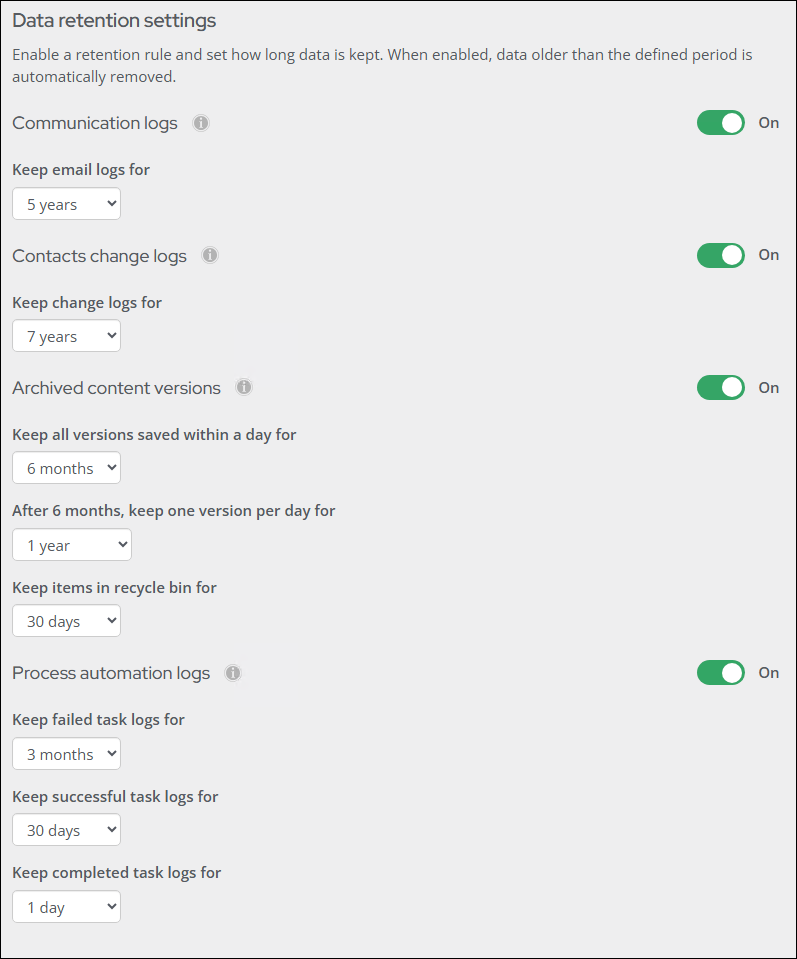
Communication logs
Communication logs track emails, calls, and notes linked to a contact to support interaction history. Transactional emails in iMIS, including receipts, billing notices, order confirmations, and shipping emails, are kept indefinitely and are excluded from this retention rule.
Keep email logs for - Configures how long communication log entries are retained before being removed. Retention periods include the following:
- 3 months
- 6 months
- 1 year
- 2 years
- 3 years
- 5 years (default)
- 7 years

See Communication logs.
Contacts change logs
Change logs record updates to a contact's details by capturing what changed, when it changed, and who made the change, supporting audits, troubleshooting, and data integrity.
- Keep change logs for - Sets how long contact change log entries are retained before being removed. Retention periods include the following:
- 3 months
- 6 months
- 1 year
- 2 years
- 3 years
- 5 years
- 7 years (default)

Archived content versions
Archived content versions include previously saved versions of navigation items, RiSE pages and folders, community posts, website properties, and business objects in iMIS. This also includes items in the recycle bin, where deleted content is temporarily stored so it can be restored if needed.
-
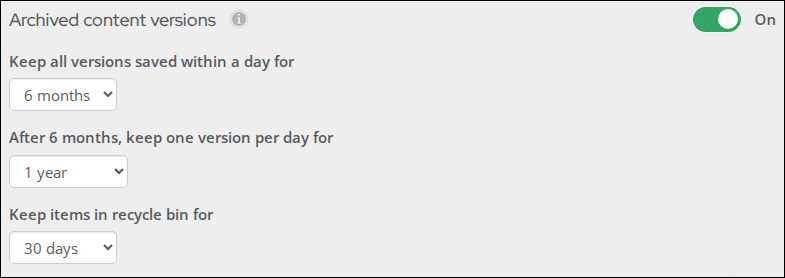
Keep all versions saved within a day for - Sets the period during which all saved versions of a content record are retained in full. Within this window, every individual save is preserved. Retention periods include the following:
- 30 days
- 3 months
- 6 months (default)
- 1 year
- 2 years
- 3 years
-
After 30, keep one version per day for - Sets how long a single daily version is retained after the full-version window has elapsed. After this period expires, archived versions older than the combined total of both fields are removed. Retention periods include the following:
- 30 days
- 3 months
- 6 months
- 1 year (default)
- 2 years
- 3 years
- 5 years
- 7 years
- Indefinitely
-
Keep items in recycle bin for - Configures how long deleted content items remain in the recycle bin before being permanently removed. Retention periods include the following:
- 30 days (default)
- 3 months
- 6 months
- 1 year
Process automation logs
Process automation logs record the activity and outcomes of automated processes, including when they ran, what actions were performed, and whether any errors occurred.
NoteRetention periods for Process automation data retention include 1 day, 14 days, 30 days, or 3 months.
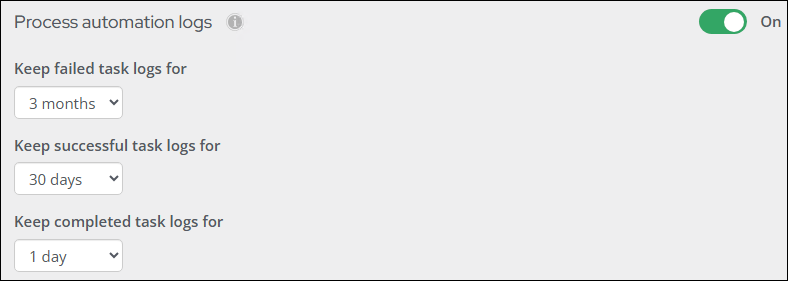
- Keep failed task logs for - Configures how long logs for failed process automation tasks are retained. The default retention period is 3 months.
- Keep successful task logs for - Configures how long logs for successful process automation tasks are retained. The default retention period is 30 days.
- Keep completed task logs for - Configures how long logs for completed process automation tasks are retained. The default retention period is 1 day.
Updated about 1 month ago