

Renewing memberships
This article outlines the process of renewing memberships using the Renew Now button. The Renew Now button appears on member account pages once the members have been billed for renewal. For more information on generating renewal bills, see Billing for membership fees.

Members see the Renew Now button on their account page after renewals are successfully generated.
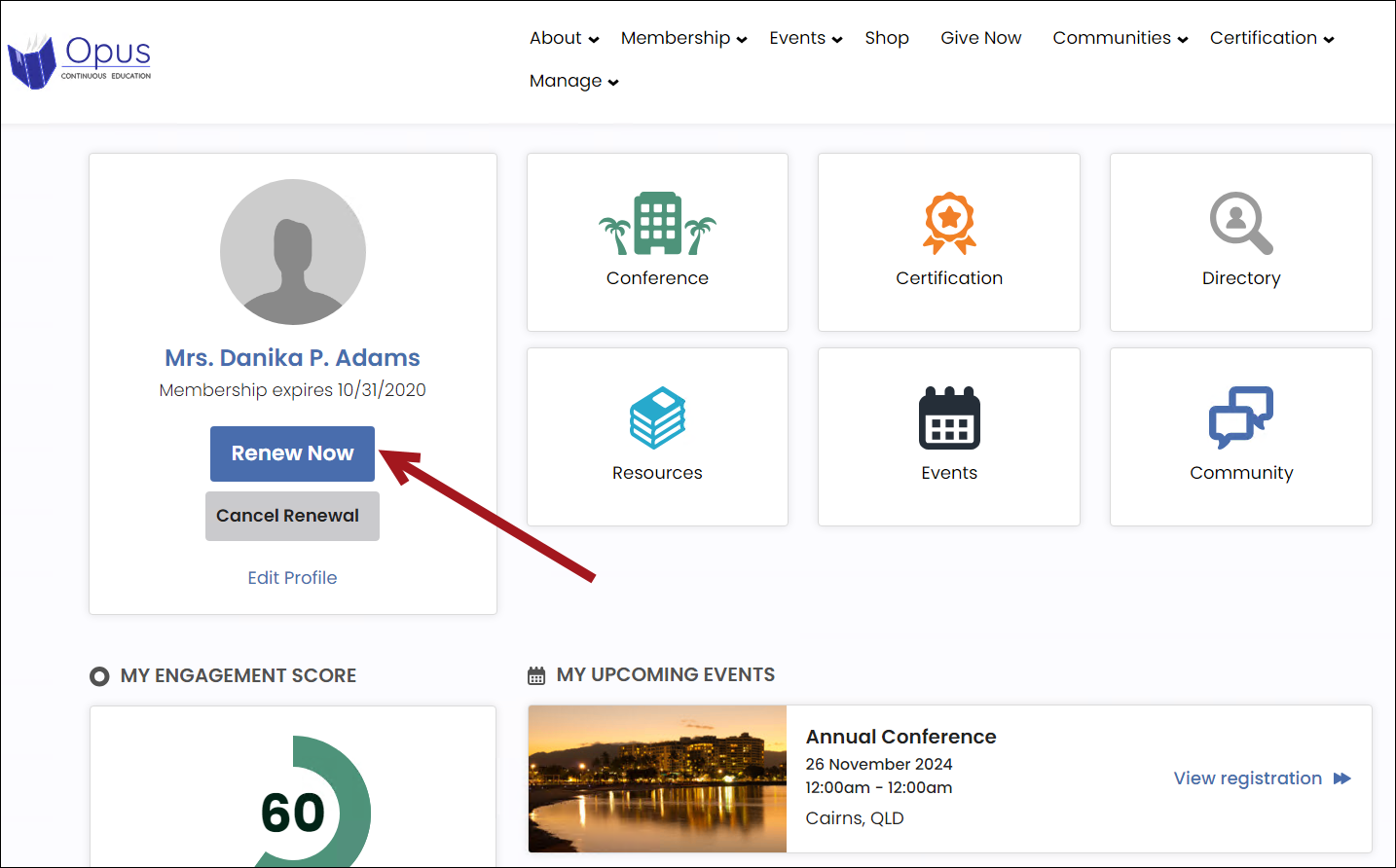
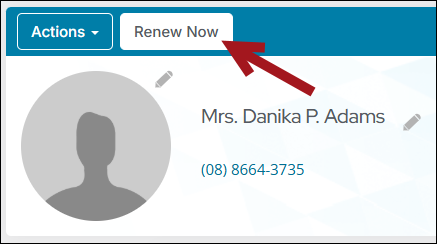
Staff users also see the member’s Renew Now button on the member’s account page.
The Renew Now button can also be found on the Join Now pages.
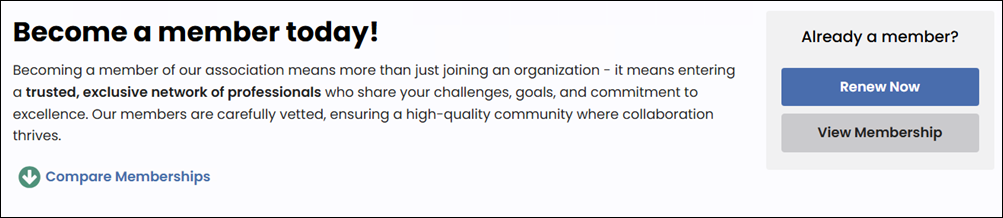
The member or staff user can process the renewal using the Renew Now button. The following outlines the process a member uses to renew their membership themselves using the Renew Now button:
After the renewal invoice is paid
The following changes occur after the member’s renewal is paid for and the transaction is processed:
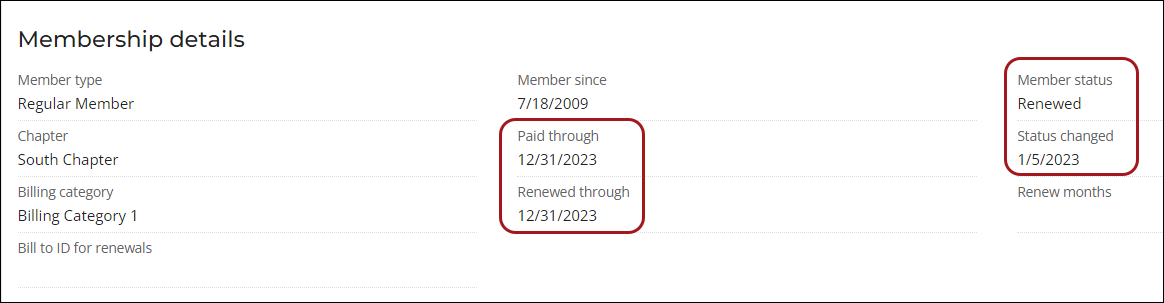
- The Paid through date is advanced to match the Renewed through date.
- The Member status is set to Renewed.
- The Status changed date is set to the date when the member status was changed.
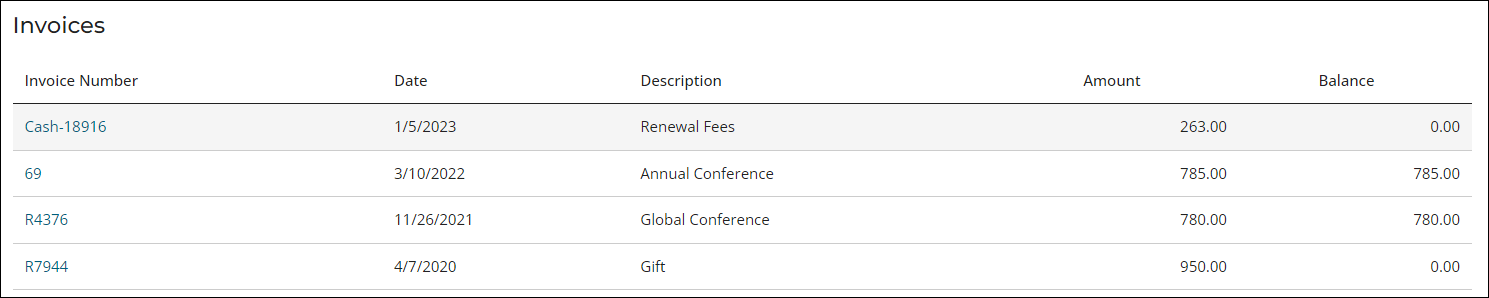
From the Transactions tab, the invoice has moved from the Open invoices section to the Invoices section. From the Invoices section, the invoice is shown as paid with a zero-amount balance.
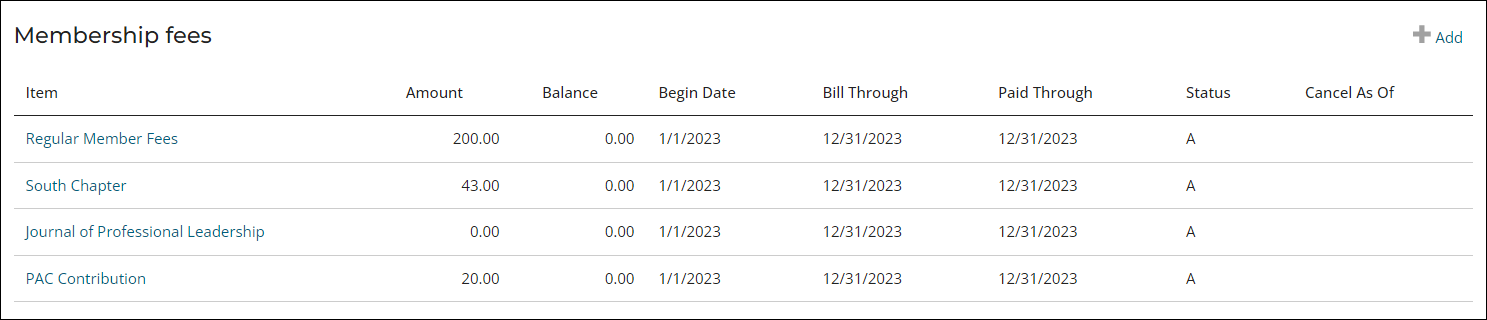
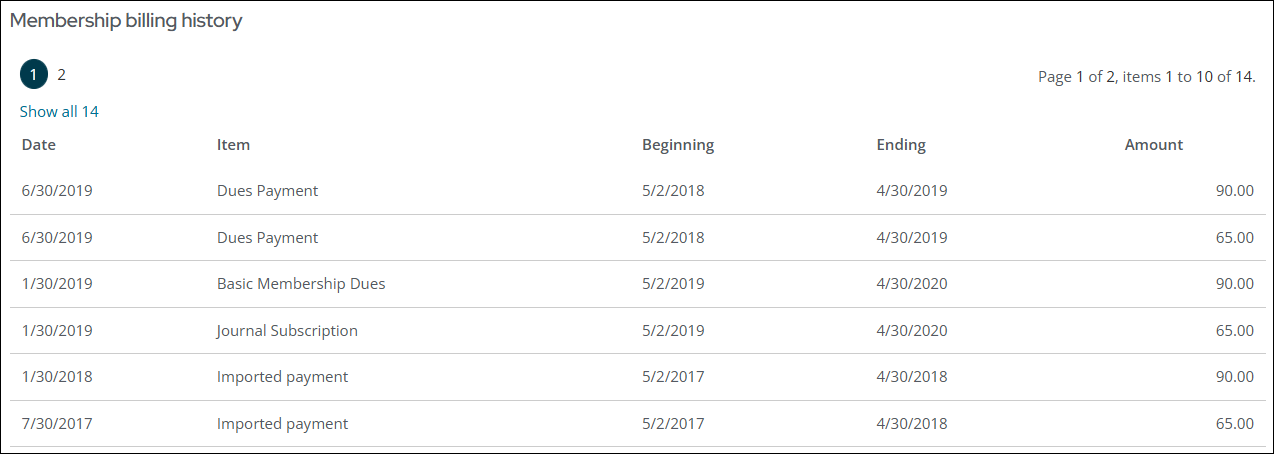
From the Membership tab, the Membership fees section reflects the new paid through date and zero balance, and new Membership billing history line items are added based on the membership products purchased.
From the Participation tab, the order confirmation is available under the Communications section.

More:
Updated 5 months ago