

Report Writer: Membership Reports
Access requiredTo access the Report Writer, you must be a system administrator or a staff user in the Reporting Users Full Control security group.
The following are out-of-the-box reports created with Report Writer.
In addition, any sample report can be duplicated and tailored to your organizations needs. This can be accomplished by using a Template. See Creating an Advanced Report based on a template for more information.
To find these reports, go to Reports > Report Writer.
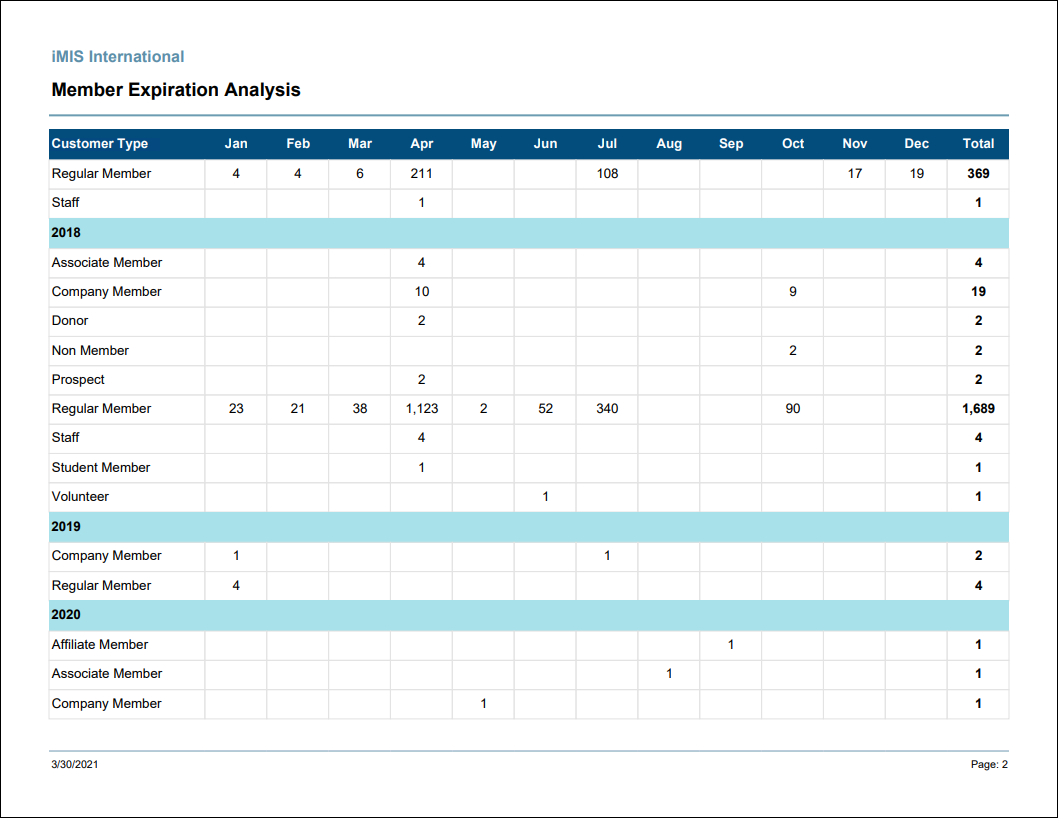
Member Expiration Analysis
Lists the number of members expiring in each month and year by customer type.
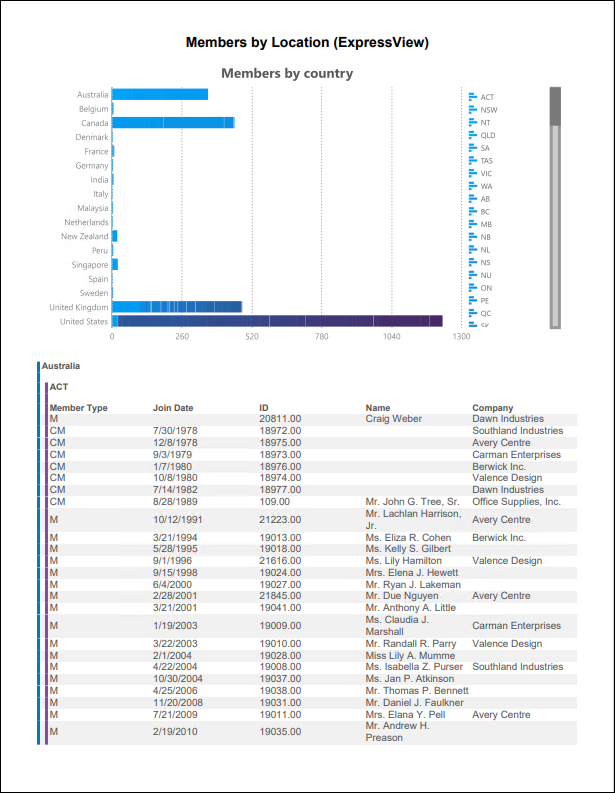
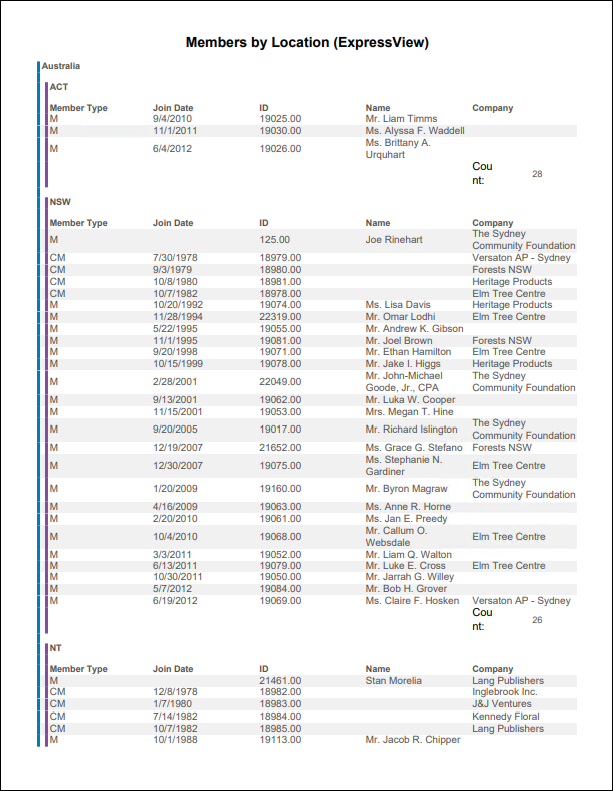
Members by Location (ExpressView)
ExpressView report showing active members by country and state/province.
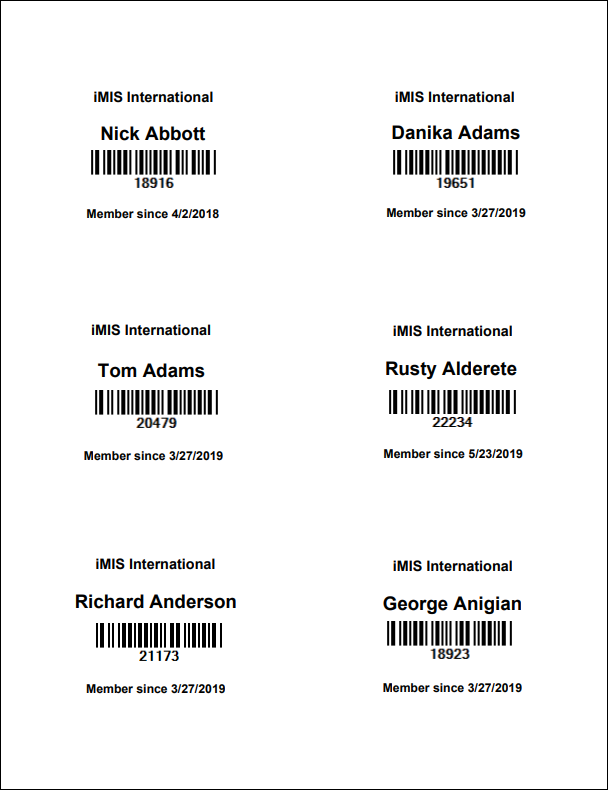
Membership Cards
Prints membership cards formatted for Avery 5392 badge stock with a barcode for the member's ID. Export to PDF template for correct formatting.
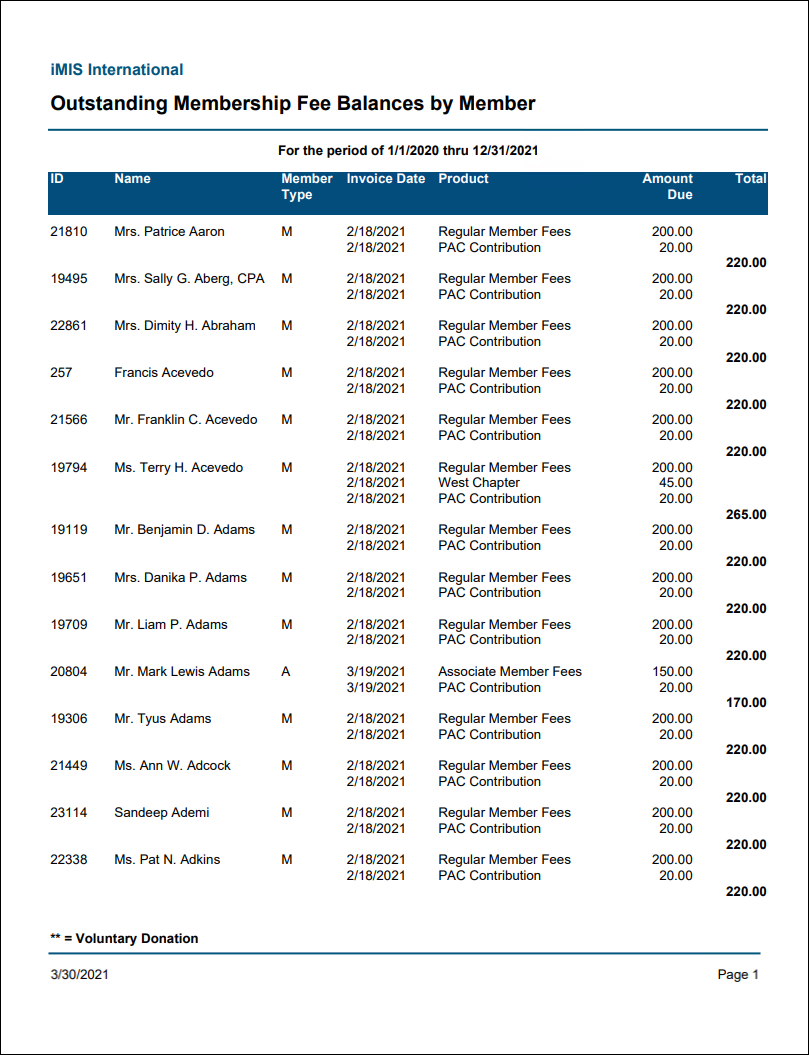
Outstanding Membership Fee Balance by Member
Lists all unpaid members with the membership fee lines and amounts outstanding.
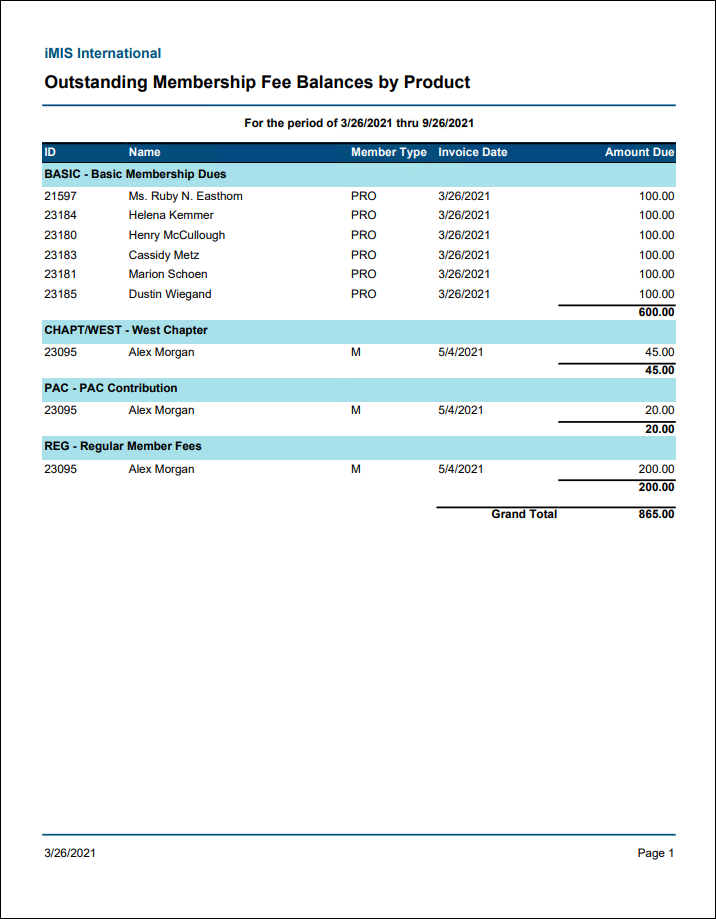
Outstanding Membership Fee Balances by Product
Lists all unpaid membership fees grouped by member, including the amounts outstanding.
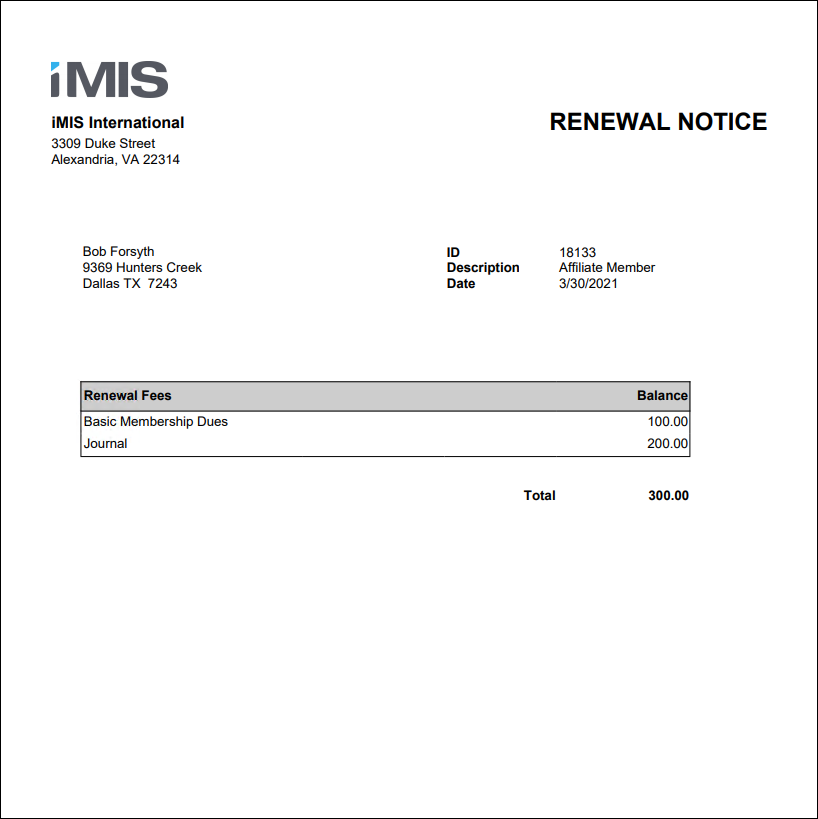
Renewal Notice
Prints a renewal notice invoice for a member's dues.
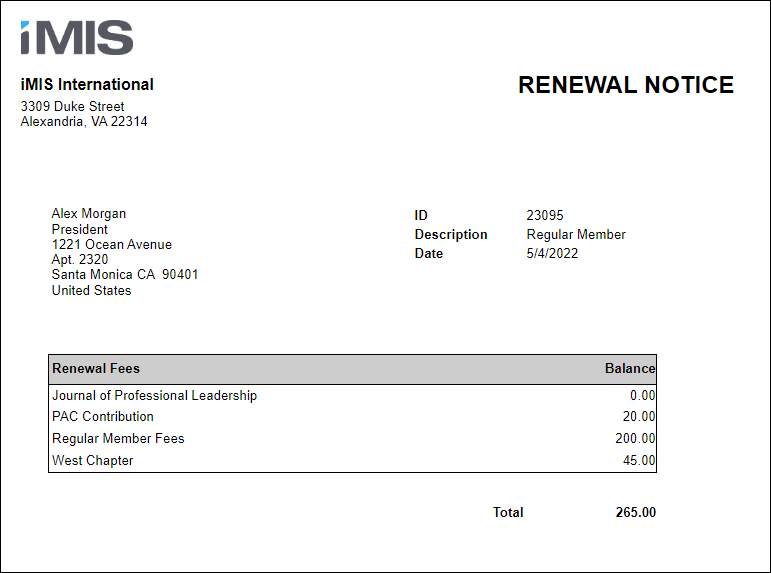
Renewal Notice Attachment
Generates a membership renewal notice invoice that can be attached to a communication template.
Updated 25 days ago