

Fundraising Settings: Tribute Types
You can add tribute types to gifts by editing an existing tribute type or creating a new one.
Adding a tribute type
Do the following to add a tribute type:
-
Go to Settings > Fundraising > Tribute types.
-
Click Add tribute type.
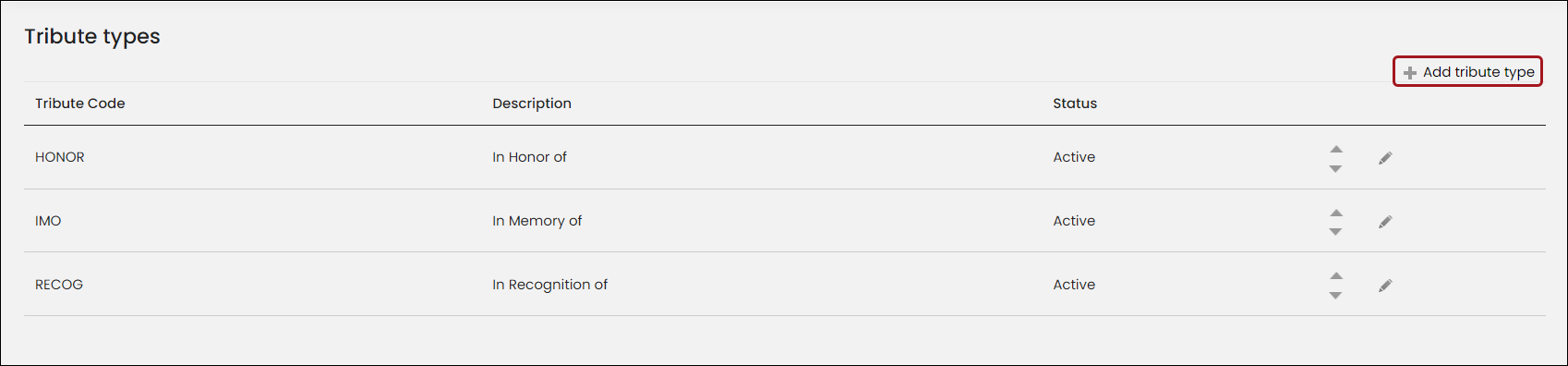
- Enter a Tribute Code such as HONOR or RECOG.
- Enter a Description for the tribute type such as In Memory of.
- Click the Status drop-down to select whether the tribute type is Active or Inactive.
- Click the Update icon or Cancel icon to undo your changes.
Editing a tribute type
Do the following to edit an existing tribute type:
-
Go to Settings > Fundraising > Tribute types.
-
Click the edit icon for the tribute type.
-
Change the Description or Status. You cannot change the Code.

- Click the Update icon or Cancel icon to undo your changes.
Updated about 1 month ago
Did this page help you?