

Finding custom account page content records
Access requiredTo create and update RiSE content, you must be a system administrator or a staff user that belongs to at least one content authority group.
If you are not sure where in the Document System your custom account page tabs are located, do the following to find their location:
-
Go to your account page.
-
Enable Easy Edit.
-
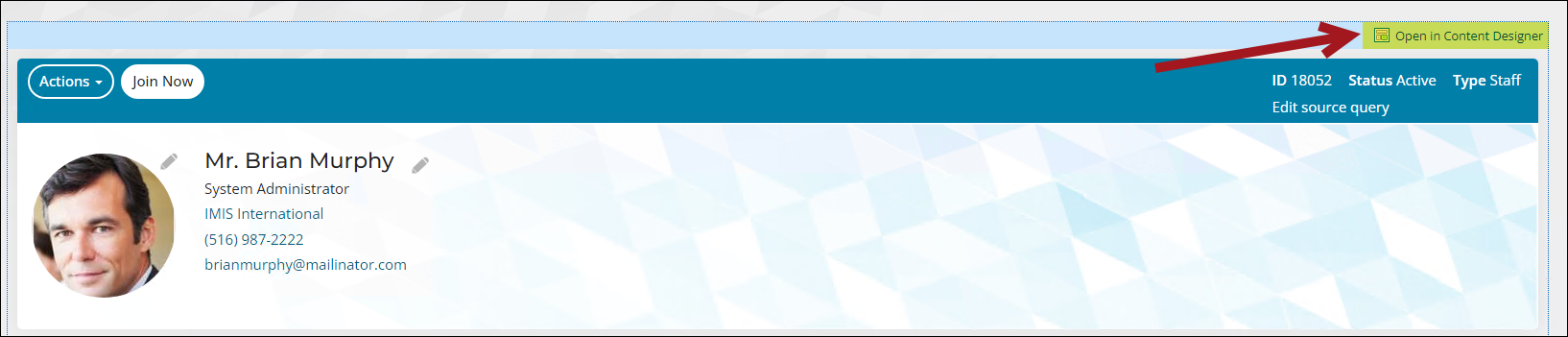
Select Open in Content Designer.
-
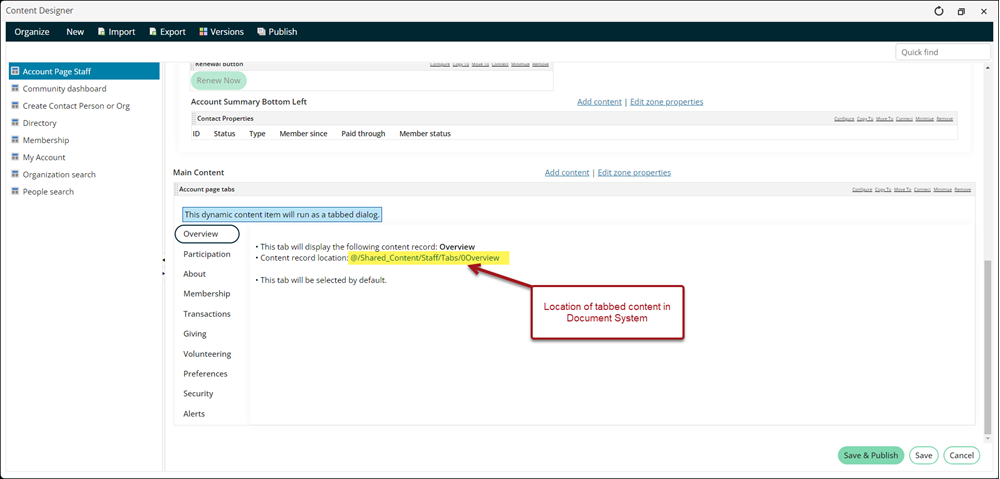
Make note of the content record location noted in the editor:
-
Close the page.
-
Go to RiSE > Page Builder > Manage content.
-
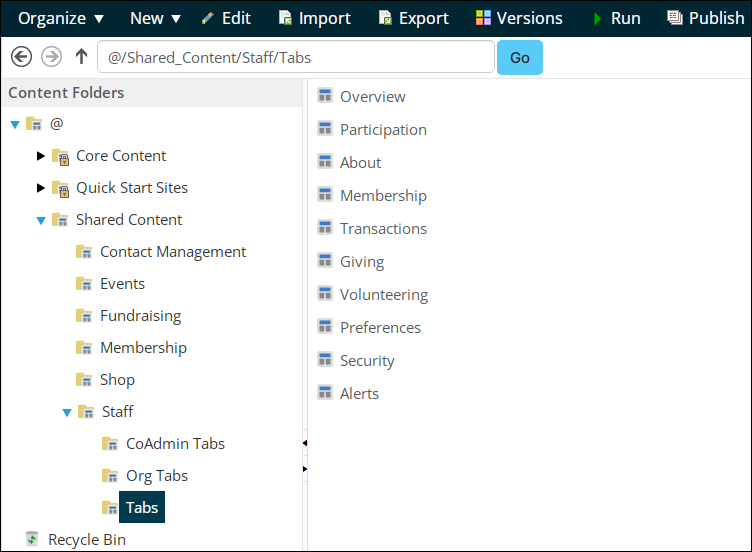
Navigate through the noted folder path. The account page tabs are there and can be opened for editing.
Updated about 1 month ago
Did this page help you?