

Finance Settings: Tax categories
Go to Settings > Finance > Tax categories.
Tax categories are general collections of items that have common taxation rules. You must define the appropriate tax categories before you can define products and functions that use tax-by-customer-location taxation logic.
NoteTax categories are only applicable when using the VAT taxation method. Tax categories can be used to differentiate between standard rated, reduced rated, and zero rated products.
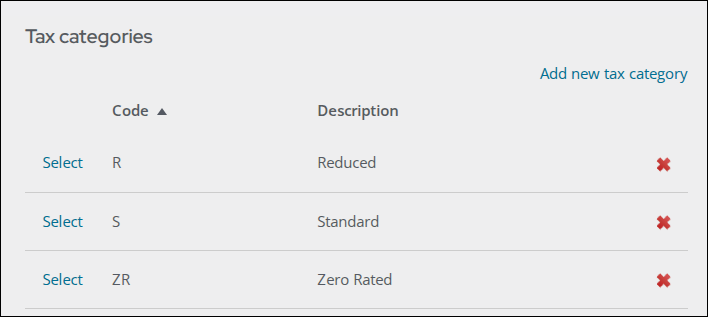
To define new tax categories, do the following:
- Go to Settings > Finance > Tax categories.
- Select Add new tax category.
- Enter the tax category Code.
- Enter the tax category Description.
- Click Save.
Updated about 1 month ago
Did this page help you?