

Posting batches
Access requiredTo post a batch, you must be a system administrator or a staff user with a Finance: 4 module authorization.
Do the following to post a batch:
-
Go to Finance > Batches.
-
Search for the batch, then click the Batch Number.
-
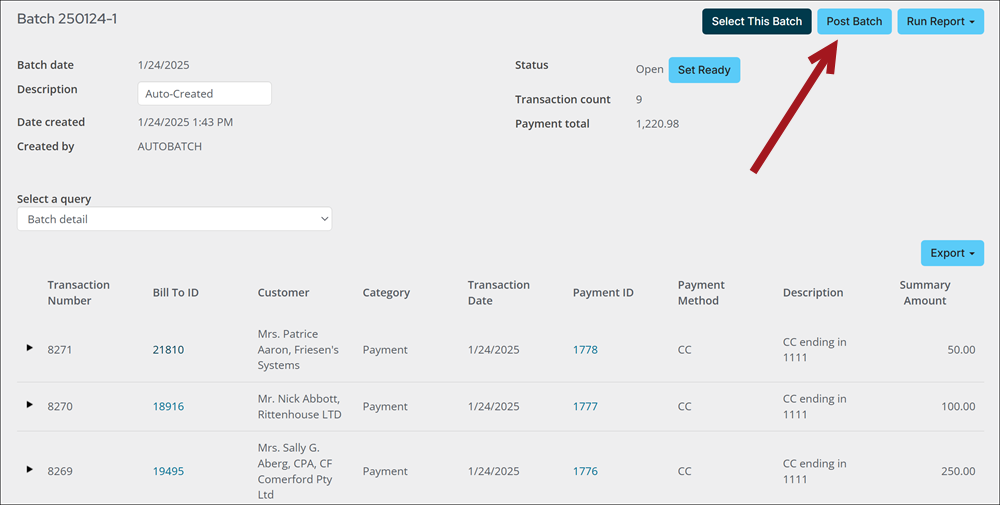
Click Post Batch. A confirmation message is displayed, asking if you are sure you want to post the selected batches.
- Click OK. A message is displayed confirming that the batch is submitted for posting.
Updated about 1 month ago
Did this page help you?