

Finding new members
Access requiredTo access the Membership Dashboard, you must be a system administrator or a staff user with Customers: 2 module authorization.
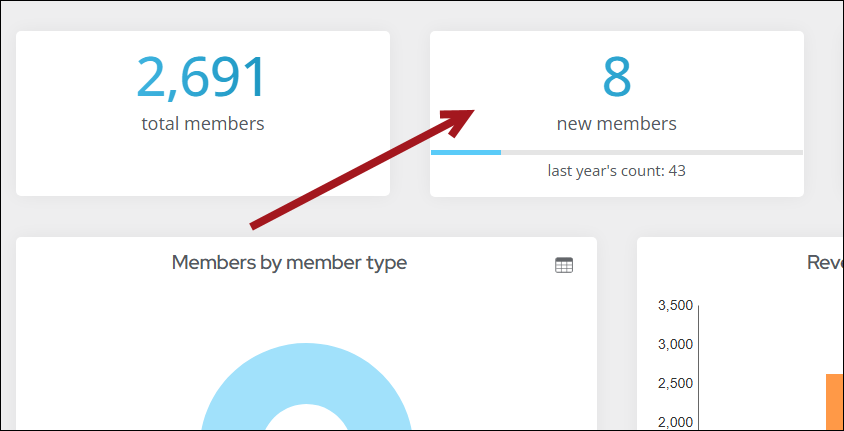
To see which new members recently joined, you can use the Membership Dashboard.
Do the following to find new members:
-
Go to Membership > Dashboard.
-
Click the new members tile.
-
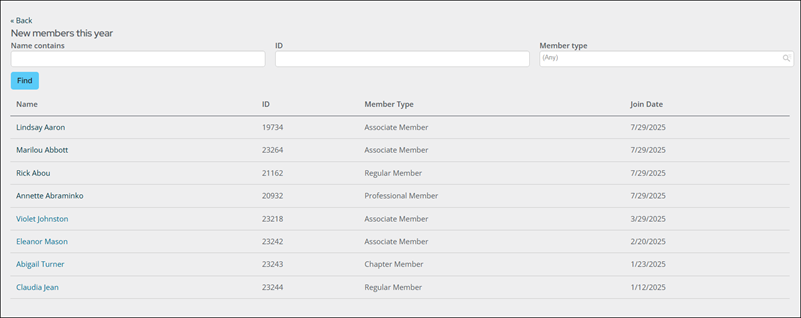
Enter search criteria, or click Find to return the whole list. This list returns all new members that have joined within a year from today's date.
Updated about 1 month ago
Did this page help you?