

Linking a general lookup table with Panel Editor to create a drop-down
You can associate a general lookup table with Panel Editor so that the values in the table appear in a panel drop-down.
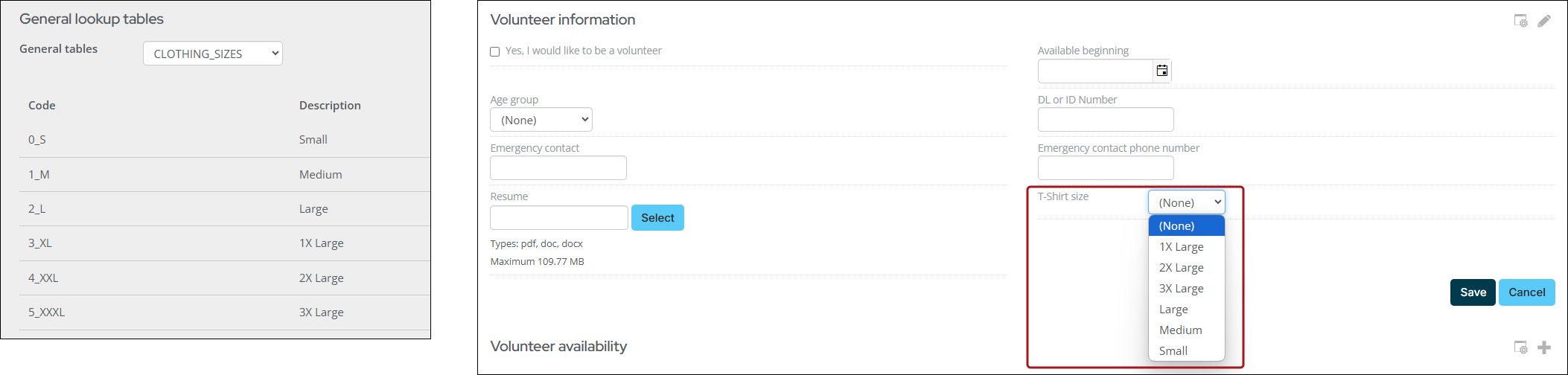
To use the values from a general lookup table in a panel drop-down, do the following:
-
Go to RiSE > Panel Designer > Panel definitions.
-
Open an existing panel or create a new panel.
-
Create a new source, or add to an existing source by selecting Add property:
-
Enter a Property name.
-
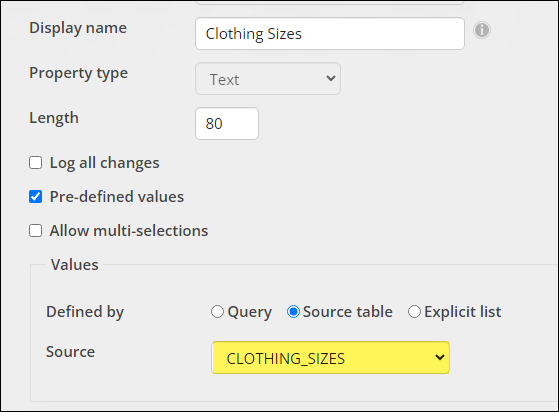
Leave the Property type as Text.
-
Enable Pre-defined values.
-
Select Source table and then select your general lookup table from the drop-down.
- Click OK.
-
-
Drag-and-drop the property to an empty spot in the table.
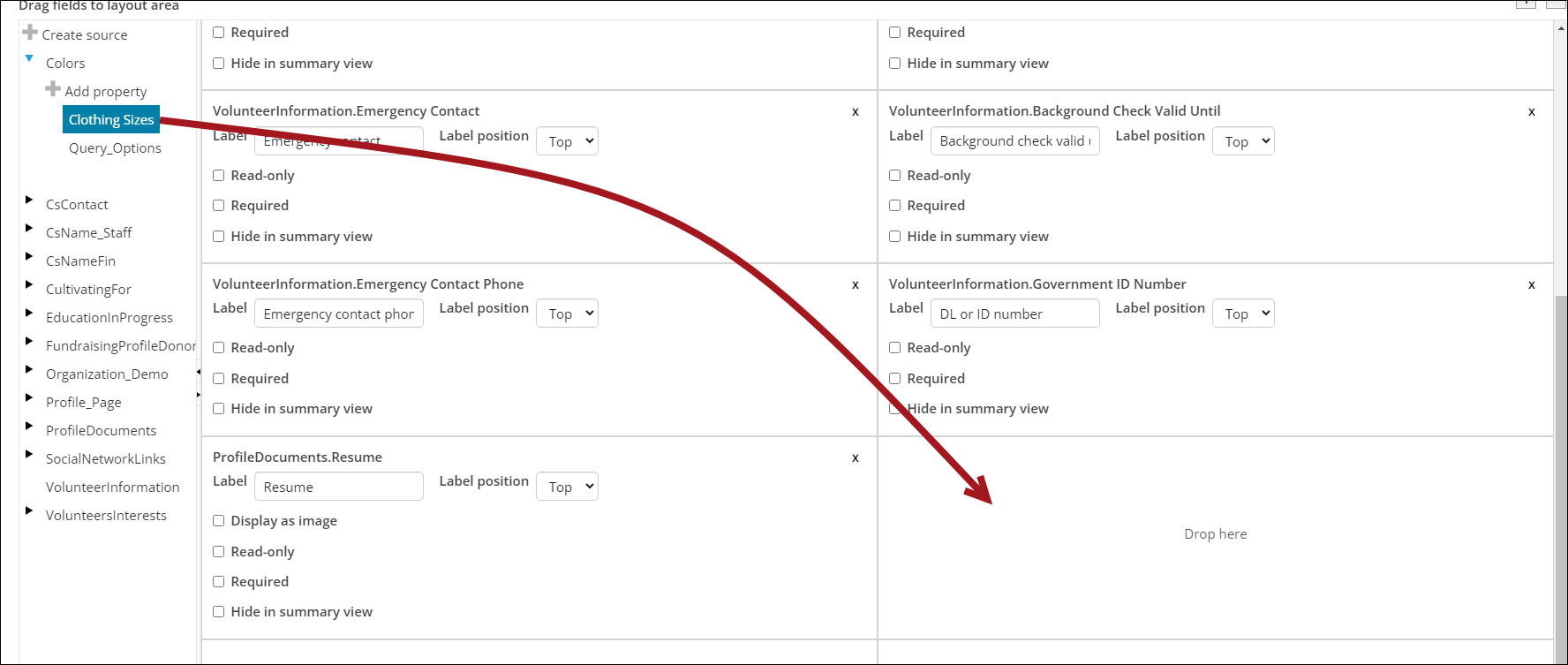
- (optional) Change the property Label if necessary.
- Click Save & Close.
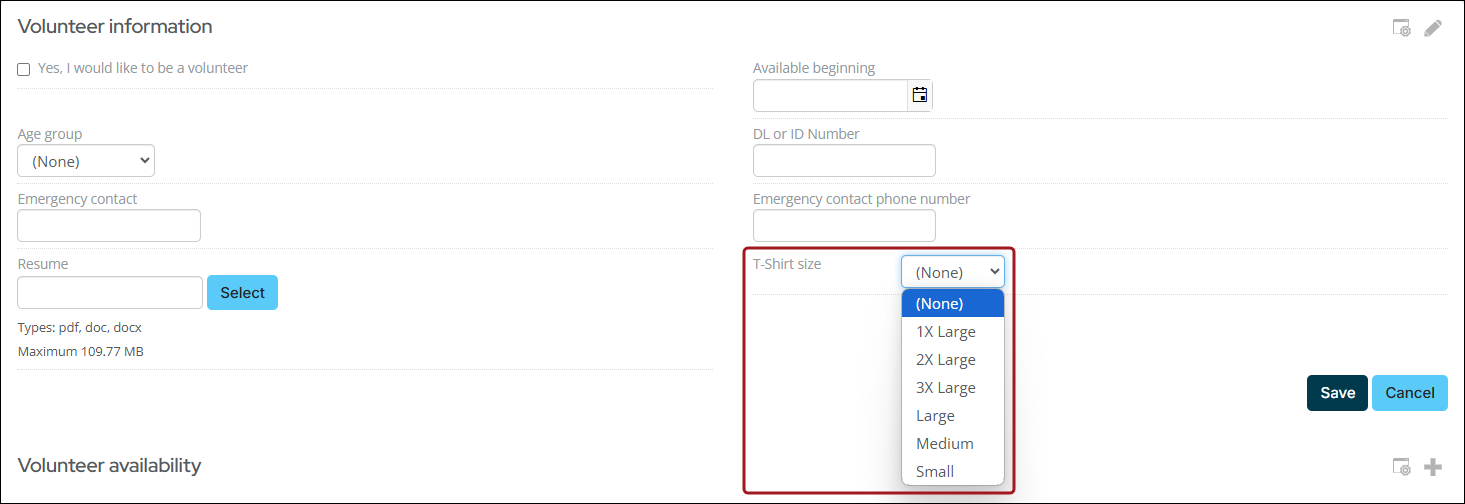
- Confirm that the drop-down menu is properly displaying in the panel.
Updated about 1 month ago
Did this page help you?