

Recovering deleted communication templates
You may need to recover or get back a communication template that has been deleted.
Do the following to recover a deleted communication template:
-
Go to Marketing > Communication templates.
-
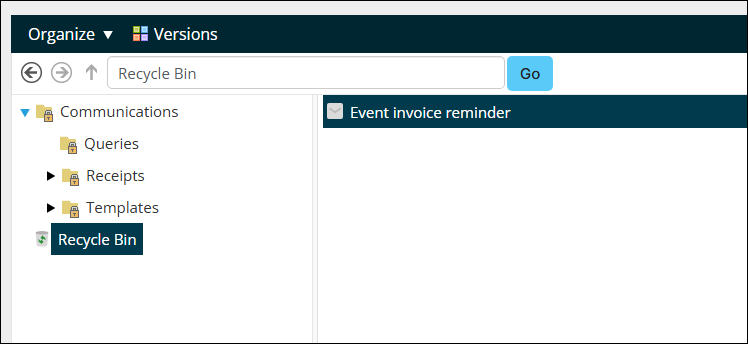
Click the Recycle Bin.
-
Search for the template, then click it.
-
Click Versions.
-
Click the row in the table.
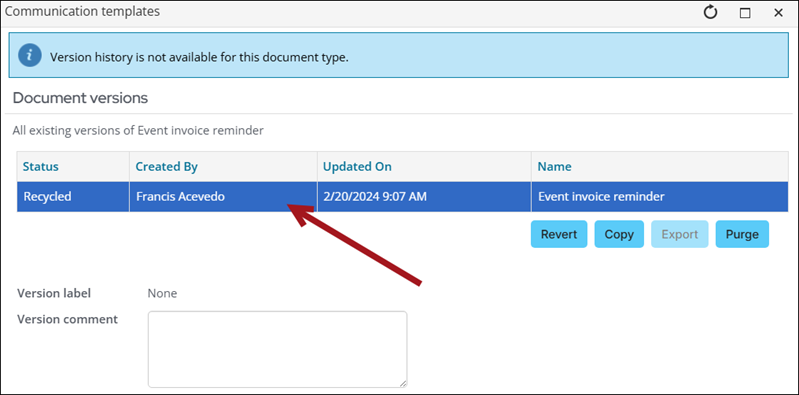
- Click Revert.
- Click OK.
- Close the window and confirm the template is recovered.
Updated 3 months ago
Did this page help you?