

Editing events
Access requiredTo edit an event, you must be a system administrator or a staff user with Events: 5 module authorization.
Events allow staff users to easily manage event planning, logistics, communication, and registration for events of all types and sizes. Do the following to edit an event:
-
Go to Events > Find events.
-
Search for and open the event.
-
From the Showcase tab, click the edit icon (
 ).
). -
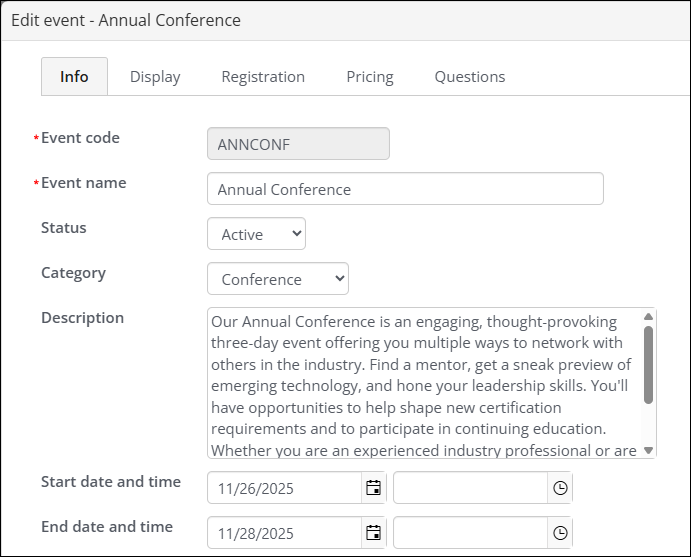
(Info tab) All fields except the Event code are editable. See Info tab.
-
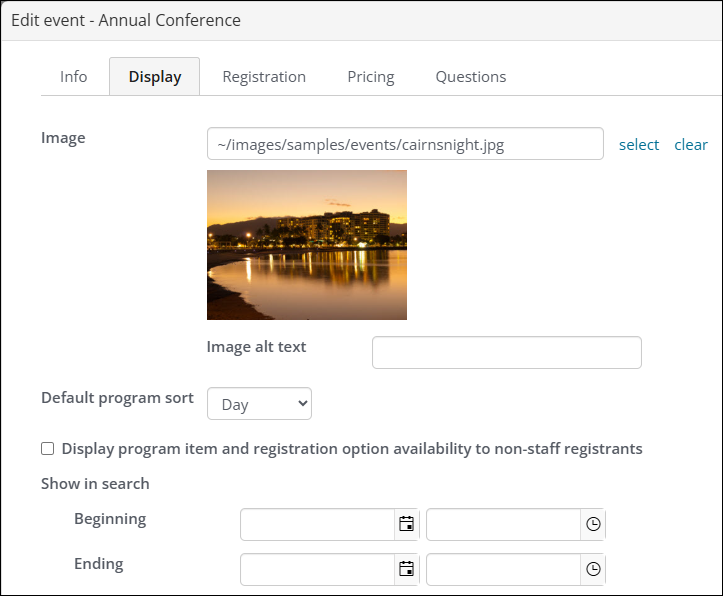
(Display tab) Edit fields such as the Image, Show in search, Event showcase layout, and more. See Display tab.
-
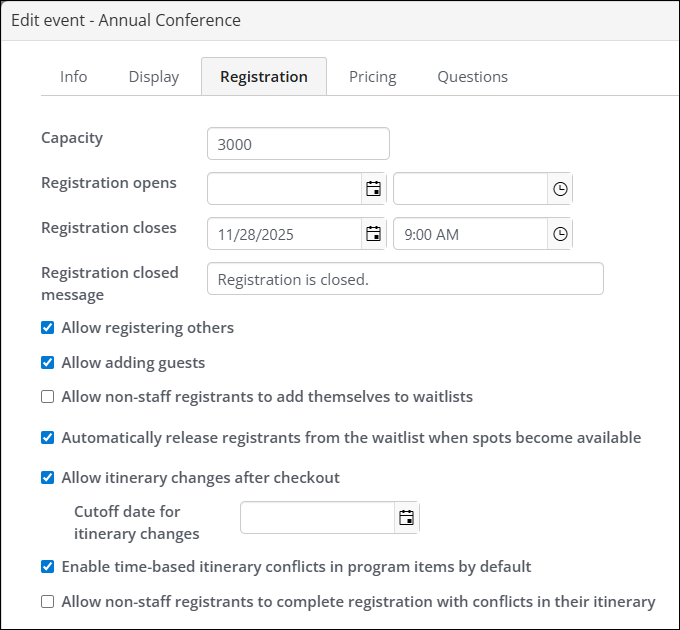
(Registration tab) Edit fields such as Capacity, Registration open and close, Registration closed message, and more. See Registration tab.
-
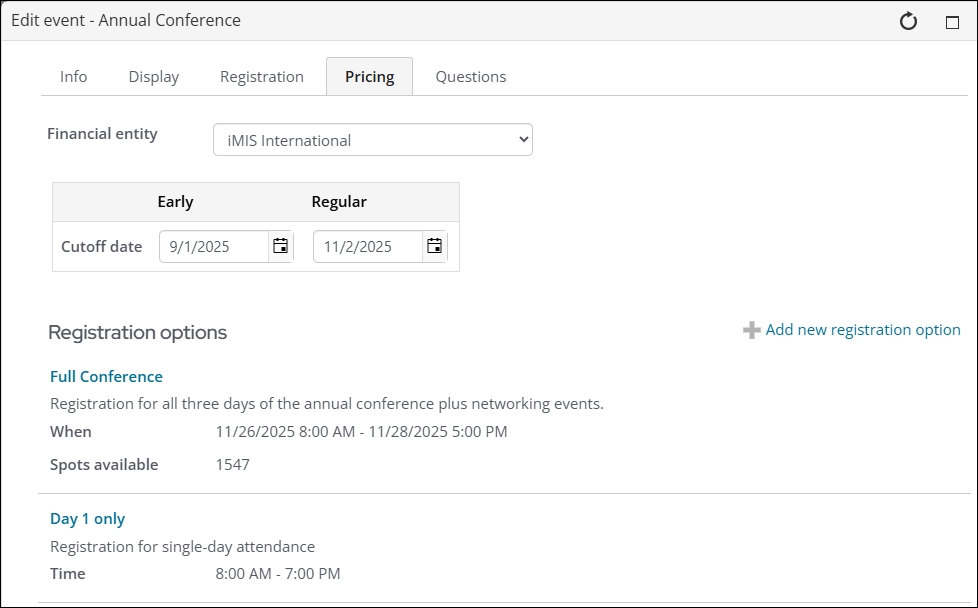
(Pricing tab) Edit fields such as Financial entity, Registration cutoff dates for Early and Regular members, and add pricing options. See Defining event pricing and registration options.
-
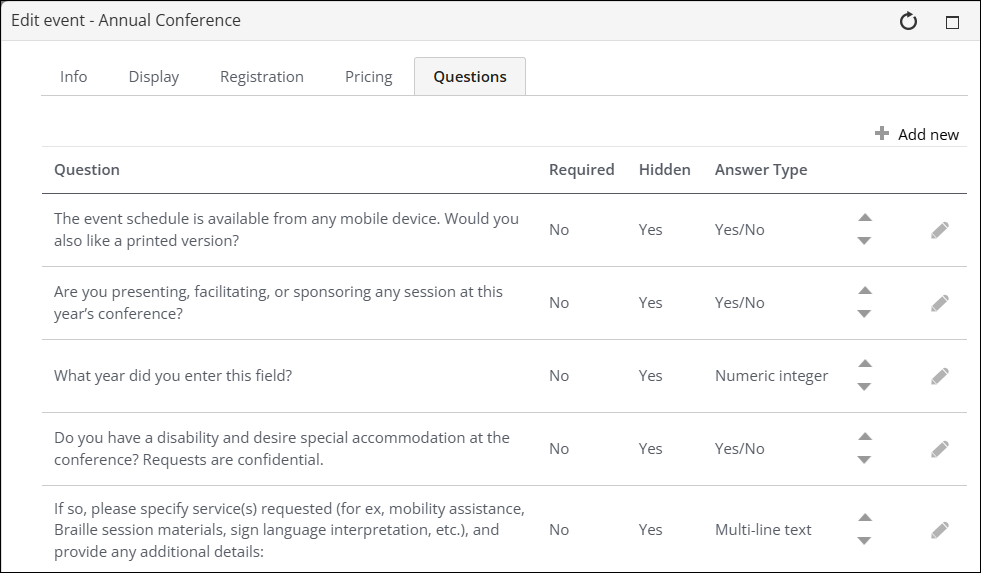
(Questions tab) Edit existing questions or add additional ones. See Questions tab.
Updated 28 days ago