

Report Writer: Events Reports
Access requiredTo access the Report Writer, you must be a system administrator or a staff user in the Reporting Users Full Control security group.
The following are out-of-the-box reports created with Report Writer.
In addition, any sample report can be duplicated and tailored to your organizations needs. This can be accomplished by using a Template. See Creating an Advanced Report based on a template for more information.
To find these reports, go to Reports > Report Writer.
Combined Badge and Tickets
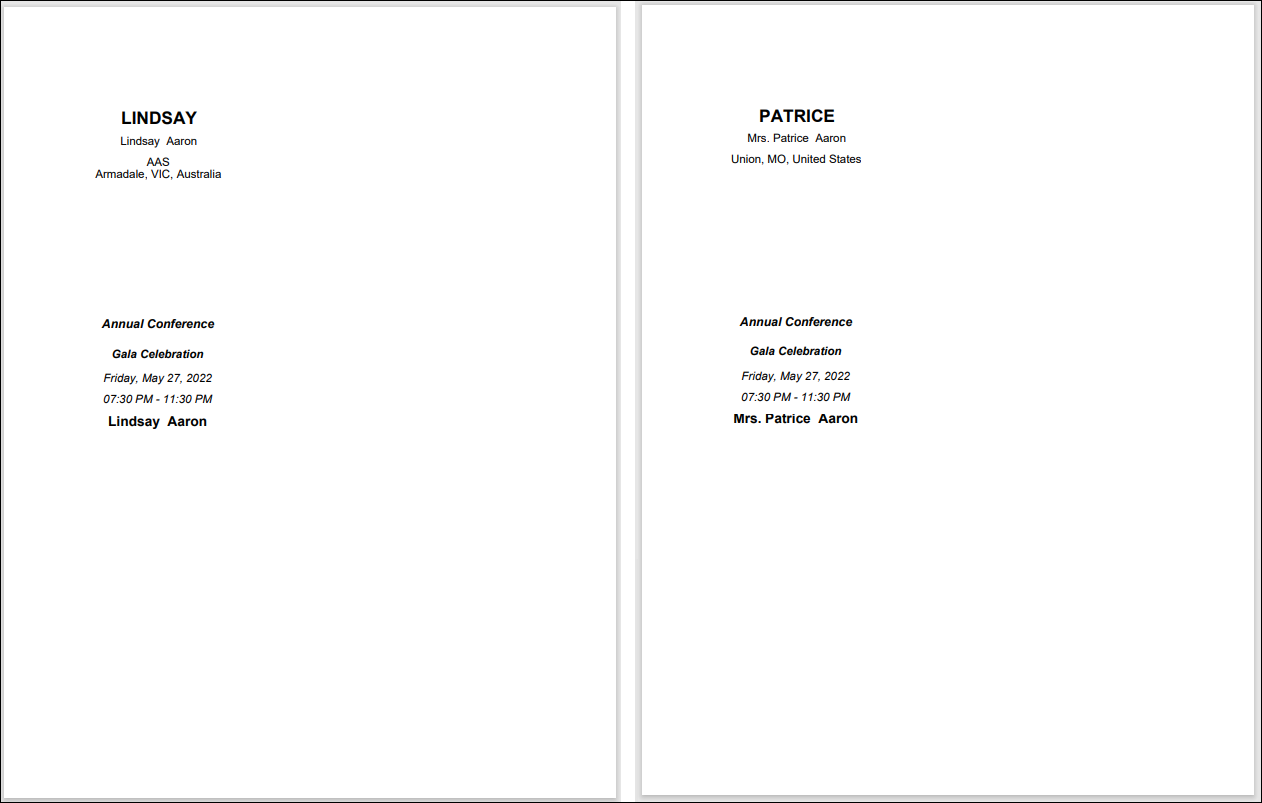
Prints event badge and tickets for any registration options and program items for the selected event that have Print tickets enabled. Separate page for each registrant.
Event Badges 6 Per Page
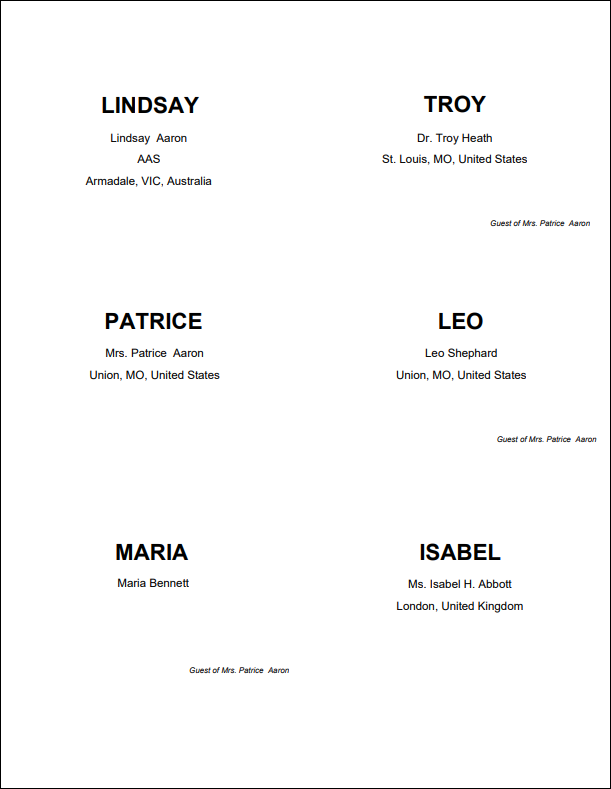
Prints event badges 6 per page.
NoteThe Report Writer viewer displays only four badges per page when a user views the report. When the user prints the report, the correct number of badges is printed.
Event Badges 8 Per Page
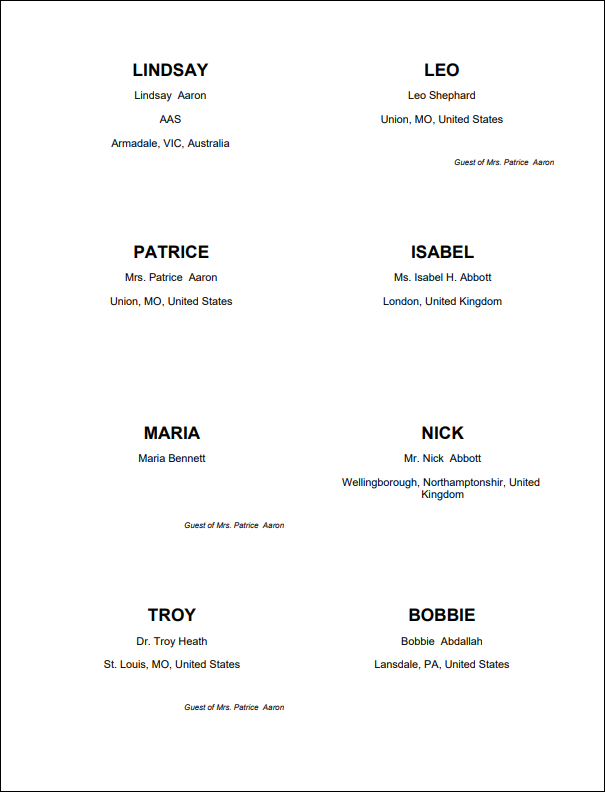
Prints event badges 8 per page.
NoteThe Report Writer viewer displays only four badges per page when a user views the report. When the user prints the report, the correct number of badges is printed.
Event Certificates
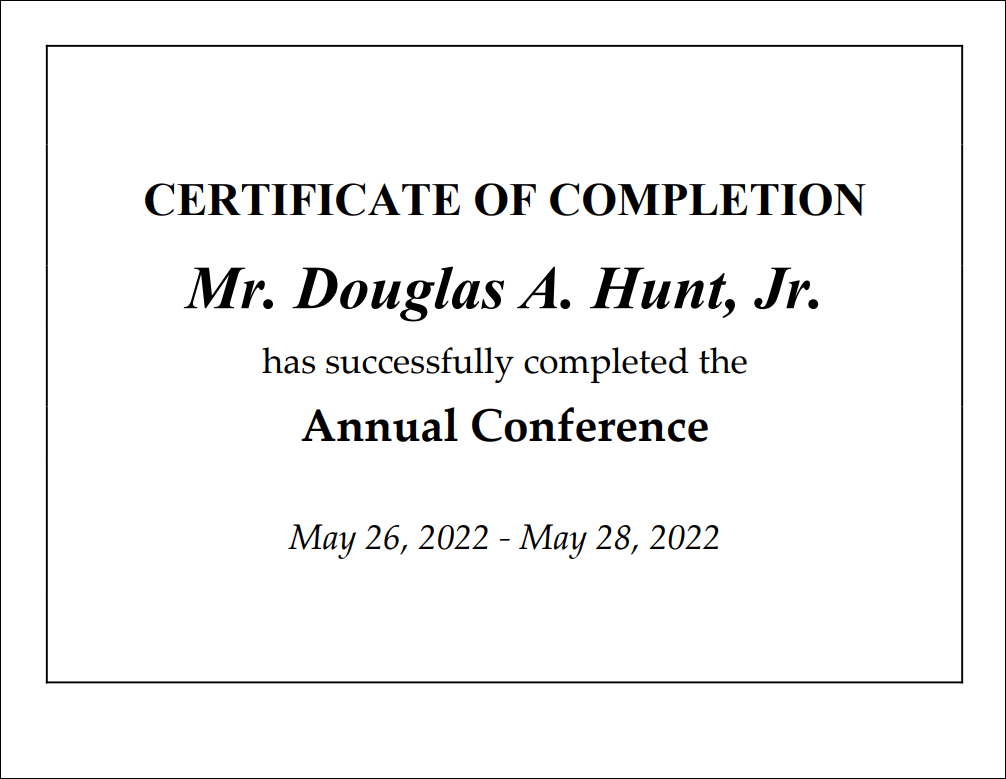
Prints a certificate of completion for each attendee of the selected event. Choose whether or not to include the event dates.
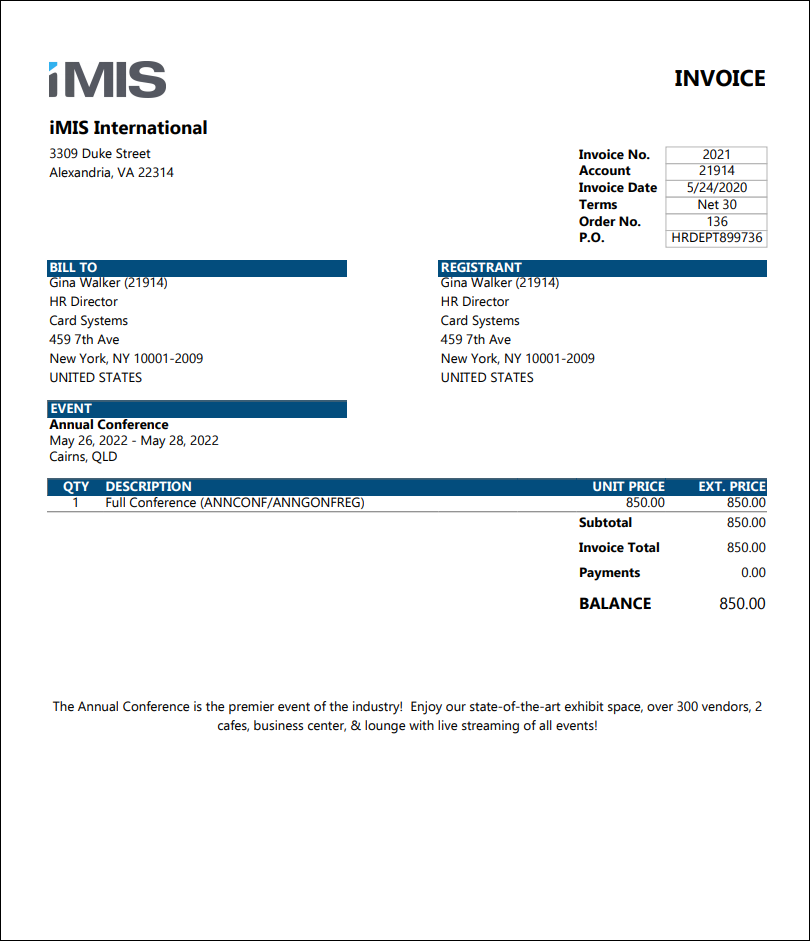
Event Invoice
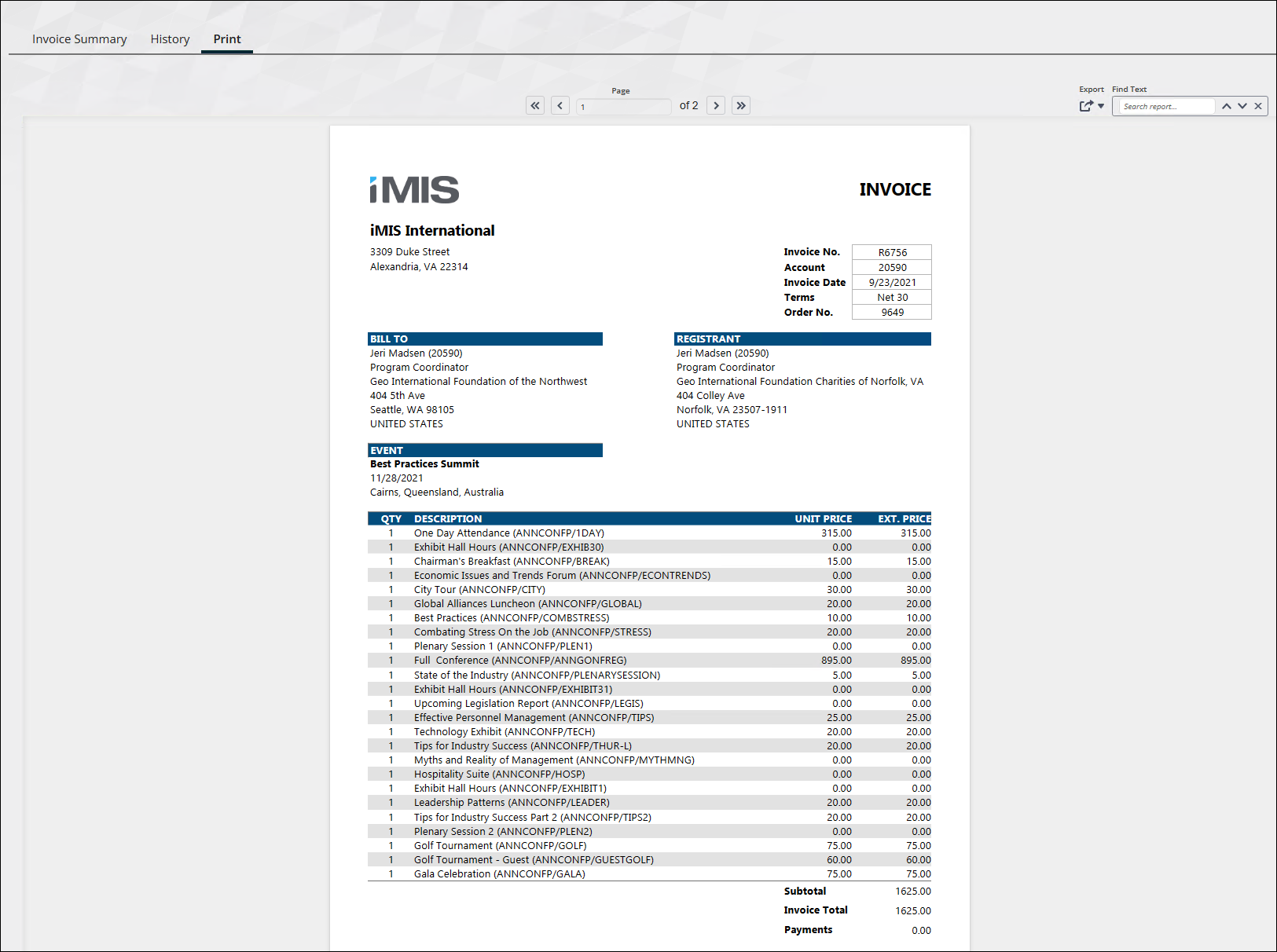
Prints event invoices for the specified event. Can be filtered by invoice date, Bill to contact, Ship to contact, order number, invoice number, or invoice balance. VAT information will appear if applicable.
Event Invoice Attachment
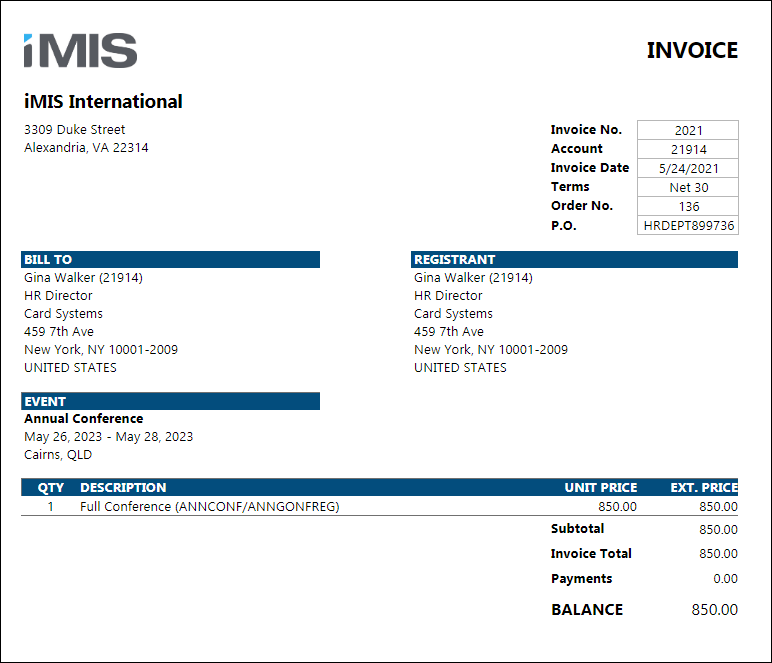
Sends event registrants an invoice as an attachment to a communication template.
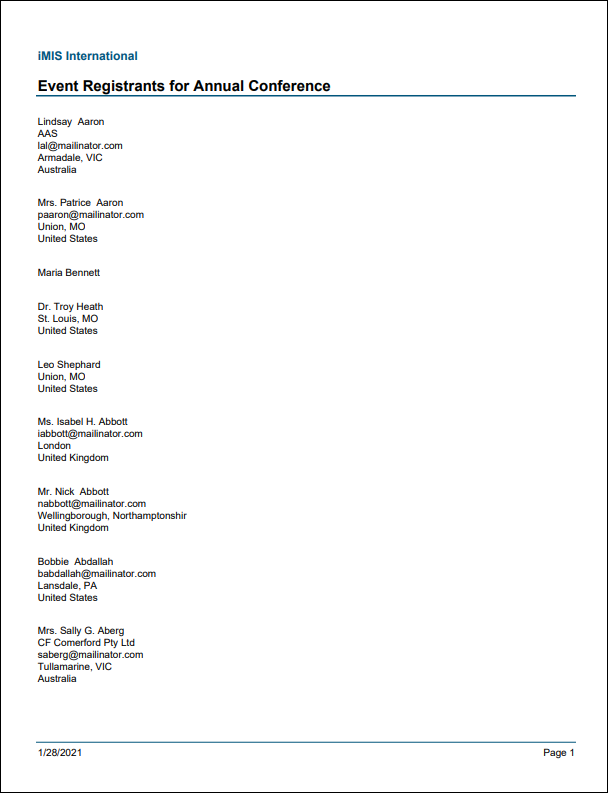
Event Registrants Report
Displays a list of all event registrants for the selected event. Includes the attendee's name, company, email, city, state/province, and country.
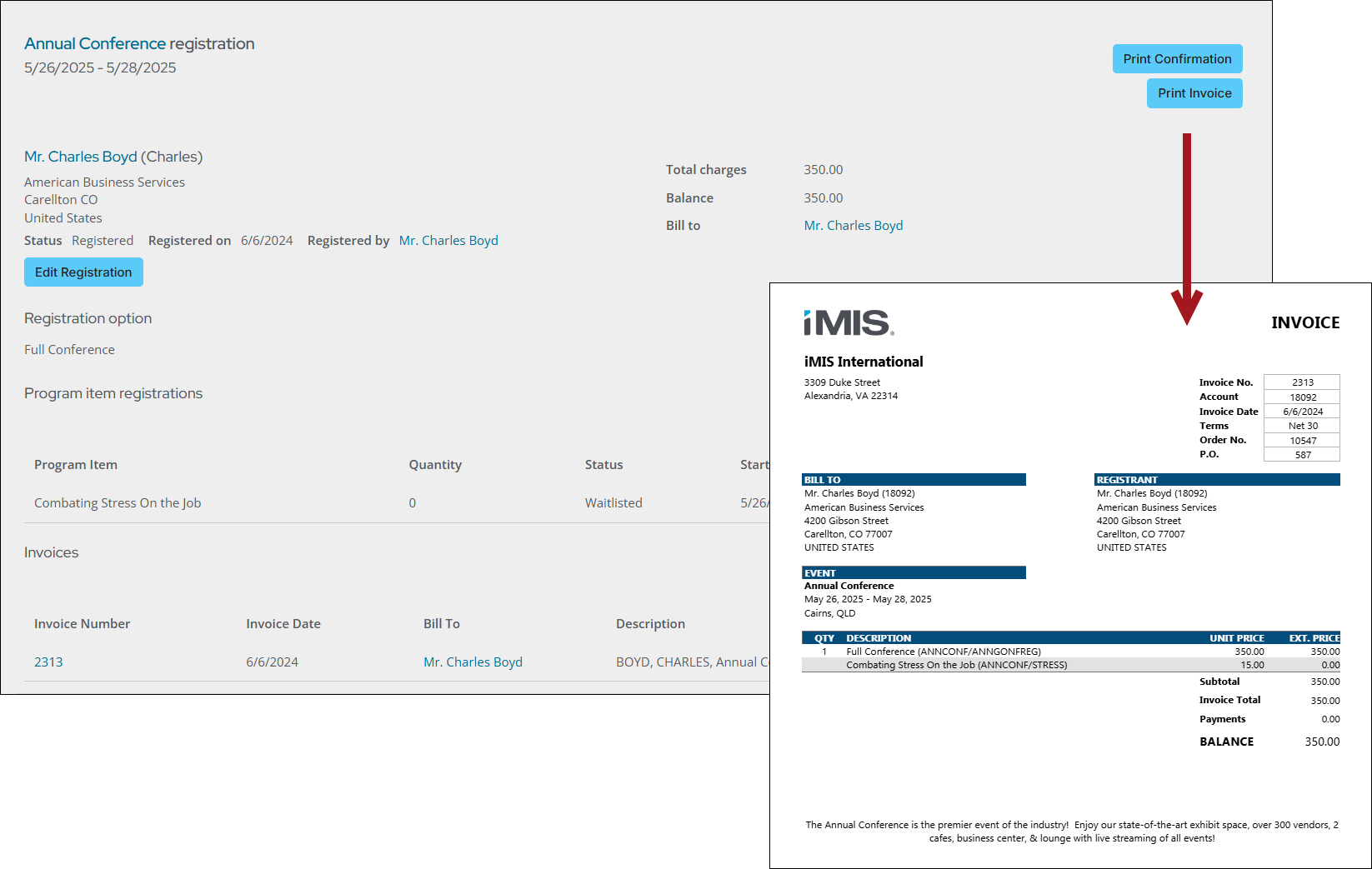
Print Event Invoice for Registration
Prints event invoices for the event and registrant specified in the URL. VAT information will appear if applicable. See Using the Report Writer event invoice report for details.
Print Selected Event Invoice
Prints event invoices. VAT information will appear if applicable. Intended for use in the Print tab of the Invoice detail screen (filtered to InvoiceId specified in the URL).
TipDo not run this report in Report Writer. To use this report on the Print tab, see Using Report Writer invoices on the Print tab of the invoice display.
Program Item Certificates
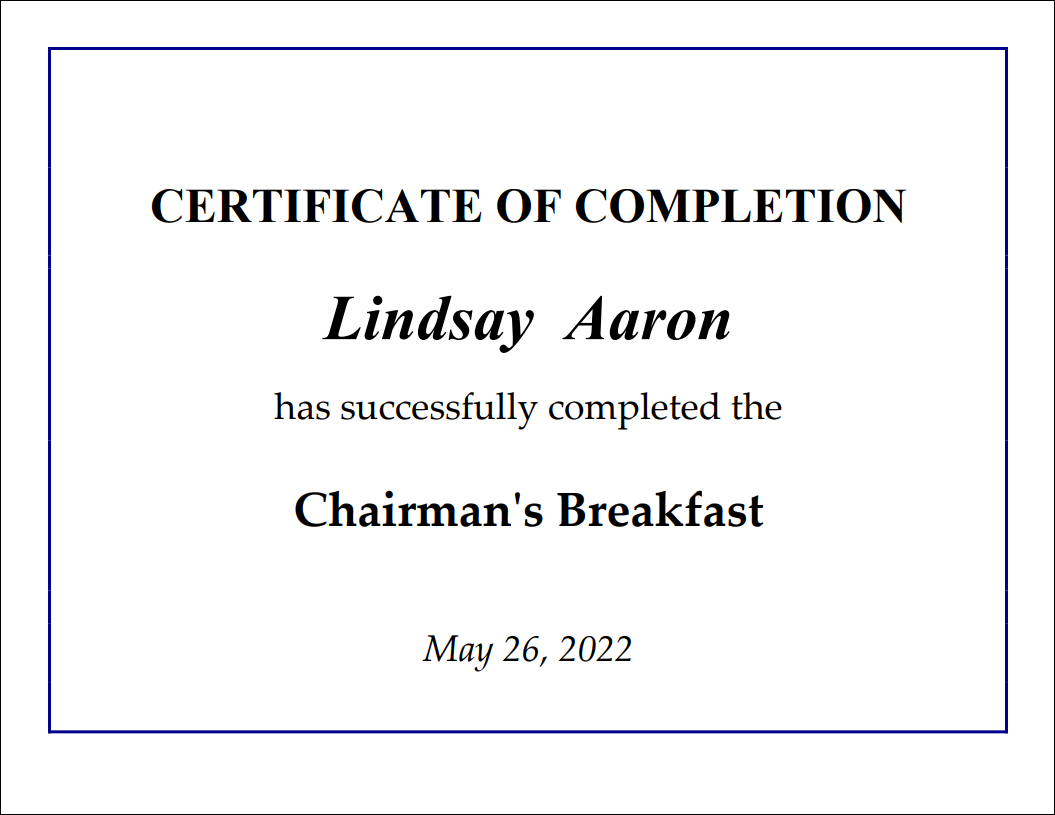
Prints a certificate of completion for each attendee of the selected program item. Text of the certificate can be customized using parameters, including a logo.
NoteThe Include Financial Entity Logo parameter uses the logo of the Financial entity for the selected event, if there is one defined. If there is no Financial Entity defined for the event, the logo parameter uses the Meetings entity. If there is no entity defined for Meetings, the entity defined as the default Financial Entity for the system will be used.
Events Dashboard
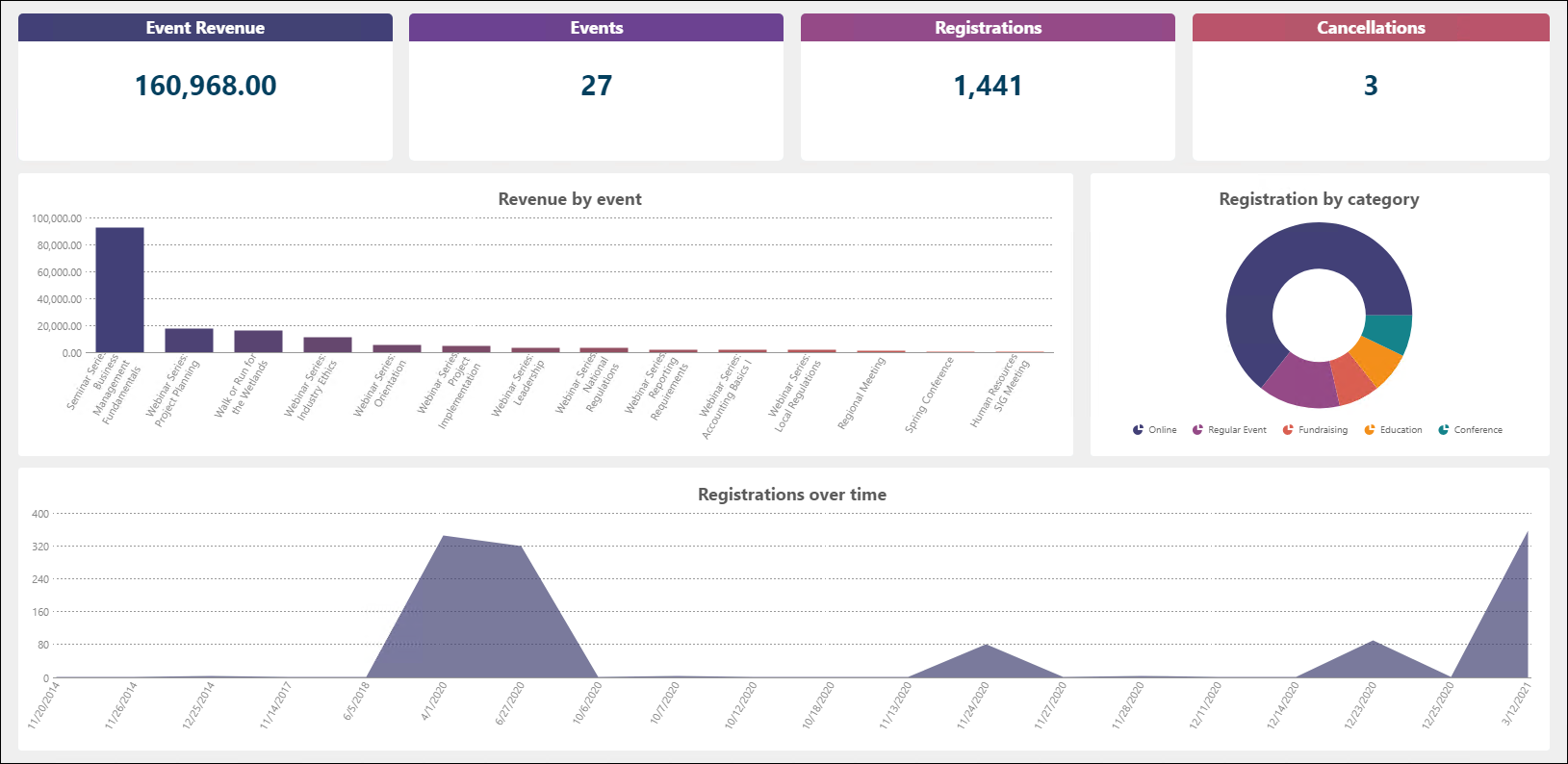
Displays valuable event information such as, total event revenue, number of events, total registrations across all events, cancellations, revenue by event, and more.
Program Item Registrants
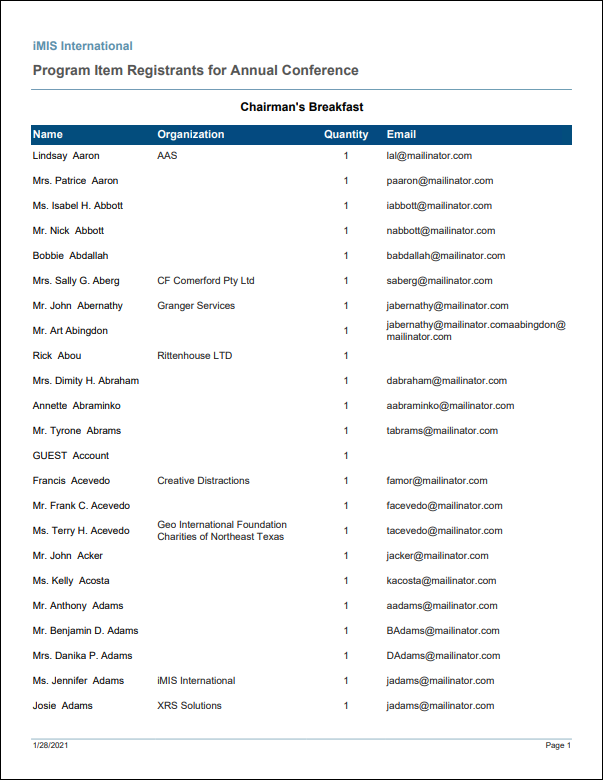
Displays who registered for the program items of an event. Contains the registrant's name, organization, quantity purchased, and email address.
Program Item Tickets
Prints event tickets for the program items of the selected event that have Print tickets enabled. Separate page for each registrant.

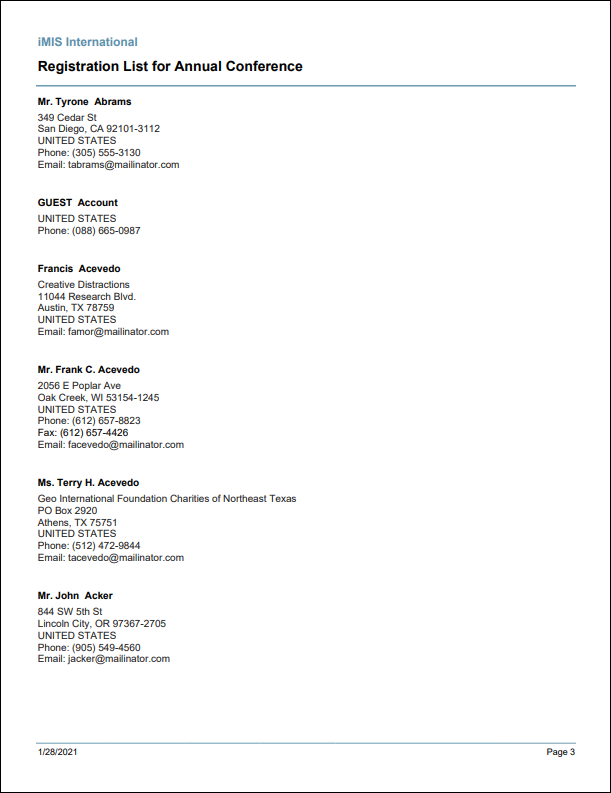
Registration List
Prepares a formal registration list suitable for vendor hand-out. Filters allow the user to include or exclude the registrant's phone number, full address, email address, and if they have any guests. There is also an option to include or exclude registrants who have canceled their registration.
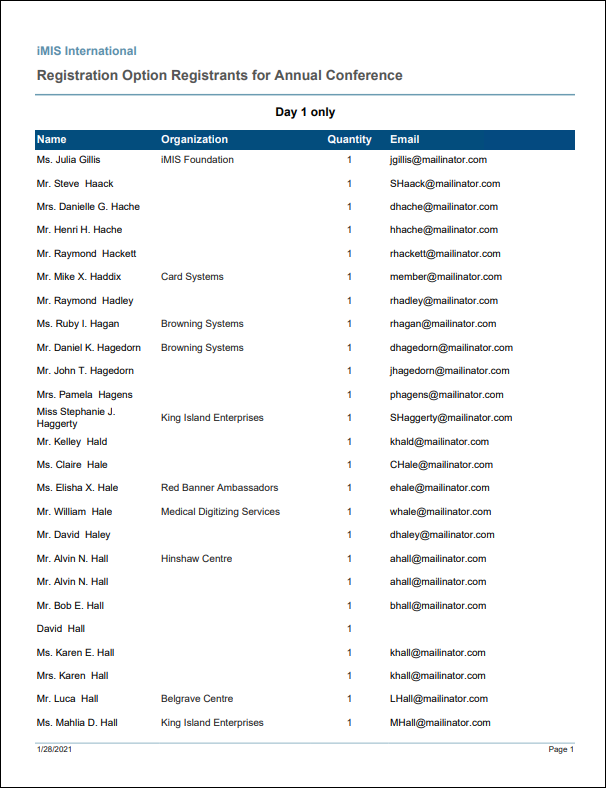
Registration Option Registrants
Displays who registered for the registration options of an event. Contains the registrant's name, organization, quantity purchased, and email address.
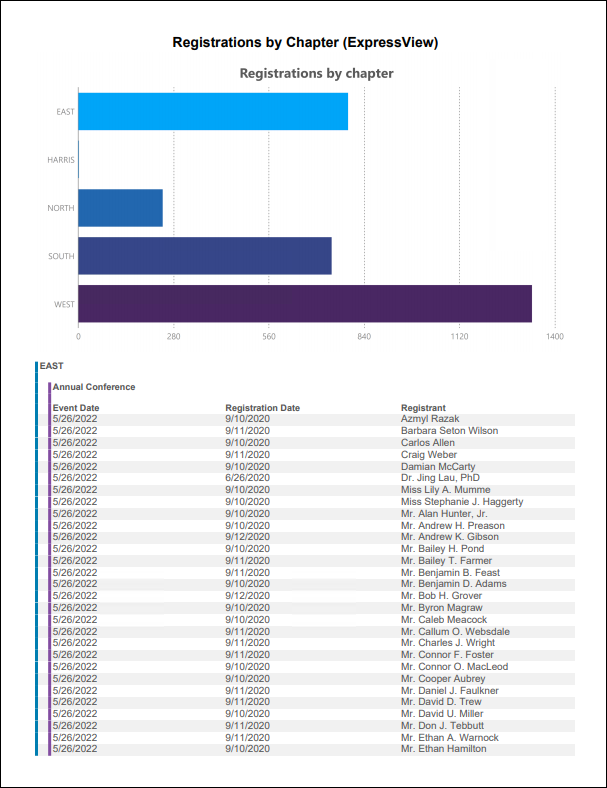
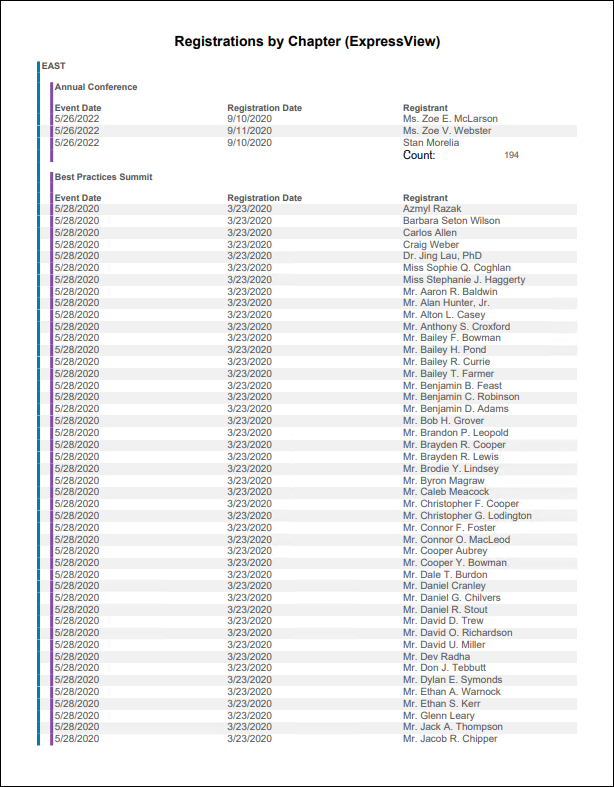
Registrations by Chapter (ExpressView)
ExpressView report showing event registrations by chapter.
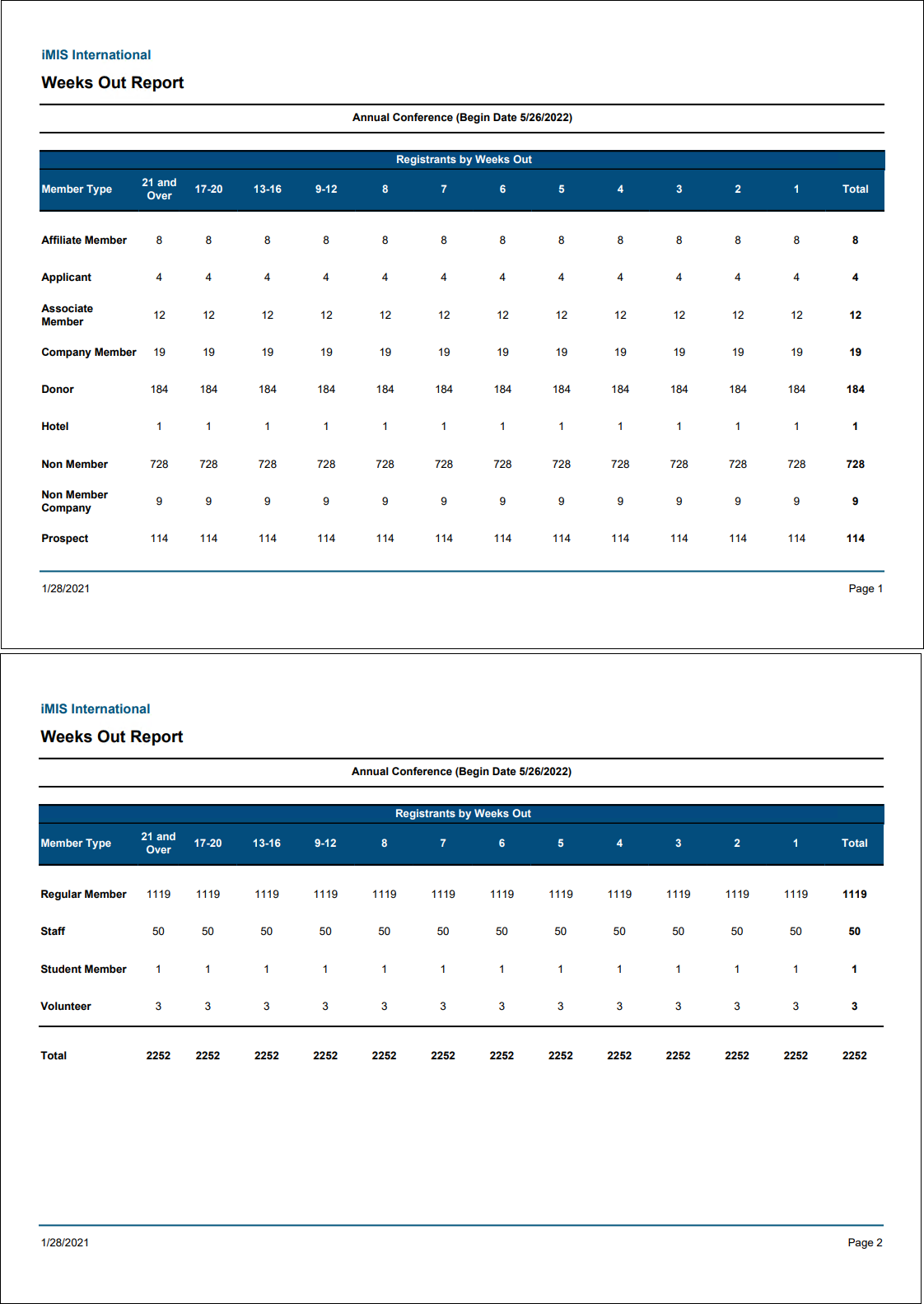
Weeks Out Report
Displays the number of registrants for the selected event by the number of weeks prior to the event's begin date.
Updated 25 days ago