

Using the mobile iMIS Outlook Integration
Use iMIS Outlook Integration on a mobile device with the official Microsoft Outlook app, available for iOS and Android devices, or from Outlook from the web on a browser on your phone.
Do the following:
-
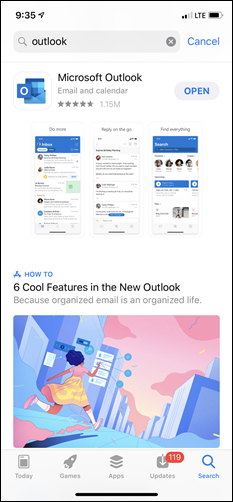
Download the Microsoft Outlook app on your mobile device.
-
Log in with your email account information.
-
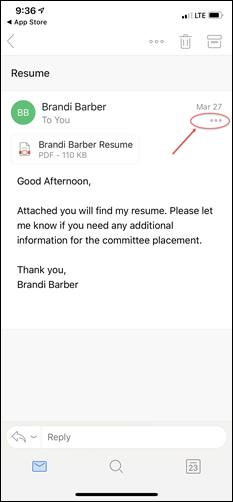
Open an email and select the ... icon.
-
Select Apps.
-
Select the iMIS for Outlook add-in from the add-ins list.
You can now use Outlook as you normally would on a desktop computer.
WarningAt this time, Microsoft does not support application add-ins on mobile devices to work while sending emails.