

Adding or replacing a report logo
Out-of-the-box reports designed to display a logo use the logo image uploaded to the financial entity.
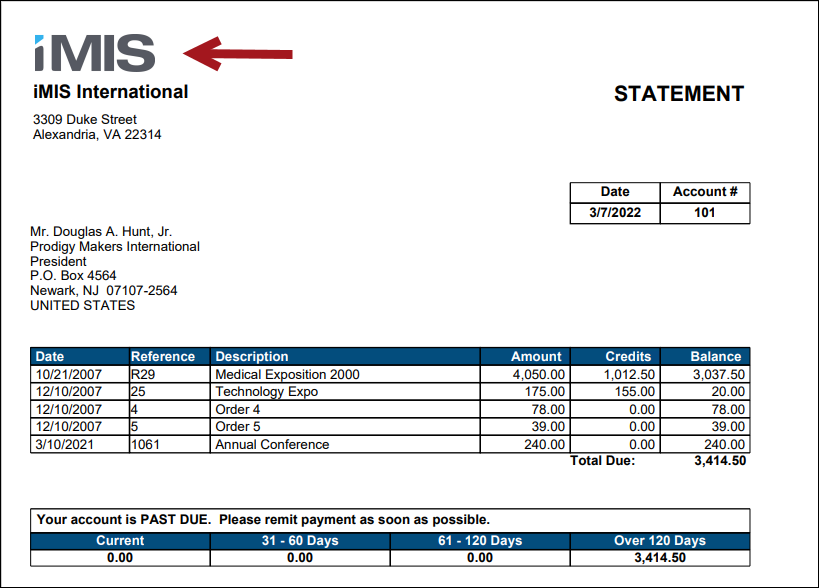
Uploading a logo
To upload a logo to the financial entity, do the following:
-
Go to Settings > Finance > Financial entity.
-
Select a Logo Image from the Image Selector or upload a new one to the Document system. The preferred image size is 130 pixels by 125 pixels.
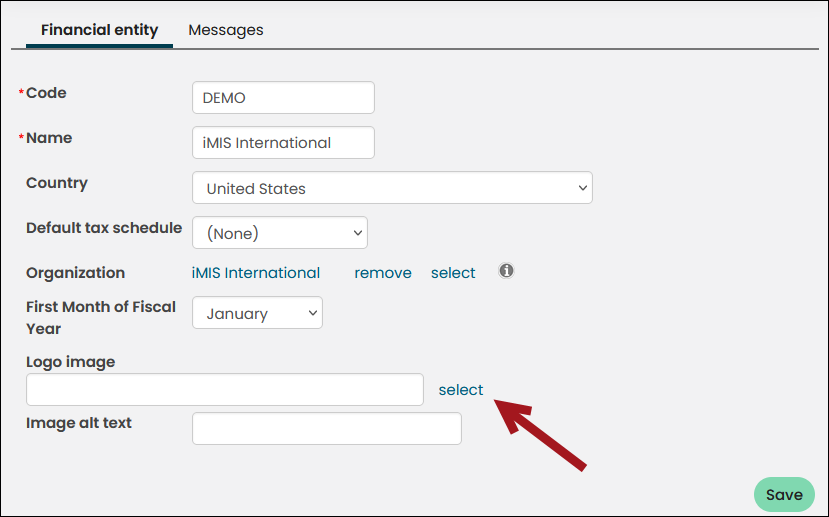
- Click Insert, then click Save.
Replacing an existing logo
To ensure the logo is updated smoothly, it is recommended to update the existing image rather than uploading a new one. This way, the image name and file path stay the same, avoiding the need for manual updates. Since the logo is used in many content pages, email templates, and reports, replacing the existing image will automatically update it everywhere it is used.
Do the following to update the logo image:
Updated 5 months ago