

Ensuring gifts are eligible for receipting
A gift is eligible for receipting when the following are true:
-
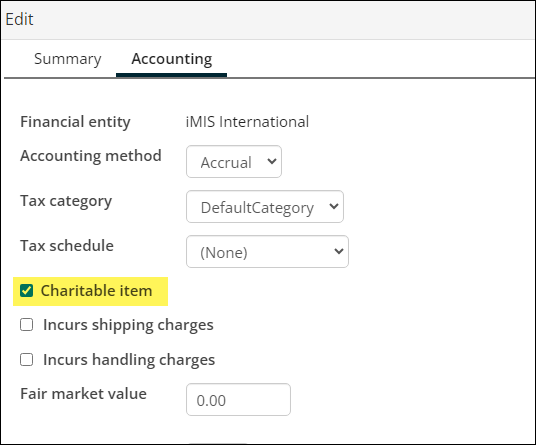
The gift item has Charitable item enabled.
-
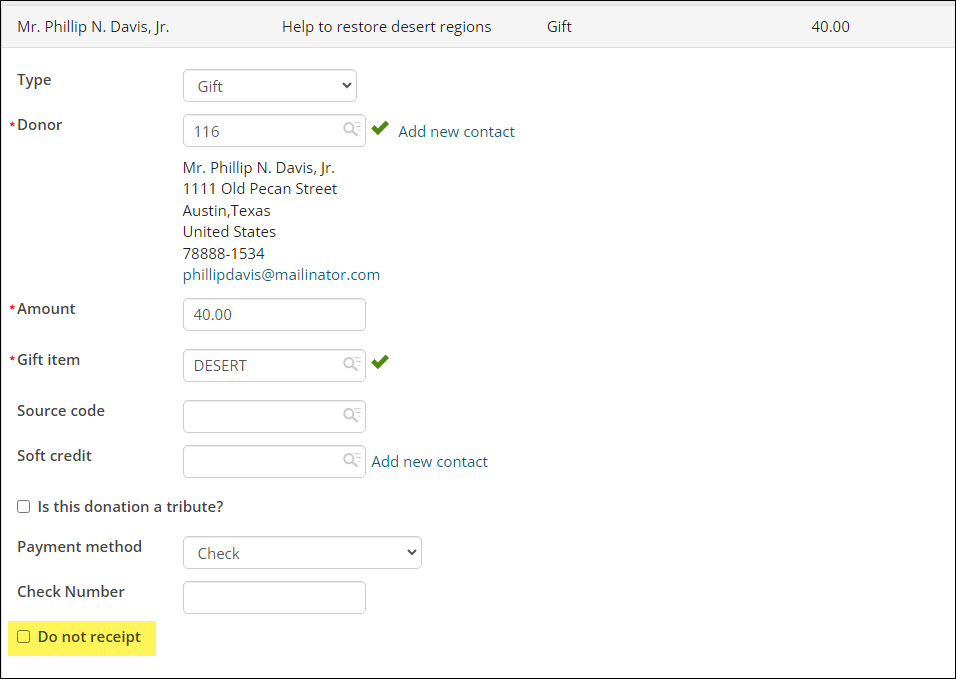
When the gift was entered, Do not receipt was disabled. If the gift was entered by a donor from the public site, this item requirement does not apply.
Reviewing existing gift items
All gift items with the Charitable item checkbox enabled are eligible for receipting. To ensure a gift item has the Charitable item checkbox enabled, do the following:
-
Go to Fundraising > Find gift items.
-
Search for and select the gift item that is eligible for receipting.
-
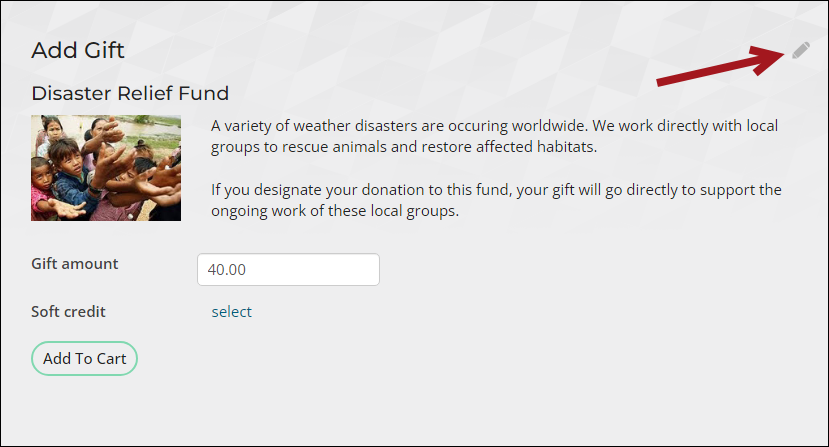
Click the edit icon.
-
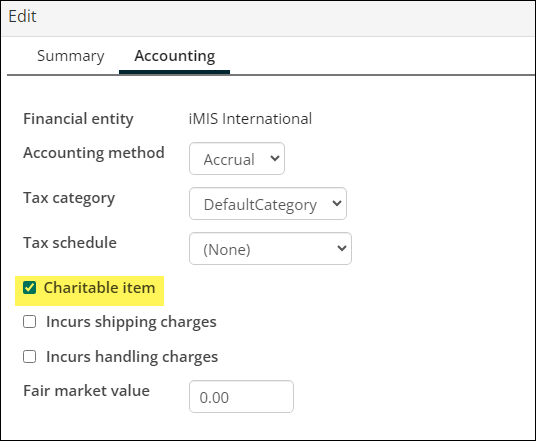
Click the Accounting tab.
-
Ensure Charitable item is enabled. If it is not enabled, enable it, then click Save & Close.
- Repeat this process for all gift items eligible for receipting.
Automatically enabling charitable item for newly created gift items
Each time a new gift item is created, you are prompted to select the Item class. If you need all new gift items with the selected Item class to have the Charitable item checkbox enabled, then you can update the default settings for the item class:
-
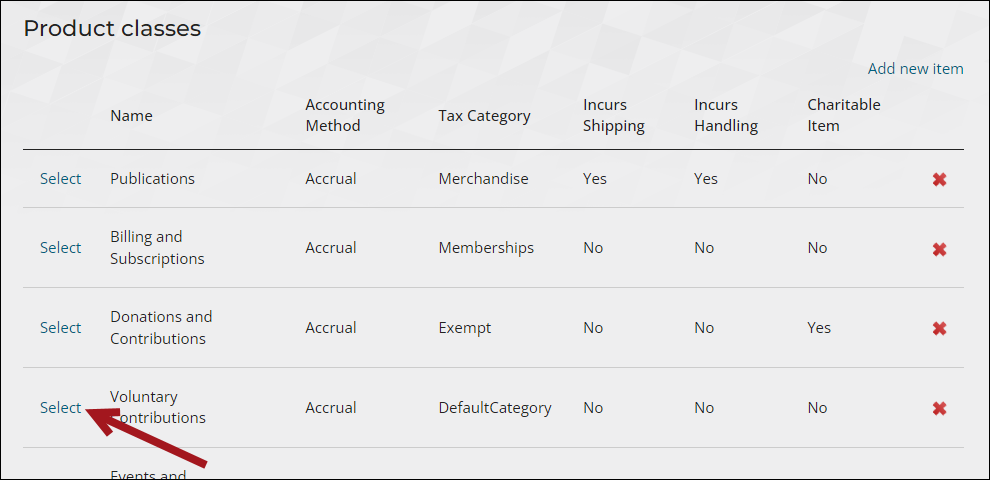
Go to Settings > Commerce > Product classes.
-
Select the product class from the list, or add a new product class.
-
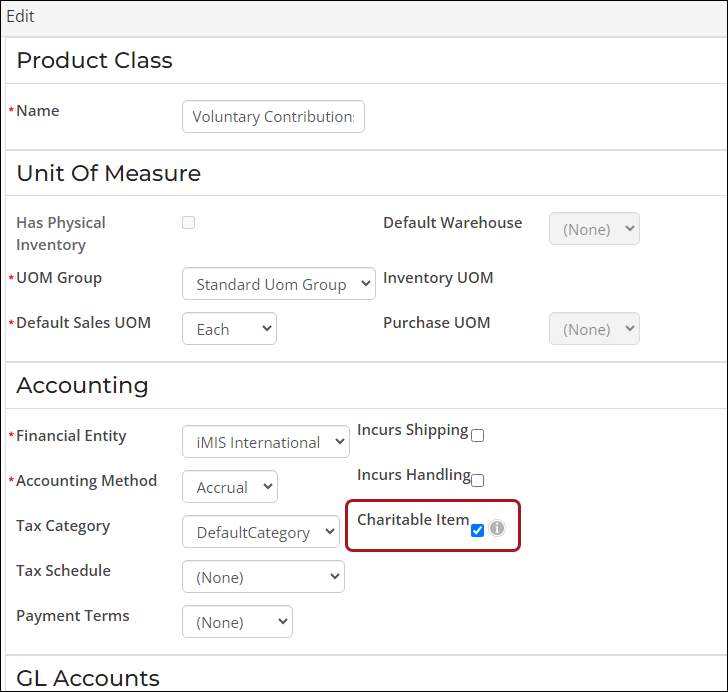
Enable Charitable Item.
- Click Save.
- Repeat this process for all required product classes.
All new gift items created using this product/item class will automatically have Charitable item enabled. Existing gift items with the same item class are not automatically updated, since these settings are only used to set an initial default value, one which can be overridden when the item is being defined or later edited.
Updated 5 months ago